Slide 8 of 8 from 5 Steps Circular Chevron Paper Effect PowerPoint Template
Slide of Clipart Icons for PowerPoint Diagram
Useful Icons for Presentations
- Media Layout
- Other
- Context Slide
- 16:9
- 100% Editable
What’s on This Slide
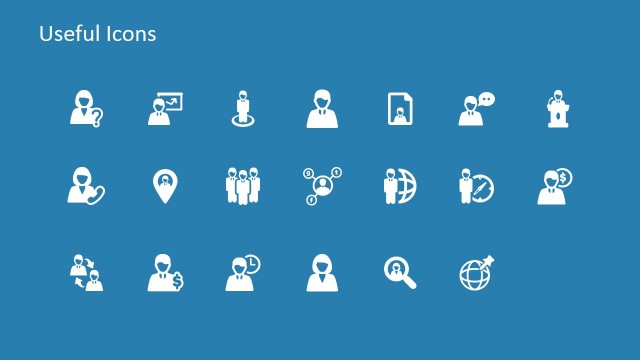
The slide features a light orange background with a title positioned at the top left. Below the title, there are eight icons arranged in a 2x4 grid. The icons include a collaboration symbol, user figures, a money symbol, a briefcase, a clock, a pie chart, and a light bulb. Each icon is white and visually distinct, contributing to a clean layout. The icons are evenly spaced, creating a balanced composition. There are no text placeholders or images beyond the icons, emphasizing the visual elements.
How to Use It
This layout serves to present a collection of icons that can be used to enhance visual communication in a presentation. It fits well at the end of a presentation, summarizing key concepts or tools. This slide is suitable for business contexts, such as team collaboration, project management, or financial discussions. It can also be used in training sessions to illustrate important themes or concepts visually. The clear layout allows for easy understanding of the represented ideas.
Text Placeholders & Capacity
Keep your copy within these limits so it fits without resizing. The title slot is tight, roughly 5 words each.
| Placeholder | Count | Max characters (approx.) |
|---|---|---|
| Slide title | 1 | 20 |
Slide Keywords
Download unlimited PowerPoint templates, charts and graphics for your presentations with our annual plan.
DOWNLOADReturn to 5 Steps Circular Chevron Paper Effect PowerPoint Template.