Slide 2 of 7 from 5 Milestone Platform PowerPoint Template
5 Milestone Platform Presentation Template
5 Milestone Process Diagram for Presentations
- Diagram
- Timeline Horizontal
- Timeline Slide
- 16:9
- 100% Editable
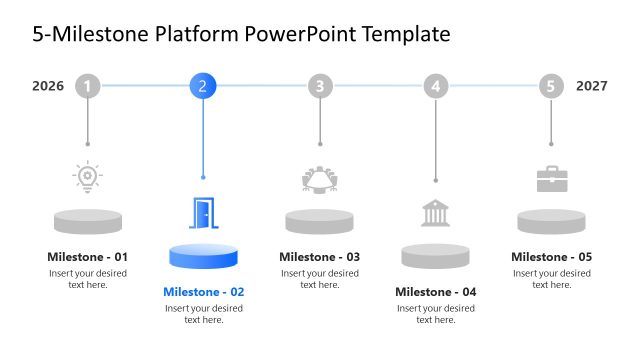
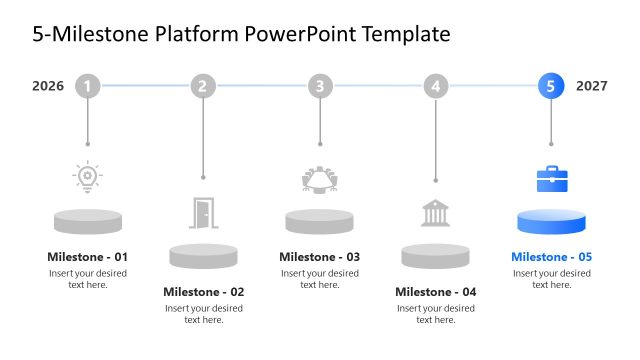
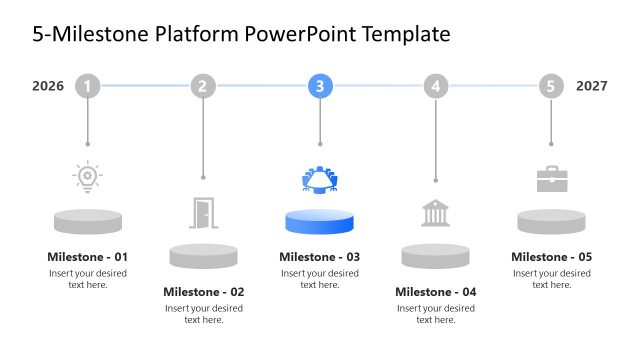
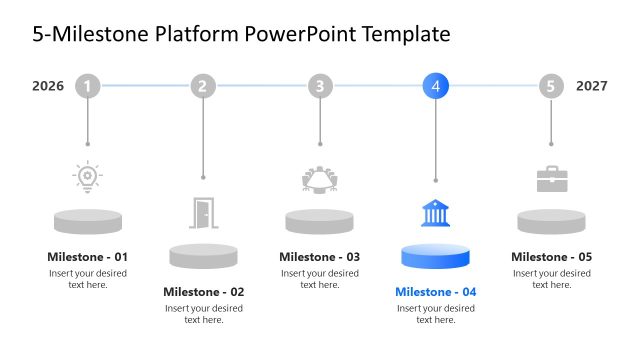
The 5 Milestone Process Diagram from the 5 Milestone Platform PowerPoint Template presents a horizontal timeline ideal for strategic planning and project timelines. This slide layout uses editable shapes and vector icons to highlight key milestones, making it suitable for business presentations and corporate slide decks that require clear milestone tracking and chronological process illustration.
What’s on This Slide
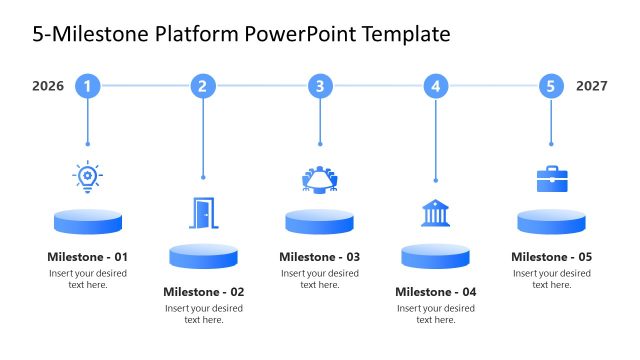
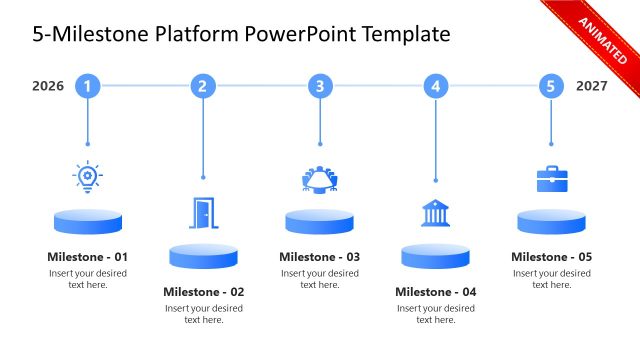
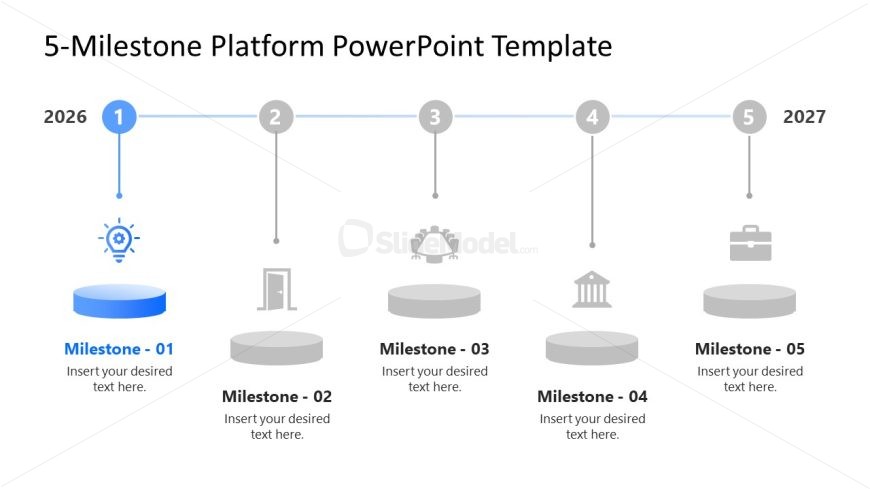
The layout features a horizontal timeline with five milestone nodes. The first node is highlighted and includes an icon of a light bulb. Each milestone is represented by a circular shape, with the second node positioned centrally and the remaining nodes spaced evenly. Text placeholders are present below each node for descriptions, aligned centrally. The timeline is accented with horizontal lines connecting the nodes, and years 2026 and 2027 are marked at the ends. The background is light, enhancing the visibility of the elements.
How to Use It
This layout serves as a chronological process diagram, effectively illustrating milestones in a project or plan. It fits well in presentations that outline strategic initiatives or project timelines. Suitable for business contexts, it can be used to showcase key achievements or stages in development. This structure helps audiences quickly grasp the sequence and significance of each milestone, making it ideal for project updates or strategic planning discussions.
Text Placeholders & Capacity
Keep your copy within these limits so it fits without resizing. Node labels can hold about 30 characters each, while descriptions can hold around 50 characters.
| Placeholder | Count | Max characters (approx.) |
|---|---|---|
| Item heading | 5 | 30 |
| Item body | 5 | 50 |
Slide Keywords
Download unlimited PowerPoint templates, charts and graphics for your presentations with our annual plan.
DOWNLOADReturn to 5 Milestone Platform PowerPoint Template.