Slide 1 of 2 from 5 Levers PowerPoint Template
5 Steps Diagram of Levers PowerPoint
5 Levers Diagram for Presentations
- Diagram
- Other
- Strategy Slide
- 16:9
- 100% Editable
What’s on This Slide
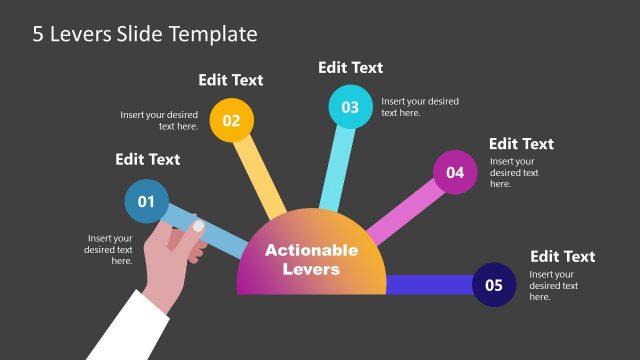
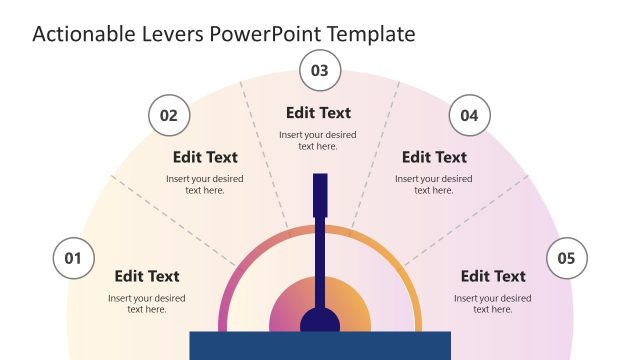
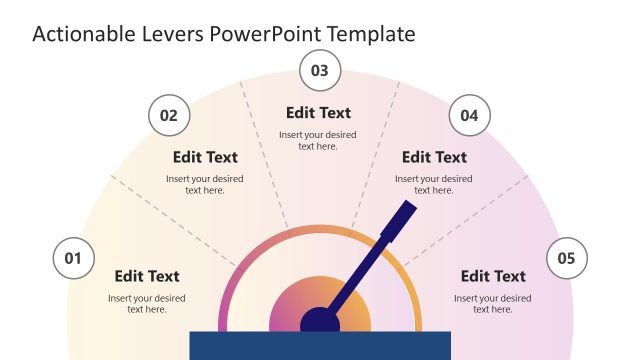
The layout features a central circular shape labeled 'Actionable Levers' in the middle. Five lines extend outward from this circle, each leading to a colored circle representing different levers, numbered 01 to 05. The circles are positioned at the top and sides, creating a radial layout. Each lever has an 'Edit Text' placeholder above it for text input. A hand graphic is shown on the left side, suggesting interaction. The background is light, enhancing visibility of the colorful elements.
How to Use It
This layout serves as a visual representation of five key components or strategies in a business context. It is suitable for presentations that require outlining steps or stages in a process. This slide fits well after a problem statement and before detailing solutions. It can be used in various scenarios, such as strategic planning sessions, project kick-offs, or team meetings to discuss actionable items.
Text Placeholders & Capacity
Keep your copy within these limits so it fits without resizing. Node body slots can hold roughly 40 characters each.
| Placeholder | Count | Max characters (approx.) |
|---|---|---|
| Item heading | 5 | 20 |
| Item body | 5 | 40 |
| Slide title | 1 | 30 |
Slide Keywords
Download unlimited PowerPoint templates, charts and graphics for your presentations with our annual plan.
DOWNLOADReturn to 5 Levers PowerPoint Template.