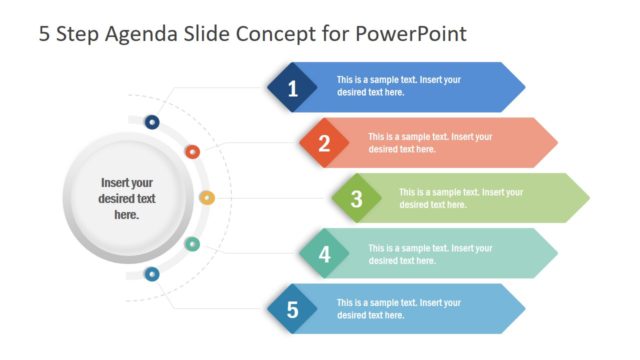
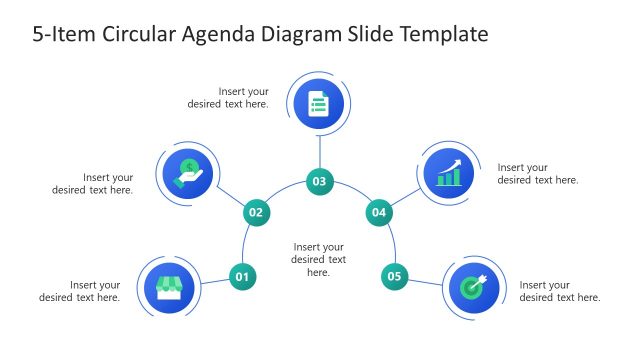
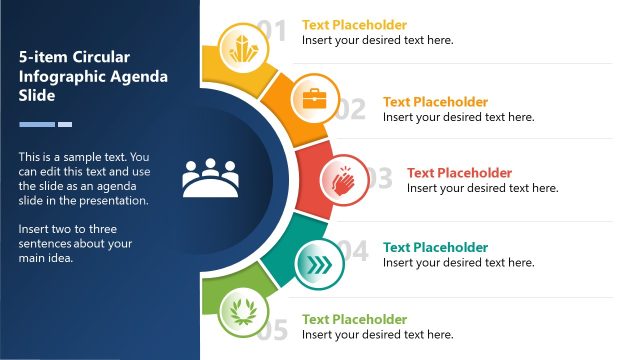
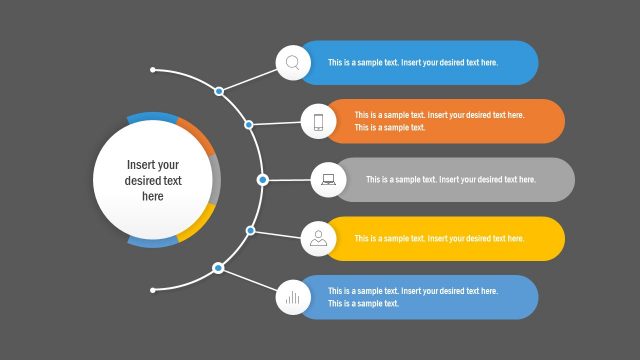
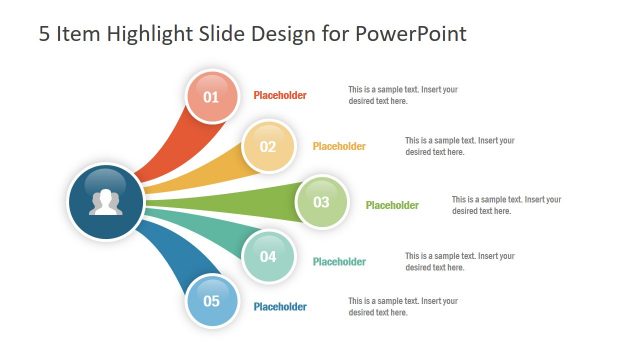
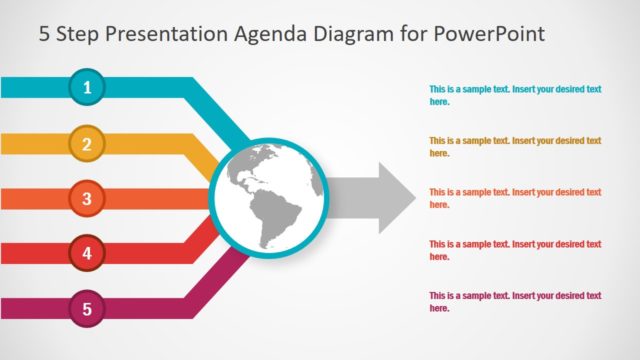
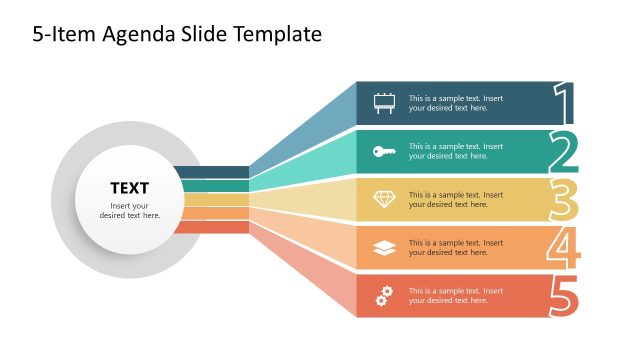
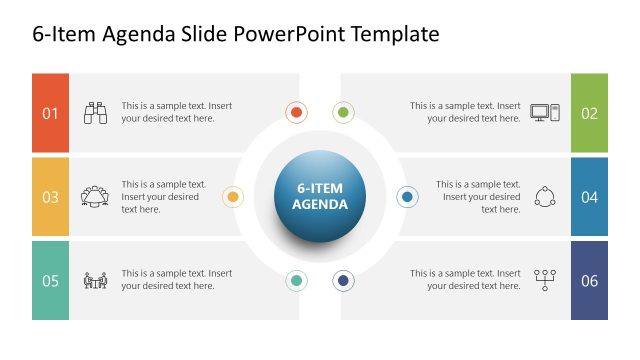
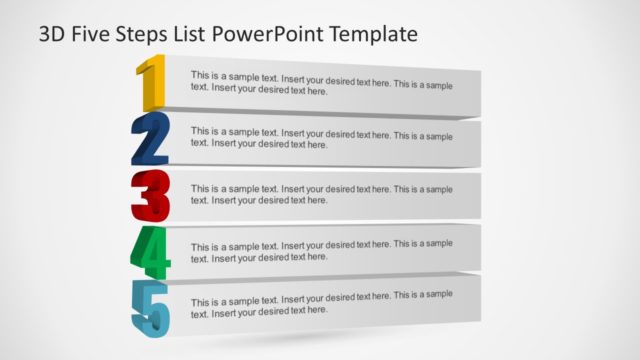
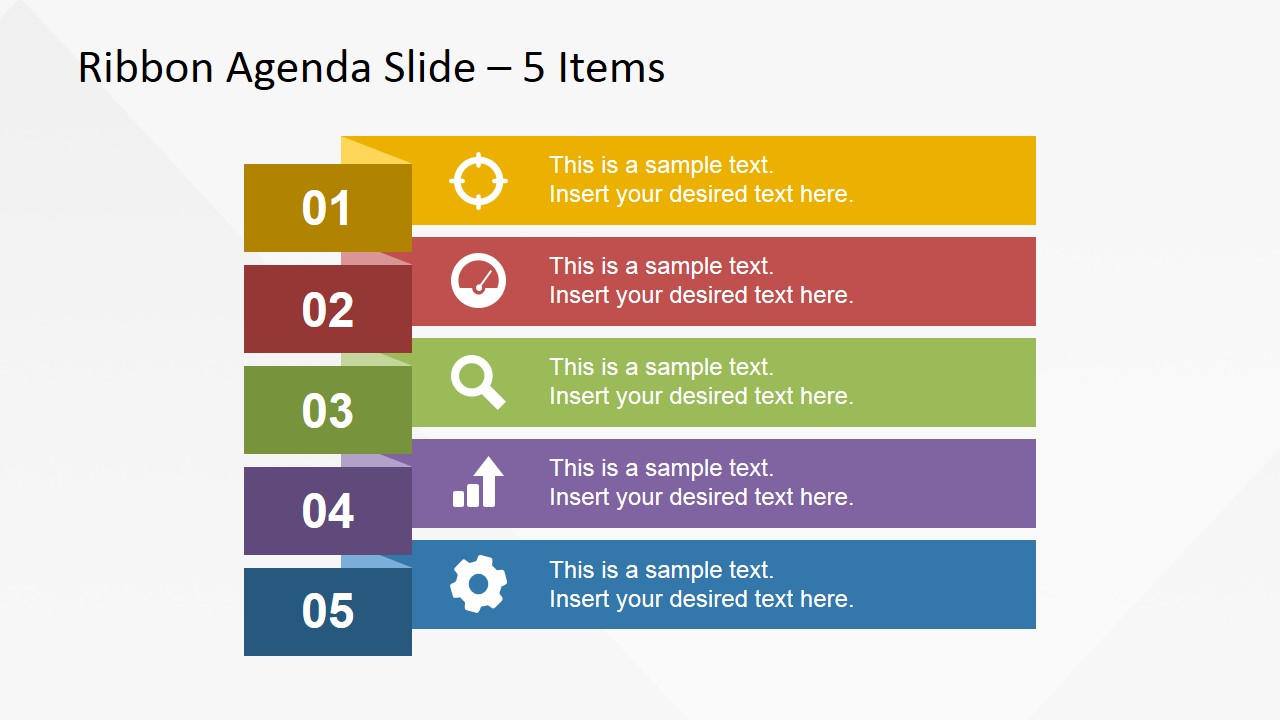
5 Items Ribbon Agenda Slide Template for PowerPoint is a creative layout design for PowerPoint that you can use to make presentation agenda slides.
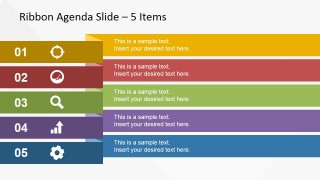
Inside this presentation template you can find slide layouts ready to be used in any presentation where you need to present up to five core topics or organize the presentation in five chapters or sections. The slide design has a flat color palette and style and contains PowerPoint icons that you can use to decorate the slides with visual aids.
What’s inside this template
Example presentation scenarios
- A project manager can use the ribbon agenda overview to introduce five workstreams before moving into the matching numbered section slides for each topic.
- A consultant can open an executive briefing with the compact five-item agenda and use the color-coded detail slides to separate analysis, recommendation, and next-step chapters.
- A trainer can present a five-module workshop by assigning each module to one icon panel, then using the section-detail slides as visual dividers between learning blocks.
- A team leader can organize a staff meeting around five priorities and use the wide ribbon agenda slide to keep timing and topic ownership clear.
Features
- 100% editable presentation template
- Compatible with Microsoft PowerPoint and Google Slides
- 16:9 aspect ratio slides
- Scalable vector shapes, icons and illustrations
- AI-Ready for Microsoft Copilot and Claude
- Instant access and download
Frequently asked questions
Q: How should a presenter use this template to keep a five-topic agenda clear?
A: Start with one of the overview slides to set expectations, then reuse the same color and number on the matching section-detail slide. Keep each ribbon label short, such as a topic name or chapter title, and place only one supporting sentence in the detail area so the audience can quickly follow the presentation structure.
Q: Who is this agenda template best suited for?
A: It is best for presenters who need to divide a meeting, briefing, workshop, or project update into five named parts. Project managers, consultants, trainers, and team leaders can use the numbered ribbons to make the structure visible before moving into the individual target, gauge, search, growth, and gear sections.
Q: Why does the ribbon design help communicate the agenda?
A: The ribbon metaphor works like a set of labeled tabs, so each topic feels like a distinct chapter rather than a simple bullet. The large number blocks create order, the repeated color system creates recognition, and the icons provide quick visual cues without turning the agenda into a dense text slide.


5 Items Ribbon Agenda Slide Template for PowerPoint
7-slide presentation template for a five-item ribbon agenda with numbered steps and icons
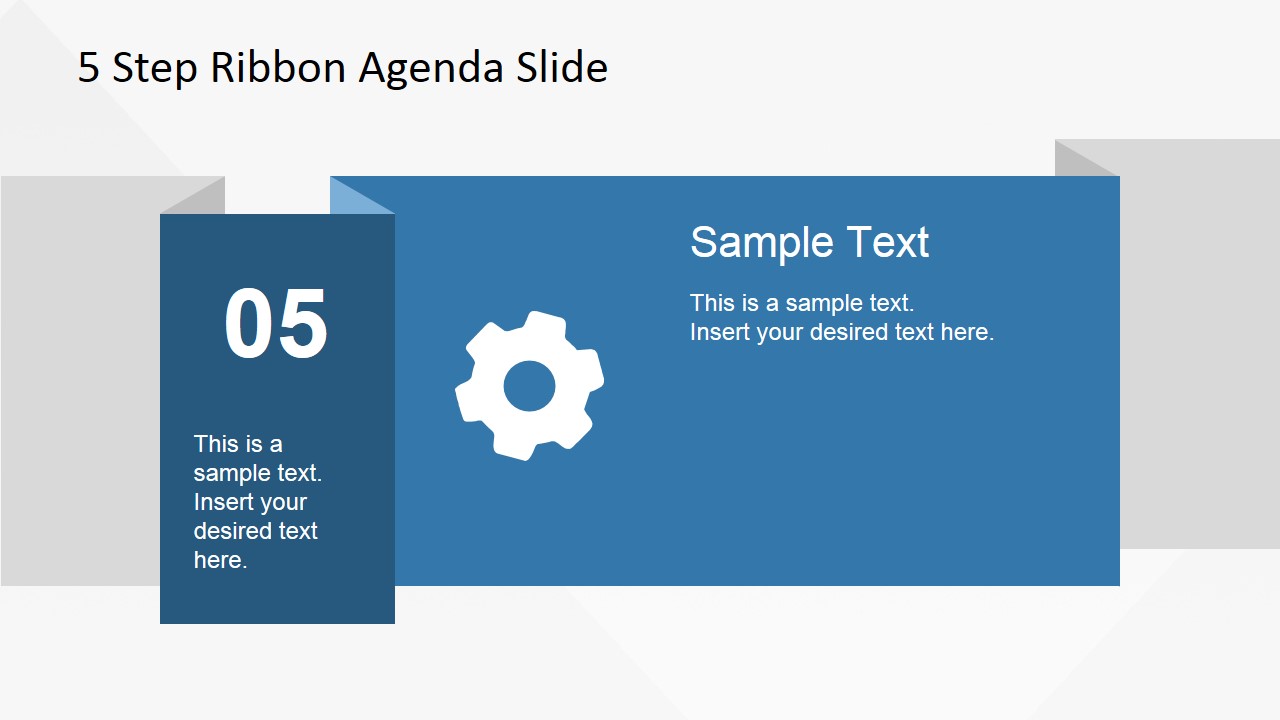
The 5 Items Ribbon Agenda Slide Template for PowerPoint is a 7-slide agenda template for organizing five topics or chapters. It includes compact and wide ribbon agenda overviews, five numbered section-detail slides, and large icon panels for target, gauge, search, growth, and gear topics in PowerPoint and Google Slides.
- Category
- Text & Tables
- Rating


 Loading...
- Aspect ratio
- 16:9
- Item ID
- 6713-01
- Colors
 Microsoft PowerPoint
  Microsoft Copilot
  Claude for PowerPoint
 Other formats supported
Subscribe today and get immediate
access to download our PowerPoint templates.