Slide 1 of 2 from 5-Item Two-Side Horizontal Infographic Slide PowerPoint Template
5-Item Two-Side Horizontal Infographic Diagram Template with Circles
5-Item Horizontal Infographic Slide
- Diagram
- Comparison Split
- Process Slide
- 16:9
- 100% Editable
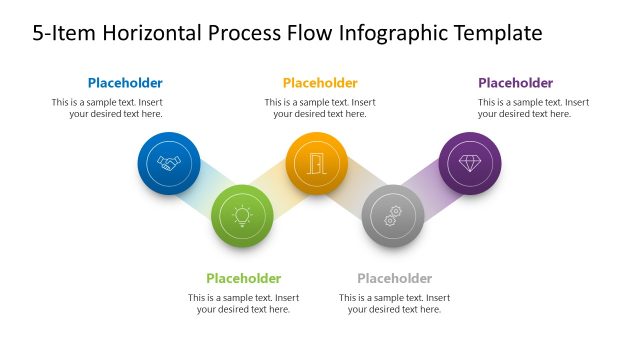
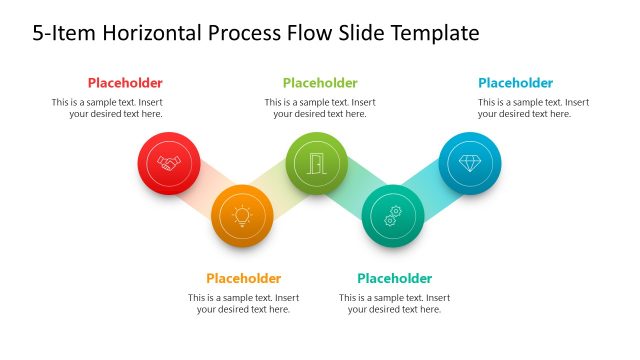
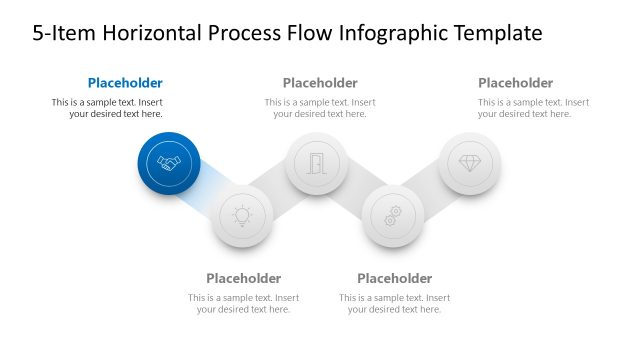
The 5-Item Horizontal Infographic slide from the 5-Item Two-Side Horizontal Infographic Slide PowerPoint Template offers a clear visual layout for illustrating processes or timelines. This slide layout uses five horizontally arranged circular nodes with icons and text placeholders, ideal for business presentations that require step-by-step guides or project timelines. Its design supports editable shapes and vector icons, making it a practical choice for creating professional slide decks in PowerPoint or Google Slides templates.
What’s on This Slide
The layout features five circular nodes arranged horizontally across the center. Each node contains an icon and a text placeholder, with the first node on the left being yellow, followed by green, red, blue, and ending with a green node on the right. The icons represent various concepts, and the text placeholders are aligned below each node. Above the nodes, there is a title area with a dark background. Arrows between the nodes indicate flow, and the overall color scheme is dark with vibrant node colors. The background is a solid dark blue.
How to Use It
This layout serves as a horizontal infographic to illustrate a sequence of five related items or steps. It is suitable for presentations that require a clear visual representation of a process or timeline. This structure can be effectively used in business scenarios such as project planning, product development stages, or marketing strategies. It fits well in a presentation sequence following an introductory slide and preceding detailed content on each item.
Text Placeholders & Capacity
Keep your copy within these limits so it fits without resizing. Node labels can hold about 30 characters each, while body text can hold around 50 characters.
| Placeholder | Count | Max characters (approx.) |
|---|---|---|
| Item heading | 5 | 30 |
| Item body | 5 | 50 |
Slide Keywords
Download unlimited PowerPoint templates, charts and graphics for your presentations with our annual plan.
DOWNLOADReturn to 5-Item Two-Side Horizontal Infographic Slide PowerPoint Template.