Slide 2 of 6 from 5-Item Glossy Vertical List PowerPoint Template
5-Item Glossy Vertical List Presentation Slide
5-Item Glossy Vertical List Template
- Text Layout
- List Blocks
- Context Slide
- 16:9
- 100% Editable
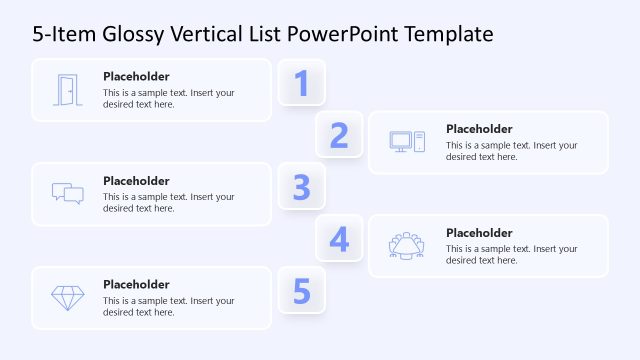
The Vertical List with Icons slide from the 5-Item Glossy Vertical List PowerPoint Template offers a structured layout ideal for business presentations requiring clear task lists or feature highlights. This slide features five editable shapes with icons aligned vertically, supporting concise communication in corporate presentations and pitch decks. Its clean design enhances readability, making it suitable for project steps or agenda items within slide decks and Google Slides templates.
What’s on This Slide
The layout features five vertical sections, each containing a rounded rectangle with an icon on the left and a text placeholder on the right. The icons include a door, computer, chat bubble, diamond, and group, each corresponding to a numbered section from one to five. The text placeholders are aligned to the right of each icon, allowing space for descriptive text. The background is light, enhancing the visibility of the icons and text. The overall composition is organized and clean, with a consistent visual hierarchy.
How to Use It
This layout serves as a vertical list format ideal for presenting items or tasks in a sequential manner. It fits well in a presentation sequence where a clear enumeration of points is necessary, such as to-do lists, feature highlights, or agenda items. Business scenarios include project planning, product feature presentations, or outlining steps in a process. Each section can be customized to fit specific content needs while maintaining a cohesive design.
Text Placeholders & Capacity
Keep your copy within these limits so it fits without resizing. Each body slot can hold about 15-20 words comfortably.
| Placeholder | Count | Max characters (approx.) |
|---|---|---|
| Item heading | 5 | 30 |
| Item body | 5 | 100 |
Slide Keywords
Download unlimited PowerPoint templates, charts and graphics for your presentations with our annual plan.
DOWNLOAD