Slide 2 of 2 from 5-Input to 3-Output Diagram Concept PowerPoint Template
Customizable 5-Input to 3-Output Diagram Concept Diagram
5 Inputs to 3 Outputs Diagram Concept
- Diagram
- Process Flow
- Process Slide
- 16:9
- 100% Editable
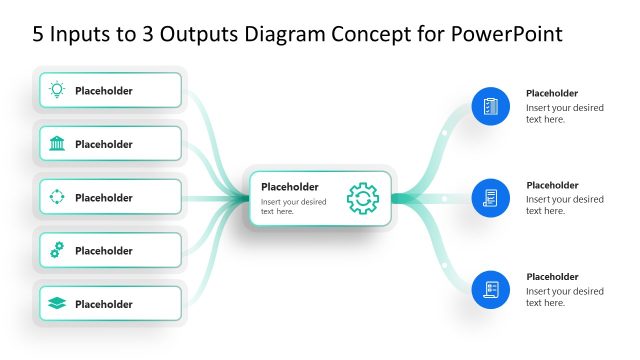
The 5 Inputs to 3 Outputs Diagram slide from the 5-Input to 3-Output Diagram Concept PowerPoint Template offers a clear process flow visualization ideal for business presentations. This slide template uses editable shapes and vector icons to map how multiple inputs converge into a central process before diverging into distinct outputs, supporting effective project management and decision-making workflows.
What’s on This Slide
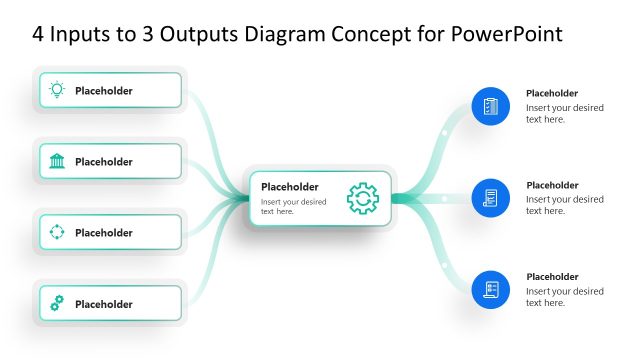
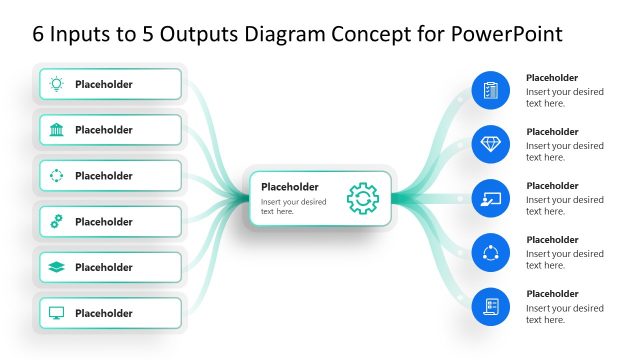
The layout features a central node with a gear icon, representing a processing point. Five input nodes are positioned vertically on the left, each containing a placeholder for text. Three output nodes are arranged vertically on the right, also with text placeholders. Connecting lines flow from the input nodes to the central node and then diverge to the output nodes, indicating a directional process. The background is a gradient blue, enhancing visual contrast. The overall structure emphasizes the relationship between inputs and outputs.
How to Use It
This layout serves as a process flow diagram, illustrating how multiple inputs lead to specific outputs. It is suitable for presentations that describe workflows, decision-making processes, or project management scenarios. It can be used in business contexts to visualize how various factors contribute to outcomes. This slide fits well in a sequence following a problem statement, leading into a solution or action plan, effectively communicating complex relationships in a simplified manner.
Text Placeholders & Capacity
Keep your copy within these limits so it fits without resizing. Node labels can hold about 30 characters each, while node bodies can fit around 50 characters.
| Placeholder | Count | Max characters (approx.) |
|---|---|---|
| Item heading | 8 | 30 |
| Item body | 8 | 50 |
| Slide title | 1 | 50 |
Slide Keywords
Download unlimited PowerPoint templates, charts and graphics for your presentations with our annual plan.
DOWNLOADReturn to 5-Input to 3-Output Diagram Concept PowerPoint Template.