Slide 1 of 6 from 5 Arrows Diagram with Elements
5 Arrows PowerPoint Diagram
5 Steps Arrow Diagram for Presentations
- Diagram
- Arrow Sequence
- Process Slide
- 16:9
- 100% Editable
What’s on This Slide
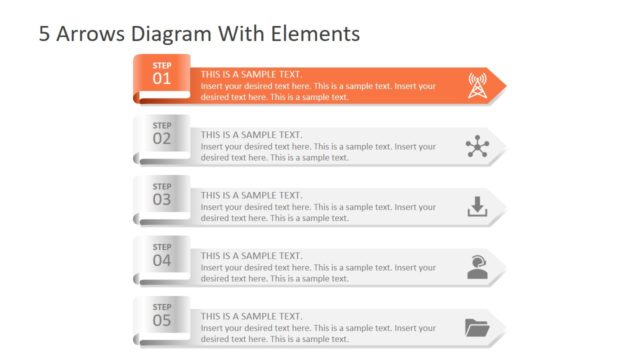
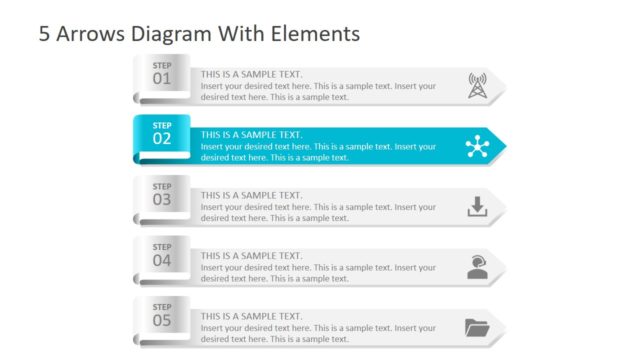
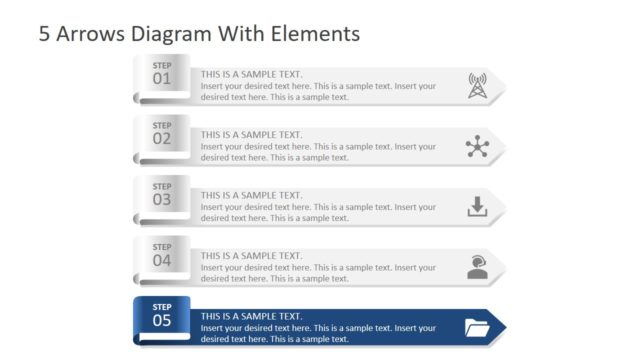
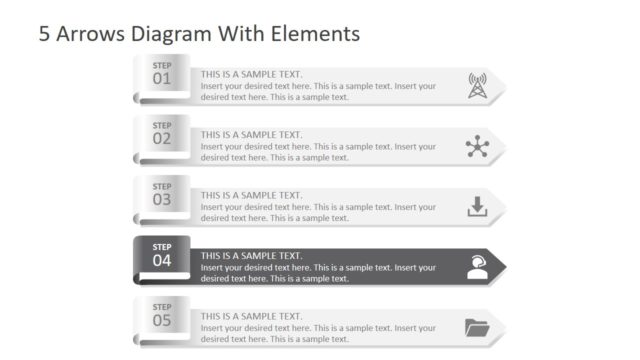
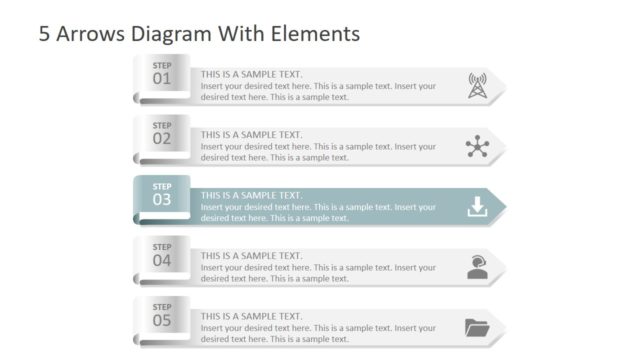
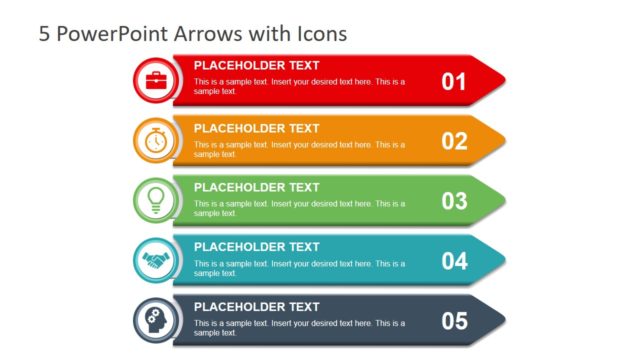
The layout features five horizontal arrows arranged vertically, each representing a step. Each arrow is labeled with a number and a title, positioned at the top left of each arrow. Below each arrow, there is a text placeholder for detailed descriptions. The arrows are color-coded in shades of orange, blue, gray, and teal, creating a visual hierarchy. The background is white, enhancing contrast. Each arrow has a corresponding icon at the end, visually representing the step. The overall composition is clean and structured, with clear separation between elements.
How to Use It
This layout serves as a sequential process diagram, ideal for presenting steps in a workflow or methodology. It fits well in a presentation sequence following an introduction or problem statement. Real-world applications include project management, product development stages, or strategic planning processes. Each step can be detailed with specific actions or objectives, making it suitable for business meetings or educational contexts.
Text Placeholders & Capacity
Keep your copy within these limits so it fits without resizing. Node body slots can hold approximately 150 characters each.
| Placeholder | Count | Max characters (approx.) |
|---|---|---|
| Item heading | 5 | 20 |
| Item body | 5 | 150 |
Slide Keywords
Download unlimited PowerPoint templates, charts and graphics for your presentations with our annual plan.
DOWNLOADReturn to 5 Arrows Diagram with Elements.