Slide 5 of 5 from 4-Step Hexagonal Diagram PowerPoint Template
4-Step Hexagonal Diagram Template with Spotlight Effect
4-Step Hexagonal Diagram Template
- Diagram
- Hexagonal
- Process Slide
- 16:9
- 100% Editable
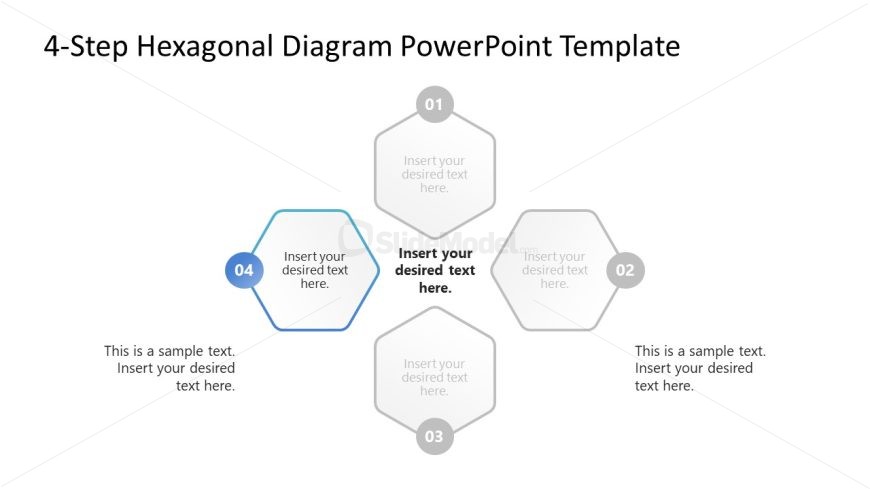
The 4-Step Hexagonal Diagram slide from the 4-Step Hexagonal Diagram PowerPoint Template offers a clear visual process illustration using editable shapes arranged in a circular pattern. Ideal for business presentations and project workflows, this slide supports effective communication of sequential stages with vector icons and text placeholders for customization.
What’s on This Slide
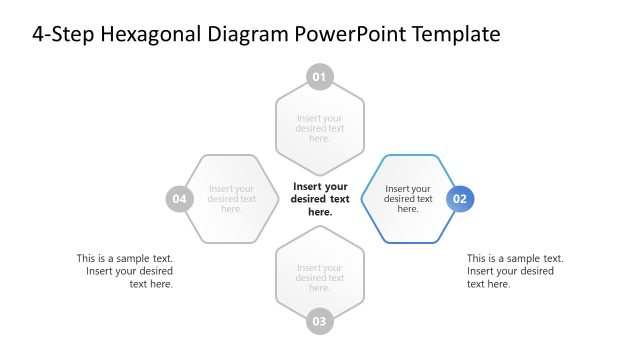
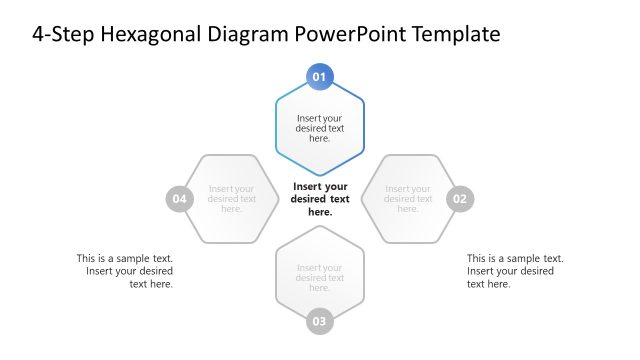
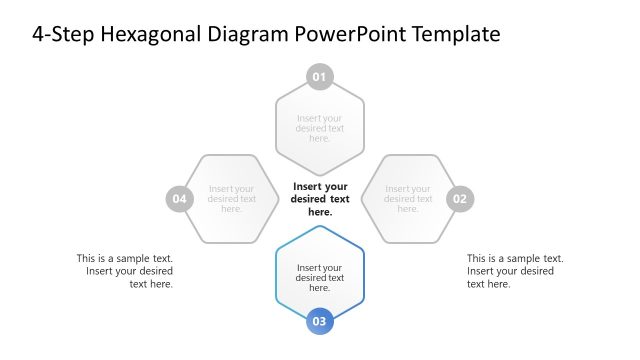
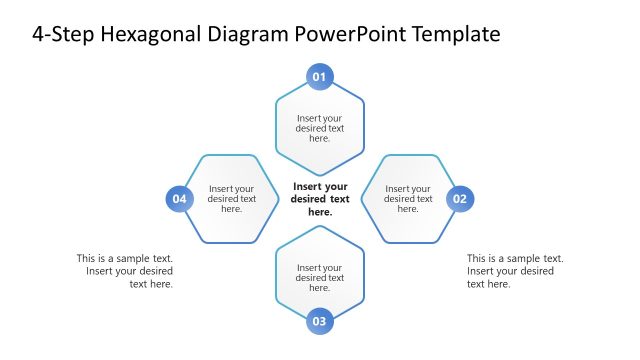
The layout features four hexagonal shapes arranged in a circular pattern. The first hexagon is positioned at the bottom left, labeled '04,' with a blue outline. It contains a text placeholder aligned centrally. The second hexagon is at the top center, labeled '01,' with a gray outline and a text placeholder. The third hexagon is at the bottom right, labeled '03,' with a gray outline. The fourth hexagon is at the top right, labeled '02,' also with a gray outline. Each hexagon has a corresponding text placeholder below it, maintaining a consistent visual hierarchy.
How to Use It
This layout serves as a sequential diagram to illustrate a four-step process or stages of a concept. It is suitable for business presentations, project planning, or educational contexts where a clear, visual representation of steps is needed. This slide fits well at the conclusion of a presentation, summarizing key points or outlining a process. It can also be used to depict workflows or methodologies in various industries.
Text Placeholders & Capacity
Keep your copy within these limits so it fits without resizing. Node body slots can hold about 8-10 words each.
| Placeholder | Count | Max characters (approx.) |
|---|---|---|
| Item heading | 4 | 20 |
| Item body | 4 | 50 |
Slide Keywords
Download unlimited PowerPoint templates, charts and graphics for your presentations with our annual plan.
DOWNLOADReturn to 4-Step Hexagonal Diagram PowerPoint Template.