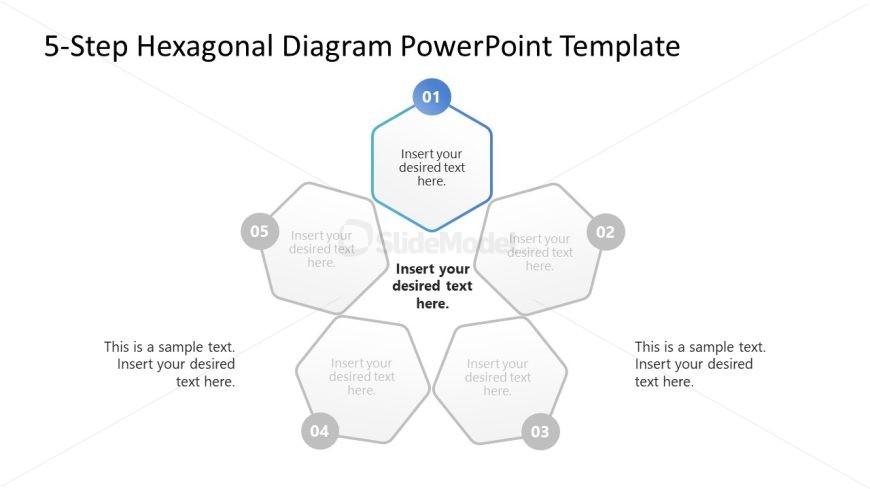
Slide 2 of 6 from 5-Step Hexagonal Diagram PowerPoint Template
Step 1 Slide – 5-Step Hexagonal Diagram PPT Template
5-Step Hexagonal Diagram Template Overview
- Diagram
- Hexagonal Sequence
- Process Slide
- 16:9
- 100% Editable
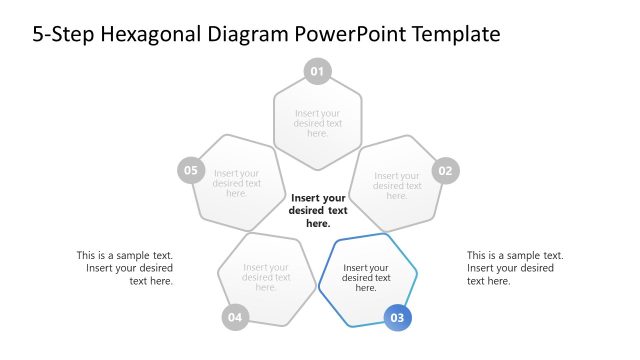
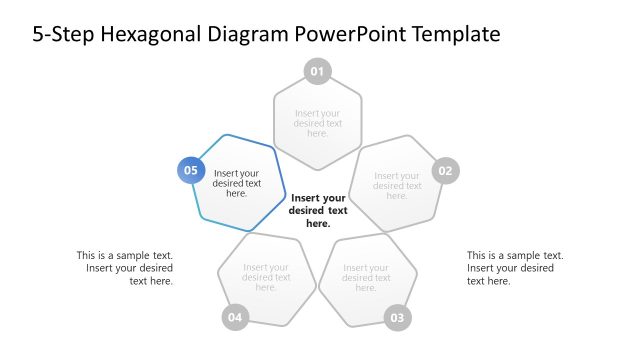
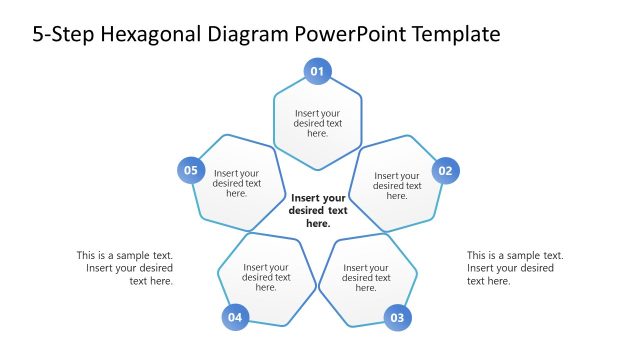
The 5-Step Hexagonal Diagram slide from the 5-Step Hexagonal Diagram PowerPoint Template offers a clear visual layout for illustrating process steps or project stages. This slide template uses editable shapes arranged in a hexagonal sequence, making it ideal for business presentations or corporate slide decks that require a structured explanation of workflows or milestones. Its design supports easy customization within PowerPoint templates or Google Slides templates, enhancing clarity in pitch decks and other professional presentations.
What’s on This Slide
The layout features a central hexagon at the top labeled '01' with a placeholder for text. Surrounding it are five hexagons, each labeled '02' to '05', positioned in a circular arrangement. Each hexagon contains a text placeholder for content. Additionally, there are two text placeholders at the bottom right and left, aligned vertically. The overall design uses a clean background with a subtle gradient, emphasizing the hexagonal shapes. The visual hierarchy is clear, with the central hexagon standing out as the focal point.
How to Use It
This layout serves as a structured representation of a five-step process or stages in a project. It fits well in presentations discussing methodologies, workflows, or business milestones. The hexagonal arrangement allows for easy understanding of sequential steps. It is suitable for business meetings, training sessions, or project updates where clarity of process is essential. This structure can also be adapted for various topics requiring a stepwise approach.
Text Placeholders & Capacity
Keep your copy within these limits so it fits without resizing. Node body slots can hold about 10-15 words each.
| Placeholder | Count | Max characters (approx.) |
|---|---|---|
| Item heading | 5 | 20 |
| Item body | 5 | 50 |
| Body paragraph | 2 | 100 |
Slide Keywords
Download unlimited PowerPoint templates, charts and graphics for your presentations with our annual plan.
DOWNLOADReturn to 5-Step Hexagonal Diagram PowerPoint Template.