Slide 4 of 5 from 4 Step Down Arrows PowerPoint Template
PowerPoint Diagram of 4 Steps
4 Step Down Arrows Diagram for Presentations
- Diagram
- Arrow Sequence
- Process Slide
- 16:9
- 100% Editable
What’s on This Slide
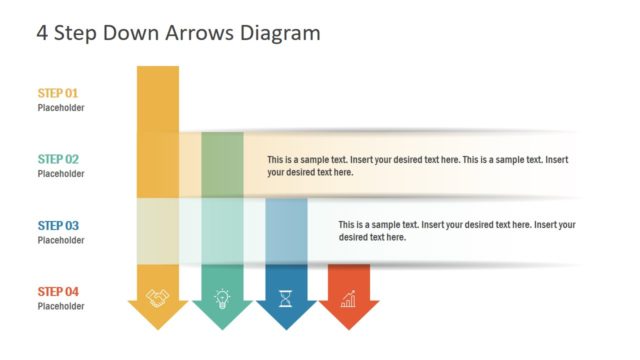
The slide features a vertical arrangement of four segmented arrows pointing downward. Each arrow represents a step, with the first three steps in light colors and the third step highlighted in blue. Text placeholders are positioned within each segment, aligned to the center, allowing for descriptive content. The top of the slide includes a title area with the text '4 Step Down Arrows Diagram.' The overall layout emphasizes a clear visual hierarchy, with the highlighted step drawing attention. The background is light, enhancing readability.
How to Use It
This layout serves as a step-by-step process diagram, ideal for illustrating sequential actions or stages in a project. It fits well in presentations discussing workflows, project timelines, or strategic plans. Use it to visually guide an audience through a process, making complex information more digestible. This slide can be particularly effective in business meetings, training sessions, or project updates, where clarity in progression is essential.
Text Placeholders & Capacity
Keep your copy within these limits so it fits without resizing. Node body slots can hold roughly 25-30 words each.
| Placeholder | Count | Max characters (approx.) |
|---|---|---|
| Slide title | 1 | 30 |
| Item heading | 4 | 20 |
| Item body | 4 | 150 |
Slide Keywords
Download unlimited PowerPoint templates, charts and graphics for your presentations with our annual plan.
DOWNLOADReturn to 4 Step Down Arrows PowerPoint Template.