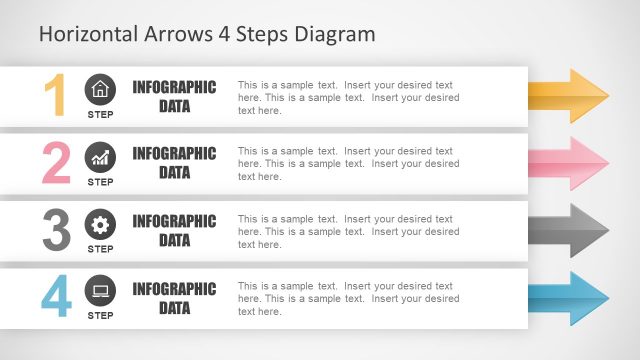
Slide 1 of 5 from 4 Step Down Arrows PowerPoint Template
Arrow PowerPoint 4 Steps Diagram
4 Step Down Arrows Diagram for Presentations
- Diagram
- Arrow Sequence
- Process Slide
- 16:9
- 100% Editable
What’s on This Slide
The slide features a vertical arrangement of four downward arrows, each representing a step. The first arrow is orange, followed by a green one, a blue one, and a red one at the bottom. Each arrow contains a text placeholder labeled 'Step 01' through 'Step 04,' positioned centrally within each arrow. Below the arrows, there are additional text placeholders for descriptions, aligned left and right. The background is light, enhancing the visibility of the arrows and text. Icons are included within the arrows, adding visual context.
How to Use It
This layout serves as a sequential process diagram, effectively illustrating four distinct steps in a workflow. It is suitable for presentations that require a clear, visual representation of processes or stages. This structure can be used in business contexts such as project management, product development, or training sessions. It fits well at the beginning of a presentation to outline key steps or at any point where a process needs to be clarified.
Text Placeholders & Capacity
Keep your copy within these limits so it fits without resizing. Node body slots can accommodate about 15-20 words each.
| Placeholder | Count | Max characters (approx.) |
|---|---|---|
| Item heading | 4 | 20 |
| Item body | 4 | 100 |
Slide Keywords
Download unlimited PowerPoint templates, charts and graphics for your presentations with our annual plan.
DOWNLOADReturn to 4 Step Down Arrows PowerPoint Template.