Slide 3 of 5 from 4 Step Curved Timeline Concept for PowerPoint
Simple Timeline and Planning PowerPoint
4 Step Curved Timeline PowerPoint Template
- Diagram
- Curved Cycle
- Timeline Slide
- 16:9
- 100% Editable
What’s on This Slide
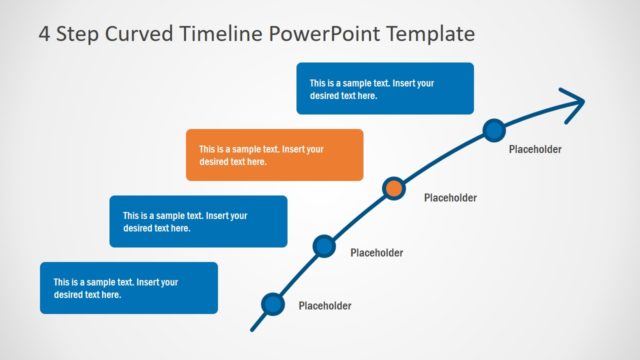
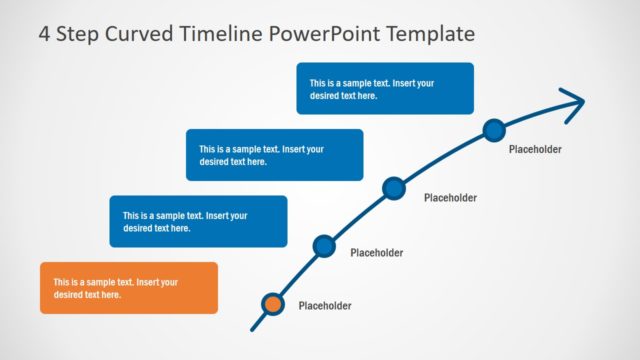
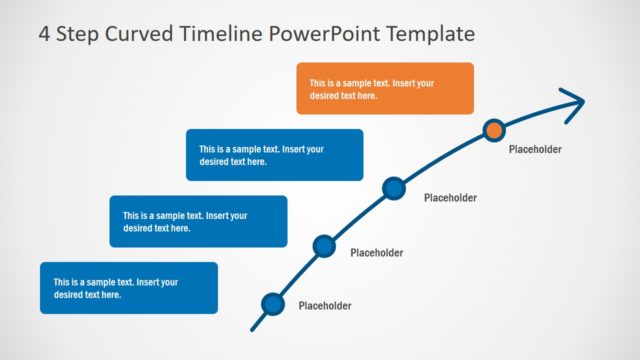
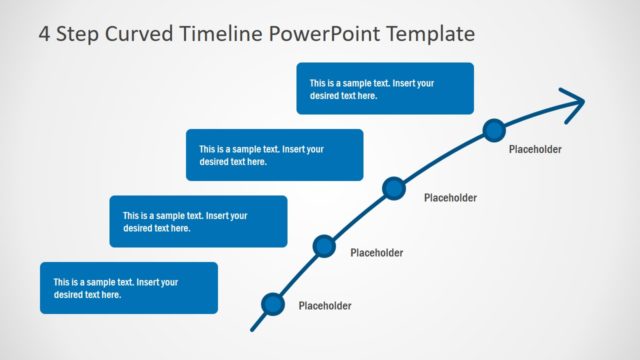
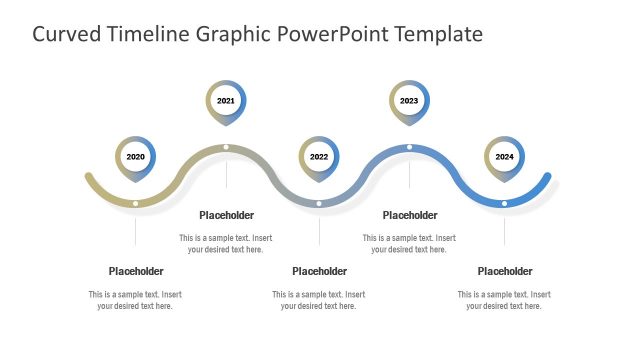
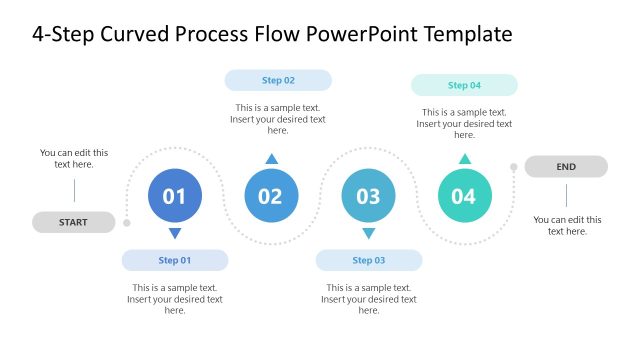
The layout features a curved timeline with five circular nodes and four rectangular text placeholders. The timeline flows from the bottom left to the top right, with nodes positioned at regular intervals along the curve. Each node is connected by a line, indicating progression. The first three rectangular placeholders are above the timeline, while the fourth is below it. The placeholders are aligned left and right, with a consistent visual hierarchy. The background is light, enhancing the visibility of the elements. Color contrasts are used for the placeholders.
How to Use It
This layout serves as a chronological timeline to illustrate a sequence of events or steps. It fits well in presentations that require a clear depiction of processes or project milestones. Suitable for business scenarios such as project planning, product development timelines, or strategic initiatives. It can be used to present historical timelines or future projections in a visually engaging manner, making complex information easier to digest.
Text Placeholders & Capacity
Keep your copy within these limits so it fits without resizing. Node body slots can hold up to 40 characters each.
| Placeholder | Count | Max characters (approx.) |
|---|---|---|
| Item body | 4 | 40 |
| Slide title | 1 | 50 |
Slide Keywords
Download unlimited PowerPoint templates, charts and graphics for your presentations with our annual plan.
DOWNLOAD