Slide 4 of 5 from 4 Step Curved Timeline Concept for PowerPoint
Curved Timeline Concept Presentation
4 Step Curved Timeline PowerPoint Template
- Diagram
- Curved Timeline
- Process Slide
- 16:9
- 100% Editable
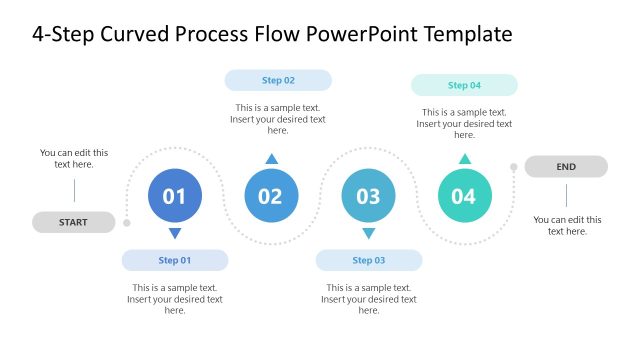
The Curved Timeline with Steps slide from the 4 Step Curved Timeline Concept for PowerPoint template offers a clear visual process overview with four distinct phases. Designed for business presentations, this slide layout uses editable shapes and vector icons to illustrate project timelines or product development stages effectively. Its curved design enhances strategic planning presentations by emphasizing progression and milestones within a professional slide deck.
What’s on This Slide
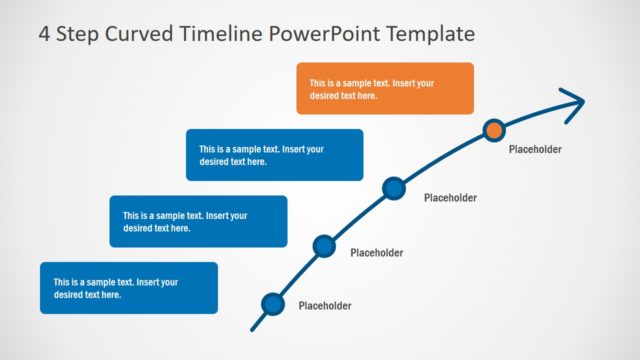
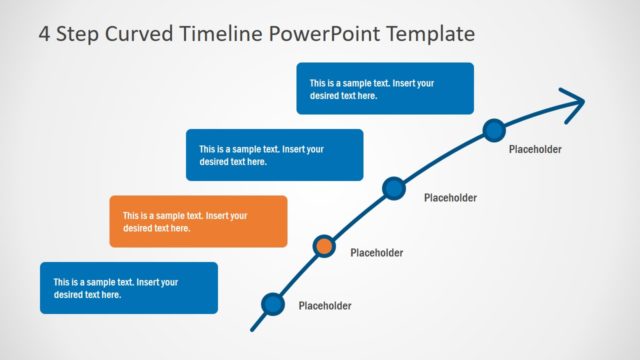
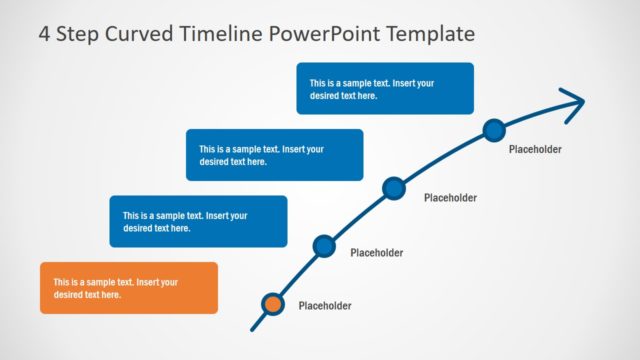
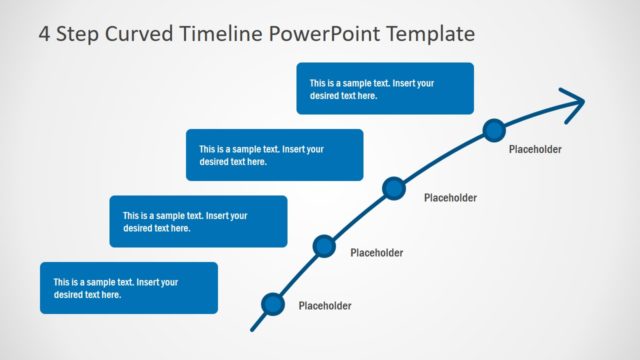
The layout features a curved timeline with four distinct steps. Each step is represented by a rounded rectangle, positioned at varying heights along the curve. The first step is at the bottom left, with subsequent steps ascending to the right. Each rectangle contains a text placeholder aligned centrally, with the first step highlighted in orange. Circular nodes connect the steps, with a larger central node in blue. Additional placeholders are present along the curve, indicating further content. The background is a light gradient, enhancing the visual flow.
How to Use It
This layout serves as a chronological representation of four key phases or milestones. It is suitable for presentations that require a clear depiction of a process or timeline. This slide fits well in a sequence where previous slides outline the context or objectives, followed by this timeline to illustrate progression. It can be used in project planning, product development, or strategic initiatives to show steps over time.
Text Placeholders & Capacity
Keep your copy within these limits so it fits without resizing. Node body slots can hold about 8-10 words each.
| Placeholder | Count | Max characters (approx.) |
|---|---|---|
| Item body | 4 | 45 |
| Slide title | 1 | 50 |
Slide Keywords
Download unlimited PowerPoint templates, charts and graphics for your presentations with our annual plan.
DOWNLOAD