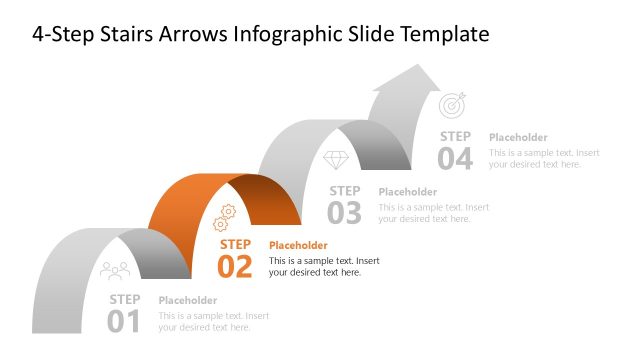
Slide 4 of 5 from 4-Step Curved Arrows Infographic PowerPoint Template
Focus Effect Slide – 4-Step Curved Arrows Infographic Template
3-Step Curved Arrows Infographic Template
- Diagram
- Process Flow
- Process Slide
- 16:9
- 100% Editable
The 3-Step Curved Arrows Infographic slide from the 4-Step Curved Arrows Infographic PowerPoint Template offers a clear process flow diagram ideal for project workflows and product development. This slide layout uses editable shapes and vector icons to visually represent sequential steps, making it suitable for business presentations and training sessions that require a structured slide deck with professional slide templates.
What’s on This Slide
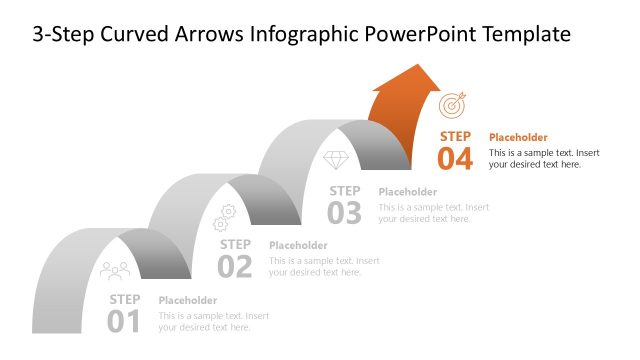
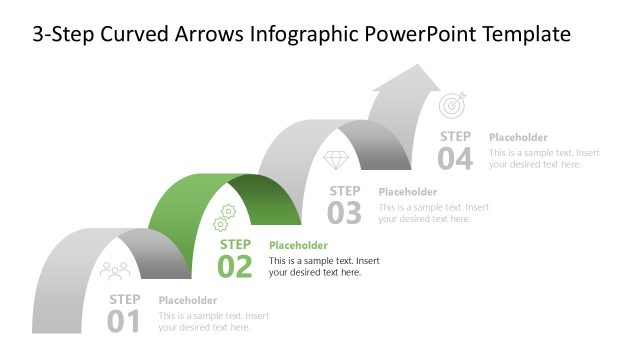
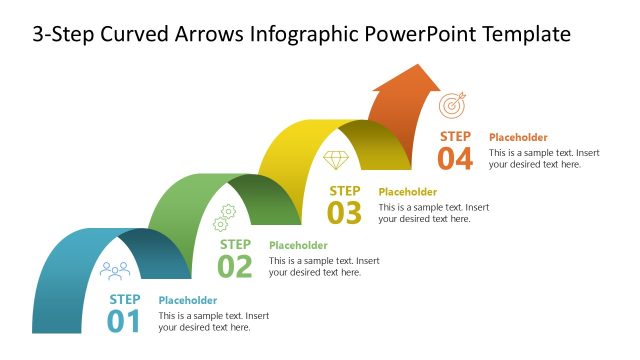
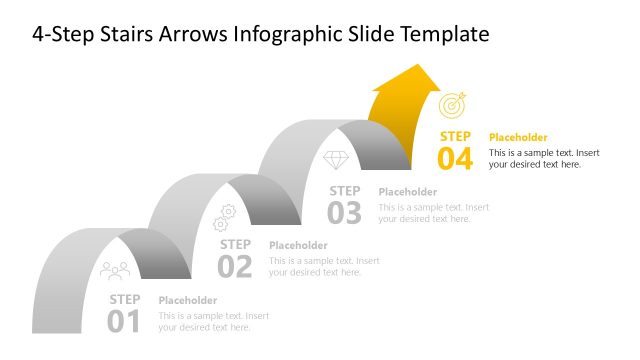
The layout features three curved arrows positioned from left to right, each representing a step. The first arrow is gray, the second is light gray, and the third is yellow, indicating progression. Each arrow contains a step label, with the first two labeled 'STEP 01' and 'STEP 02' in dark gray, while 'STEP 03' is highlighted in yellow. Below each step label are text placeholders aligned to the left, allowing for descriptive content. A fourth step is indicated but not yet filled, with a placeholder for text. The background is white, ensuring clarity.
How to Use It
This layout serves as a process flow diagram, illustrating a three-step progression. It is suitable for presentations that require a clear depiction of sequential actions or phases. This slide fits well in a series of slides detailing a project workflow or a product development timeline. It can be used in business contexts such as project management, training sessions, or strategy discussions, where clarity of steps is essential.
Text Placeholders & Capacity
Keep your copy within these limits so it fits without resizing. Node body slots can accommodate roughly 15-20 words each.
| Placeholder | Count | Max characters (approx.) |
|---|---|---|
| Item heading | 3 | 20 |
| Item body | 3 | 100 |
| Item heading | 1 | 20 |
| Item body | 1 | 100 |
Slide Keywords
Download unlimited PowerPoint templates, charts and graphics for your presentations with our annual plan.
DOWNLOADReturn to 4-Step Curved Arrows Infographic PowerPoint Template.