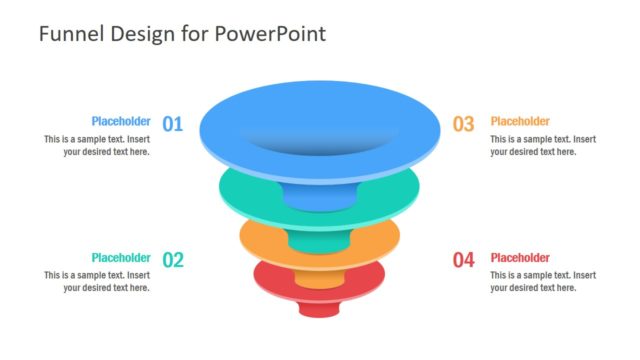
Slide 3 of 6 from 4 Step Color Funnel Design PowerPoint Template
Vertical Funnels for Marketing Diagram PPT
4 Step Funnel Design for PowerPoint
- Diagram
- Funnel
- Process Slide
- 16:9
- 100% Editable
What’s on This Slide
The slide features a funnel diagram with four distinct layers, each represented by a circular shape. The top layer is white, while the second layer is a teal color, followed by another white layer, and a final layer that is also white. Each layer has a corresponding text placeholder positioned to the right, aligned vertically. The placeholders are labeled with numbers 01 to 04, indicating their sequence. The overall layout is centered, with the funnel diagram dominating the middle of the slide and the text placeholders clearly visible to the right.
How to Use It
This layout serves as a visual representation of a four-step process or funnel, suitable for marketing or sales presentations. It can effectively illustrate stages in lead generation or customer journey mapping. Positioned as the third slide in a sequence, it follows an introductory problem slide and can transition into a roadmap or action plan. This structure is useful for business scenarios that require clear step-by-step explanations, making complex processes easier to understand.
Text Placeholders & Capacity
Keep your copy within these limits so it fits without resizing. Node body slots can accommodate roughly 15-20 words each.
| Placeholder | Count | Max characters (approx.) |
|---|---|---|
| Item heading | 4 | 30 |
| Item body | 4 | 100 |
Slide Keywords
Download unlimited PowerPoint templates, charts and graphics for your presentations with our annual plan.
DOWNLOAD