Slide 4 of 5 from 4-Step Circular Cycle Arrows PowerPoint Infographic Template
4-Step Circular Cycle Arrows Diagram for Slide 3
4-Step Circular Process Diagram Template
- Diagram
- Circular Cycle
- Process Slide
- 16:9
- 100% Editable
The 4-Step Circular Process Diagram slide from the 4-Step Circular Cycle Arrows PowerPoint Infographic Template offers a clear visual for illustrating workflows or continuous improvement cycles. This slide layout is designed for business presentations and pitch decks, featuring editable shapes and text placeholders within a circular diagram to represent sequential steps effectively. It integrates well into corporate presentation slide decks focused on project management or onboarding processes, enhancing clarity in complex process explanations.
What’s on This Slide
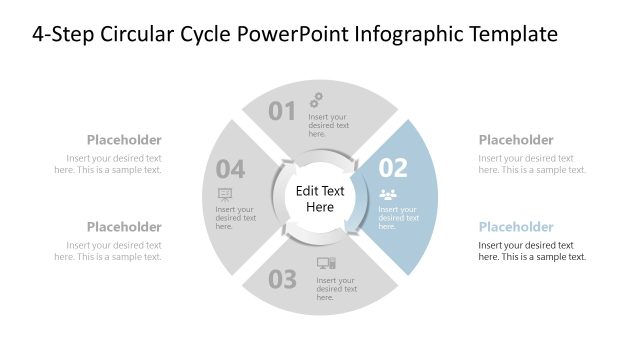
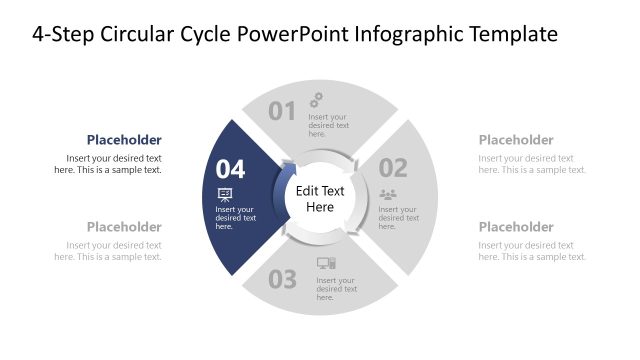
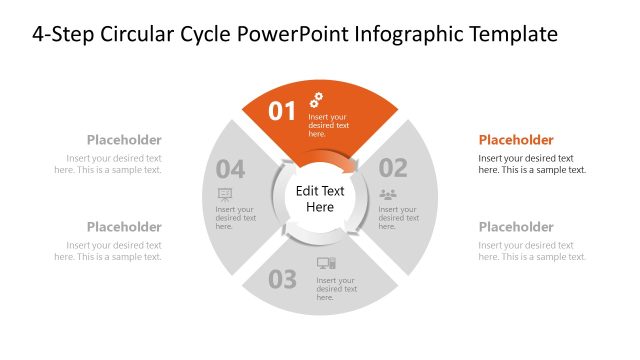
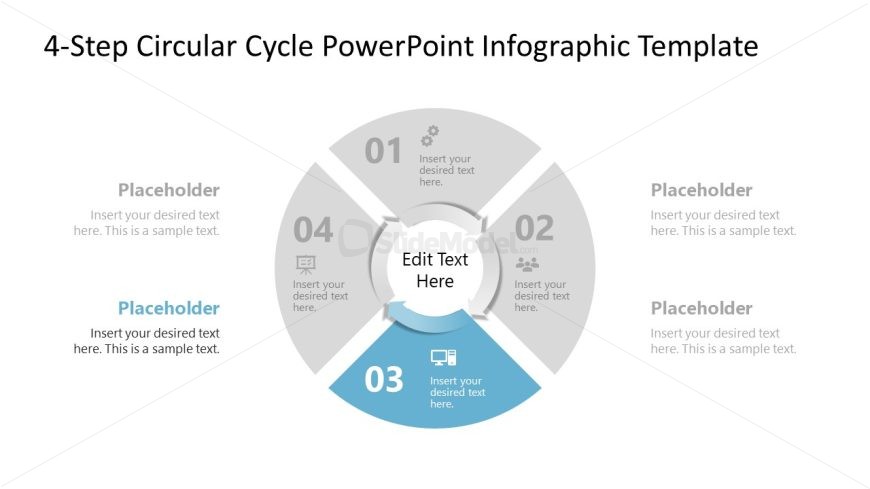
The slide features a circular diagram divided into four segments, each labeled with a number from 01 to 04. The segments are arranged in a clockwise direction, with the third segment highlighted in blue. Each segment contains a text placeholder for inserting desired text, aligned centrally within the segments. The center of the diagram includes a larger placeholder for editing text, surrounded by the segments. The background is light, enhancing the visibility of the circular elements and text. The overall layout emphasizes a cyclical process.
How to Use It
This layout serves as a process diagram, ideal for illustrating workflows or stages in a project. It fits well in a presentation sequence after introducing a problem and before outlining solutions. This structure is useful for business scenarios such as project management, onboarding processes, or continuous improvement cycles, providing a clear visual representation of steps involved.
Text Placeholders & Capacity
Keep your copy within these limits so it fits without resizing. Node body slots can hold approximately 15-20 words each.
| Placeholder | Count | Max characters (approx.) |
|---|---|---|
| Item heading | 4 | 30 |
| Item body | 4 | 100 |
| Item body | 1 | 150 |
Slide Keywords
Download unlimited PowerPoint templates, charts and graphics for your presentations with our annual plan.
DOWNLOADReturn to 4-Step Circular Cycle Arrows PowerPoint Infographic Template.