Slide 3 of 7 from 4 Semi Hemispheres Diagram for PowerPoint
PowerPoint Semi Hemisphere Diagram
4 Semi Hemispheres Diagram for Presentations
- Diagram
- Other
- Process Slide
- 16:9
- 100% Editable
What’s on This Slide
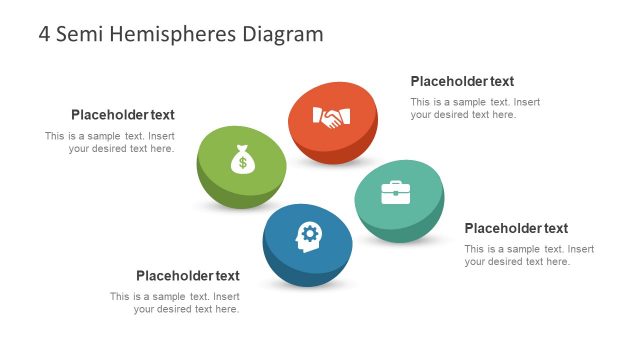
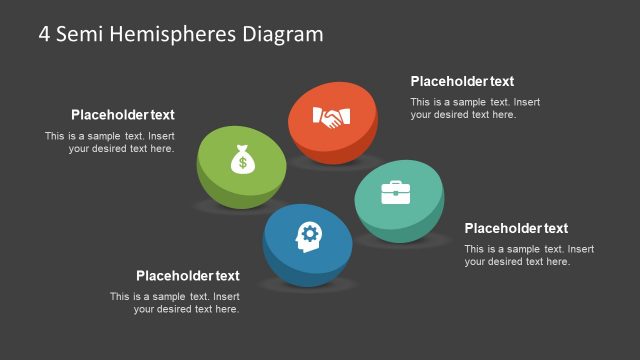
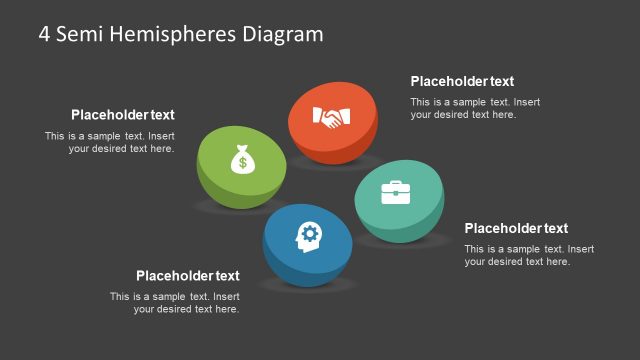
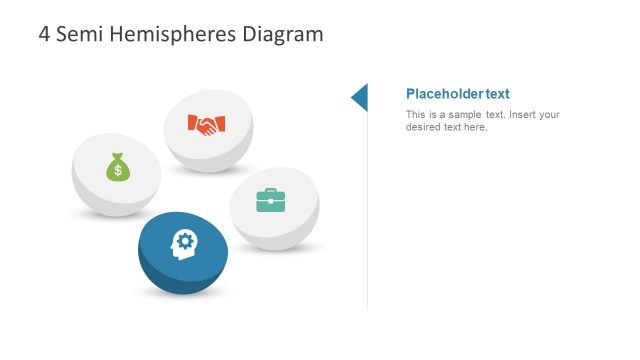
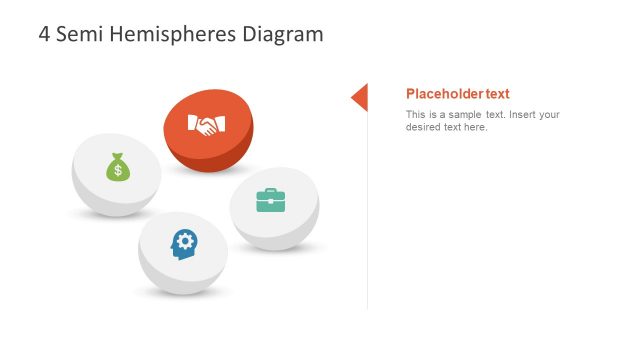
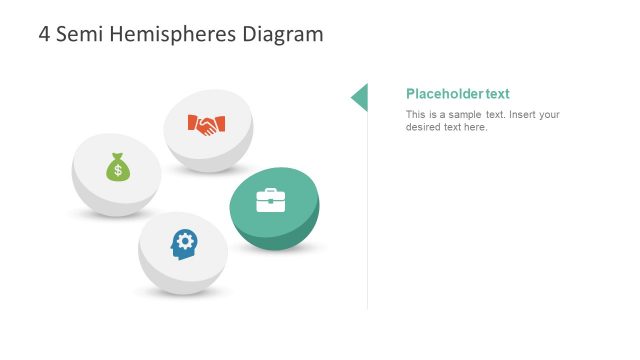
The layout features four semi-hemispherical shapes arranged in a circular pattern. Each hemisphere is a different color: green, blue, orange, and teal. Icons representing various concepts are centered within each hemisphere. Text placeholders are positioned above and below each hemisphere, aligned centrally. The title is prominently displayed at the top in a larger font. The overall composition is balanced, with a clear visual hierarchy emphasizing the hemispheres and their respective icons. Background is light, enhancing the visibility of the shapes.
How to Use It
This layout serves as a visual representation of four interconnected concepts or steps. It fits well in a presentation sequence after introducing a problem and before outlining solutions. Suitable for business contexts, it can illustrate processes, strategies, or categories. Each hemisphere can represent a different aspect of a topic, making it useful for summarizing key points or features. This structure allows for easy comparison and understanding of the relationships between the elements.
Text Placeholders & Capacity
Keep your copy within these limits so it fits without resizing. Node labels can hold about 20 characters each, while node bodies can accommodate roughly 50 characters.
| Placeholder | Count | Max characters (approx.) |
|---|---|---|
| Slide title | 1 | 30 |
| Item heading | 4 | 20 |
| Item body | 4 | 50 |
Slide Keywords
Download unlimited PowerPoint templates, charts and graphics for your presentations with our annual plan.
DOWNLOADReturn to 4 Semi Hemispheres Diagram for PowerPoint.