Slide 5 of 5 from 4 Level Pyramid Concept for PowerPoint
4 Level Pyramid Chart Step 4 Diagram
4 Level Pyramid Diagram Concept for PowerPoint
- Diagram
- Pyramid
- Process Slide
- 16:9
- 100% Editable
The 4 Level Pyramid Diagram slide from the 4 Level Pyramid Concept for PowerPoint template offers a clear hierarchical layout ideal for strategic planning and project phase breakdowns. This slide template features editable shapes and text placeholders arranged in a four-tier pyramid, making it suitable for business presentations and training sessions that require a structured process overview. It integrates smoothly into corporate slide decks seeking to visualize layered concepts effectively.
What’s on This Slide
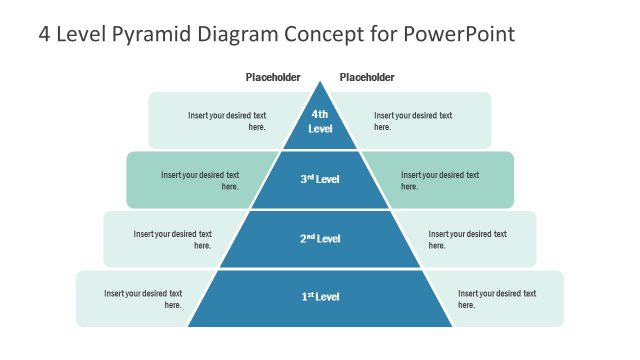
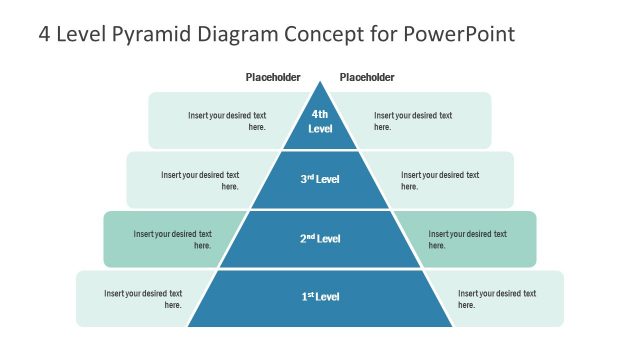
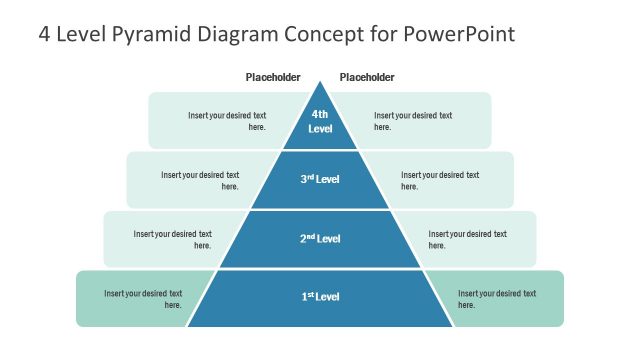
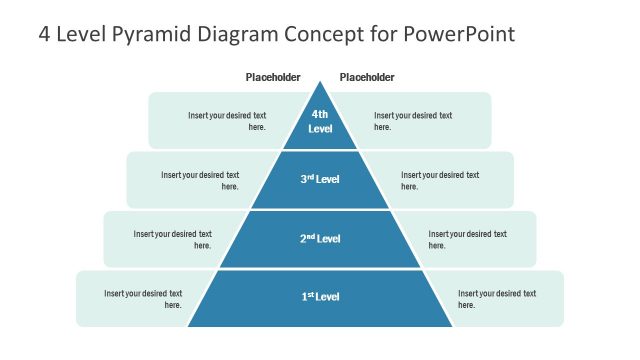
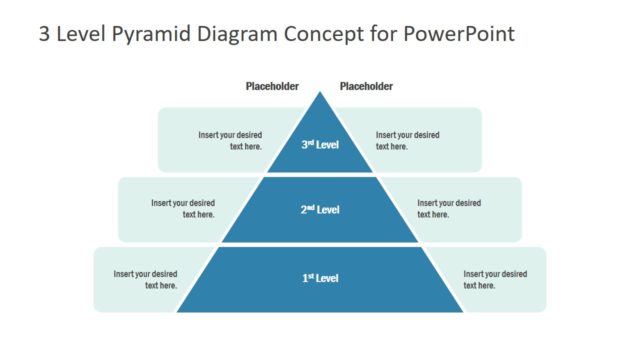
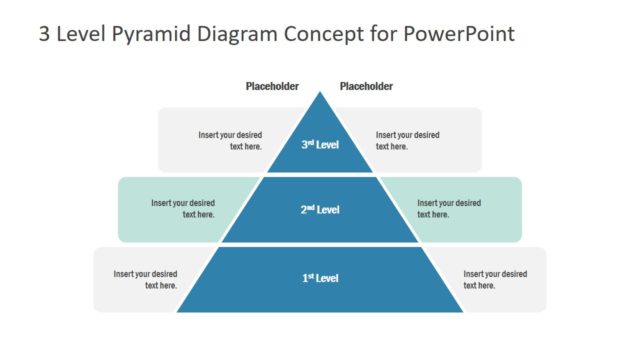
The layout features a pyramid divided into four horizontal sections, each representing a level. The top section is labeled '4th Level,' followed by '3rd Level,' '2nd Level,' and '1st Level' in descending order. Each level contains a text placeholder aligned centrally, with a light teal color for the top two levels and a darker blue for the bottom two. The pyramid is centered on the slide, with a title at the top. There are additional placeholders for text above the pyramid, maintaining a clear visual hierarchy.
How to Use It
This layout serves as a hierarchical representation, ideal for illustrating concepts that involve levels or stages. It is suitable for presentations that require a clear breakdown of information, such as organizational structures, project phases, or strategic plans. This slide fits well at the conclusion of a presentation, summarizing key points or outlining steps in a process. It can also be used in training sessions to depict learning levels or competencies.
Text Placeholders & Capacity
Keep your copy within these limits so it fits without resizing. Node labels can hold about 30 characters each, while node bodies can hold around 40 characters.
| Placeholder | Count | Max characters (approx.) |
|---|---|---|
| Slide title | 1 | 40 |
| Item heading | 4 | 30 |
| Item body | 4 | 40 |
Slide Keywords
Download unlimited PowerPoint templates, charts and graphics for your presentations with our annual plan.
DOWNLOADReturn to 4 Level Pyramid Concept for PowerPoint.