Slide 2 of 5 from 4 Level Pyramid Concept for PowerPoint
4 Level Pyramid Chart Step 1 Diagram
4 Level Pyramid Diagram Concept for PowerPoint
- Diagram
- Pyramid
- Process Slide
- 16:9
- 100% Editable
The 4 Level Pyramid Diagram slide from the 4 Level Pyramid Concept for PowerPoint template offers a clear hierarchical structure ideal for business presentations and project planning. This slide template features editable shapes arranged in four distinct layers, enabling effective visualization of processes or strategies. Its design supports educational content and corporate presentations, making it a versatile choice within slide decks that require a structured, multi-level approach.
What’s on This Slide
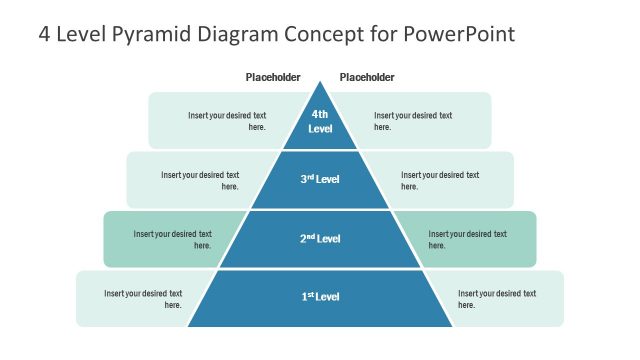
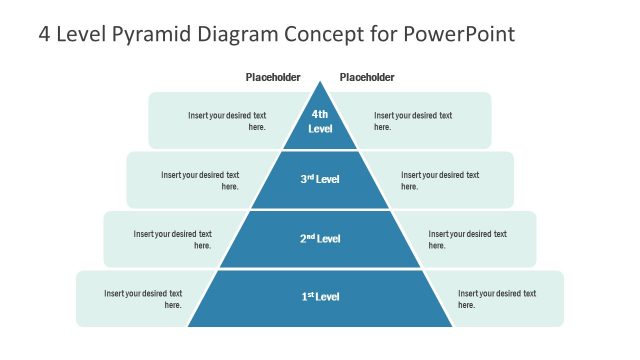
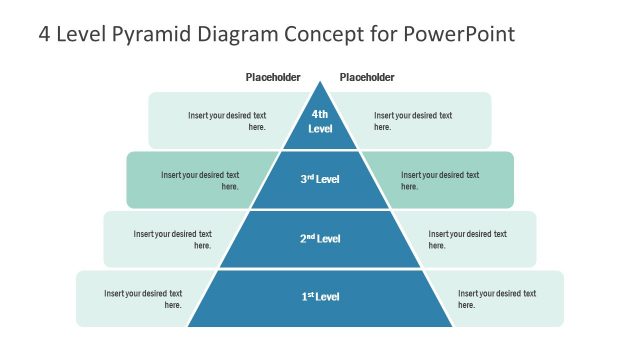
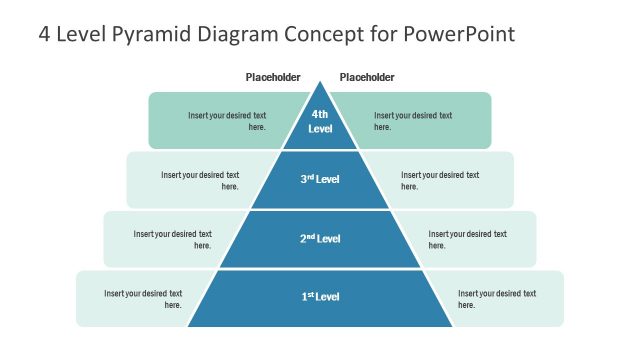
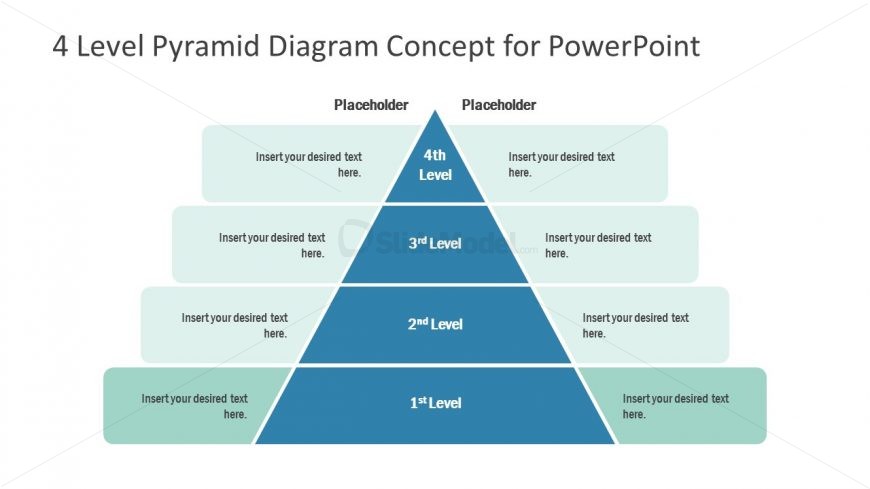
The slide features a pyramid diagram divided into four horizontal layers, each representing a different level. The top layer is the smallest, labeled '4th Level,' followed by the '3rd Level,' '2nd Level,' and the largest base labeled '1st Level.' Each layer has a placeholder for text, aligned centrally within the corresponding shape. The pyramid is colored in shades of blue, with the top layer being the lightest and the bottom layer the darkest. The background is white, enhancing the pyramid's visibility and structure.
How to Use It
This layout serves as a hierarchical representation, ideal for illustrating concepts that involve multiple levels of information or stages. It fits well in a presentation sequence after introducing a topic and before detailing specific steps or components. This format is useful in business contexts such as project planning, strategy development, or educational content where a clear progression is needed. It allows for easy customization of text to fit various themes or subjects.
Text Placeholders & Capacity
Keep your copy within these limits so it fits without resizing. Node labels can hold about 20 characters, while body text can hold around 30 characters each.
| Placeholder | Count | Max characters (approx.) |
|---|---|---|
| Item heading | 4 | 20 |
| Item body | 4 | 30 |
Slide Keywords
Download unlimited PowerPoint templates, charts and graphics for your presentations with our annual plan.
DOWNLOADReturn to 4 Level Pyramid Concept for PowerPoint.