Slide 1 of 5 from 4-Level Funnel with Layers PowerPoint Template
Cover Slide for 4-Level Funnel with Layers PowerPoint Template
4-Level Funnel Diagram for Presentations
- Diagram
- Funnel
- Process Slide
- 16:9
- 100% Editable
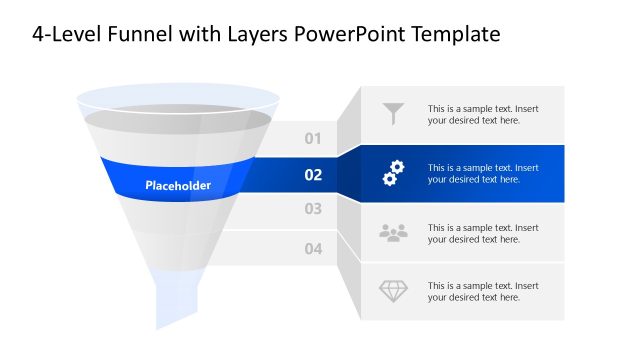
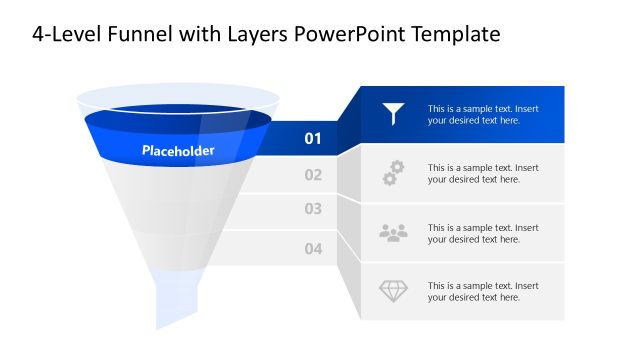
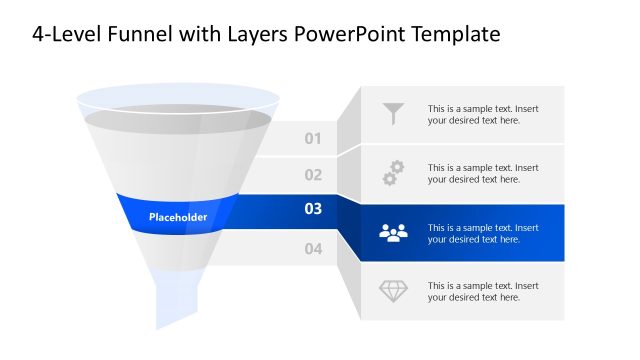
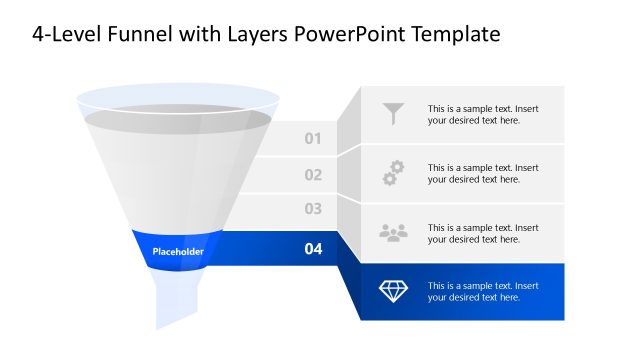
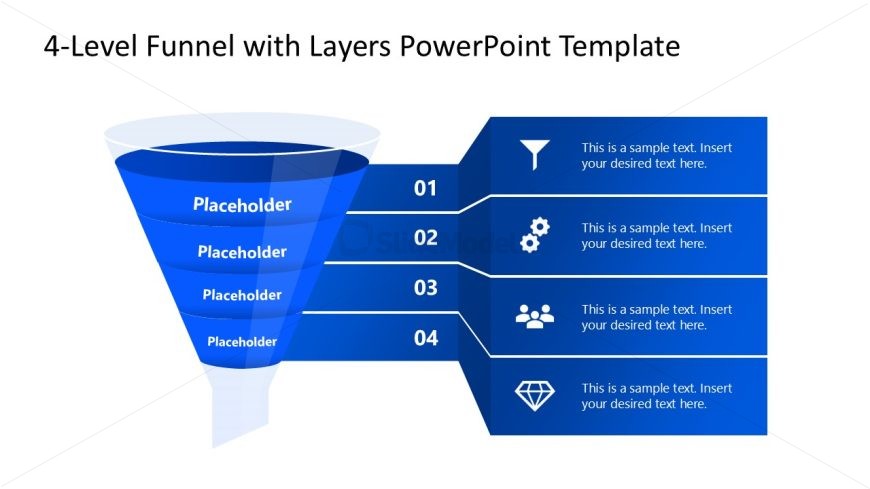
The 4-Level Funnel Diagram slide from the 4-Level Funnel with Layers PowerPoint Template visually represents sequential stages in processes like marketing strategies or sales funnels. This slide layout uses editable shapes and vector icons to clearly map customer journey phases, making it suitable for corporate presentations and business presentation slide decks that require a structured funnel visualization.
What’s on This Slide
The slide features a funnel diagram positioned on the left side, consisting of four horizontal layers. Each layer has a placeholder for text, aligned to the right. The funnel is colored in shades of blue, with the top layer being the widest and gradually narrowing towards the bottom. Each layer is numbered from one to four, with corresponding icons placed in the right column next to each text placeholder. The overall layout is clean, with a clear visual hierarchy emphasizing the funnel structure and the numbered sections.
How to Use It
This layout serves as a structured representation of a four-level funnel, ideal for illustrating stages in a process such as a marketing or sales funnel. It fits well at the beginning of a presentation to outline key phases or steps. This format is useful in business scenarios where a clear progression through stages is required, such as lead generation or customer acquisition strategies. It can also be adapted for training sessions or workshops focused on process improvement.
Text Placeholders & Capacity
Keep your copy within these limits so it fits without resizing. Node body slots can hold approximately 15-20 words each.
| Placeholder | Count | Max characters (approx.) |
|---|---|---|
| Item heading | 4 | 30 |
| Item body | 4 | 100 |
Slide Keywords
Download unlimited PowerPoint templates, charts and graphics for your presentations with our annual plan.
DOWNLOAD