4-Layer Software Architecture Diagram PowerPoint Template
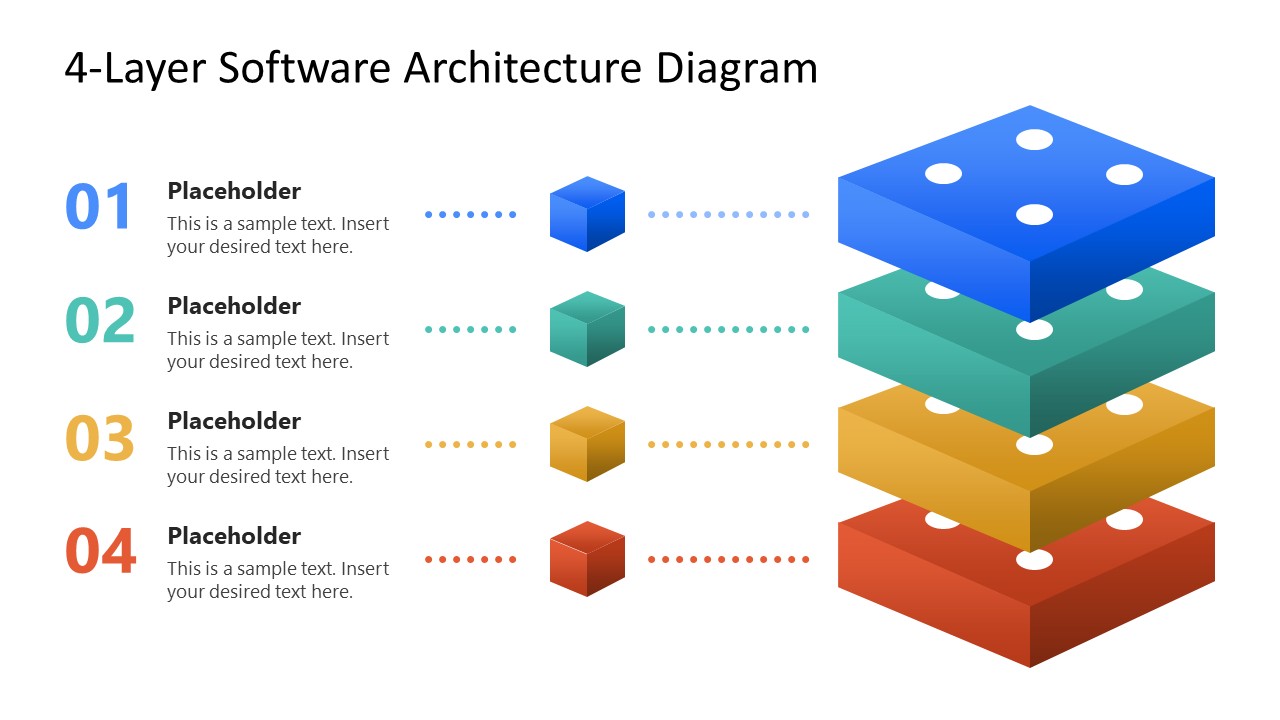
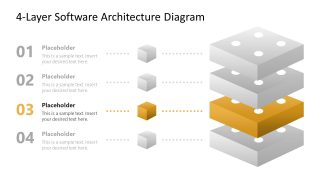
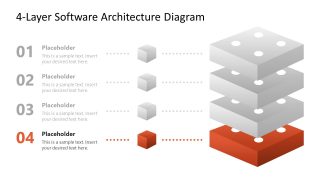
Present software architecture components in executive presentations with our modern and editable 4-Layer Software Architecture Diagram PowerPoint Template. This template uses layered visuals to explain how system components fit together. The four-level stack gives presenters a complete architecture view, then lets them focus on individual layers. Numbered levels set the discussion order, while matching cube icons and dotted connectors link each explanation to its position in the system. Color variation helps presenters distinguish the four levels, giving each architectural area a recognizable visual identity. The same structure supports discussions of application architecture, data systems, infrastructure, or connected business technology.
The 4-Layer Software Architecture Diagram PowerPoint Template includes a complete overview cover slide with four focused diagram variations. The opening slide introduces the entire system, while each following slide isolates one layer for detailed explanation. The placeholder title and description text let engineers describe the responsibilities, technologies, or components assigned to each level. The left content area gives presenters space to explain each layer beside its corresponding position in the stack. Focused slides keep inactive layers visible in grey, keeping technical discussions connected to the full architecture. The diagram can also represent HR systems, where separate layers help explain employee-facing applications, HR services, integrations, and supporting infrastructure. This presentation template also works in Google Slides and other versions of Microsoft PowerPoint.
During a software architecture review, the complete diagram can introduce the system before you examine individual layers with technical stakeholders. For an HR technology presentation, the layers can organize an HR system and explain relationships between applications and supporting services. In a digital transformation proposal, focused slides can show which architectural area a planned technology change affects. A system design discussion can use the numbered levels to clarify responsibilities before reviewing technical decisions. Replace the placeholder headings and supporting text with the actual components represented in the architecture. Use the 4-layer software architecture diagram template to present a clear explanation of layered software systems and architecture decisions.


You must be logged in to download this file.
DOWNLOAD- Category
- Diagrams
- Rating

 Loading...
- Size
- 16x9
- Item ID
- 23746-01
- Colors
Subscribe today and get immediate
access to download our PowerPoint templates.


