Slide 3 of 5 from 3D Tetris Cube PowerPoint Diagram
PowerPoint Template of Tertis Cube
3D Tetris Cube PowerPoint Diagram
- Diagram
- Matrix Quadrant
- Process Slide
- 16:9
- 100% Editable
What’s on This Slide
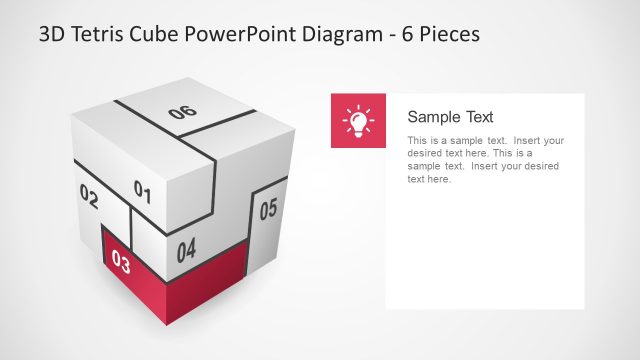
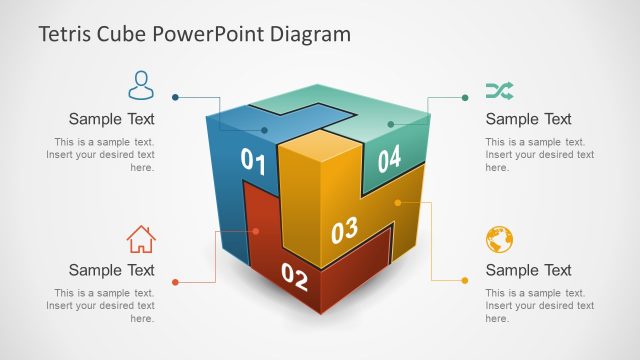
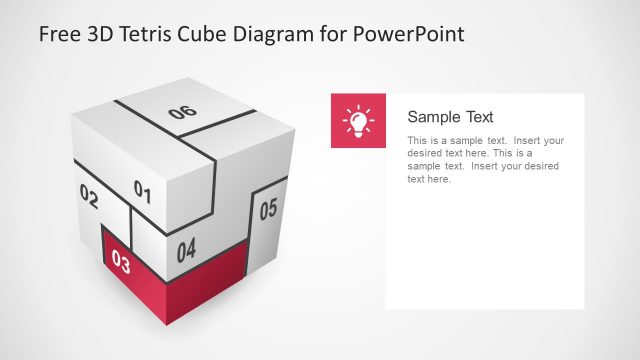
The layout features a 3D cube divided into four segments, each labeled with numbers 01 to 04. The cube is positioned on the left side, with segment 02 prominently highlighted in red. To the right, there is a text placeholder for a title and body text, aligned vertically. The title area is at the top of the text box, with a smaller icon above it. The background is light gray, providing contrast to the cube and text areas. The overall composition emphasizes the cube while allowing space for detailed descriptions.
How to Use It
This layout serves as a visual representation of a four-step process or framework, suitable for presentations that require illustrating sequential concepts. It fits well in a presentation sequence following an introduction or problem statement, leading into detailed explanations of each step. Real-world applications include project management, product development stages, or strategic planning discussions, where clarity in process visualization is essential.
Text Placeholders & Capacity
Keep your copy within these limits so it fits without resizing. Node body slots can hold about 10-12 words each.
| Placeholder | Count | Max characters (approx.) |
|---|---|---|
| Slide title | 1 | 30 |
| Item body | 4 | 50 |
| Item heading | 4 | 2 |
Slide Keywords
Download unlimited PowerPoint templates, charts and graphics for your presentations with our annual plan.
DOWNLOADReturn to 3D Tetris Cube PowerPoint Diagram.