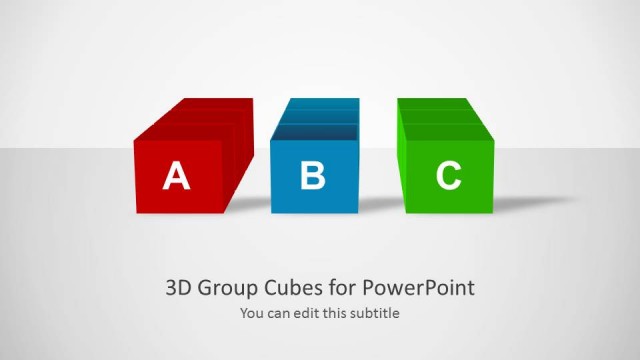
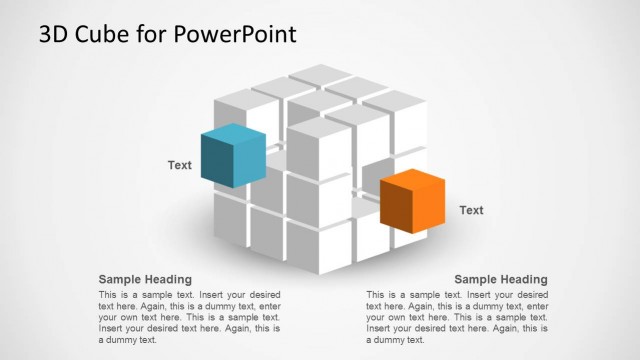
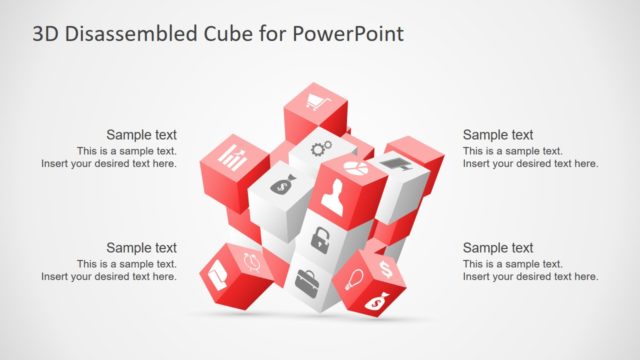
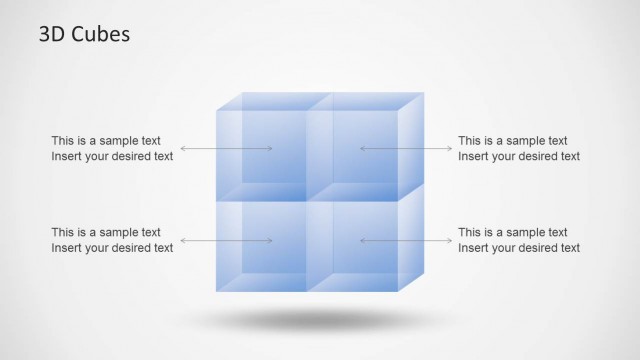
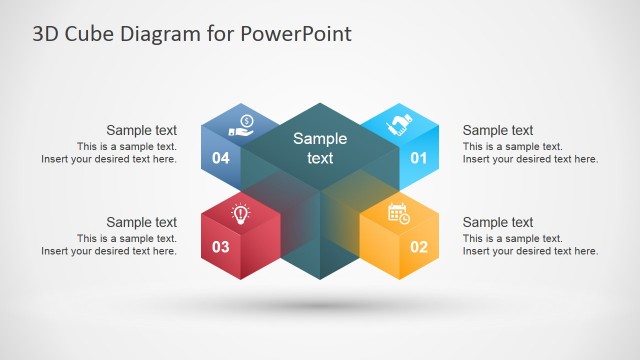
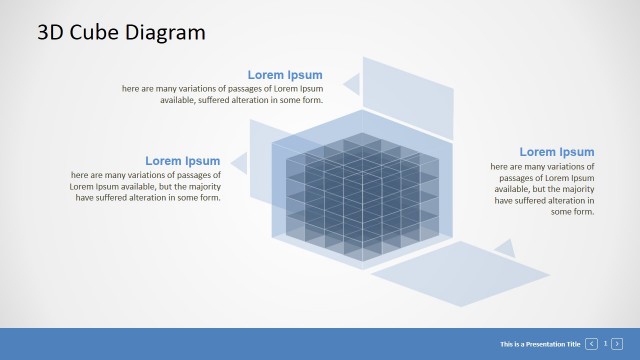
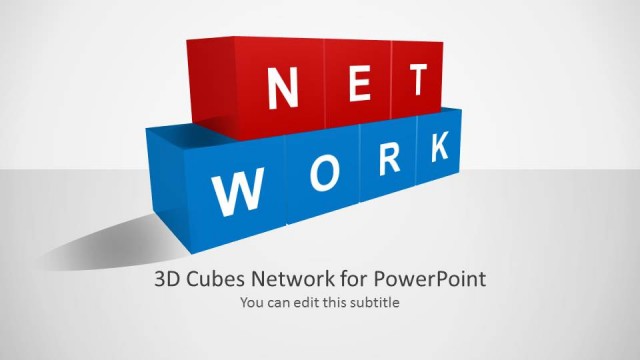
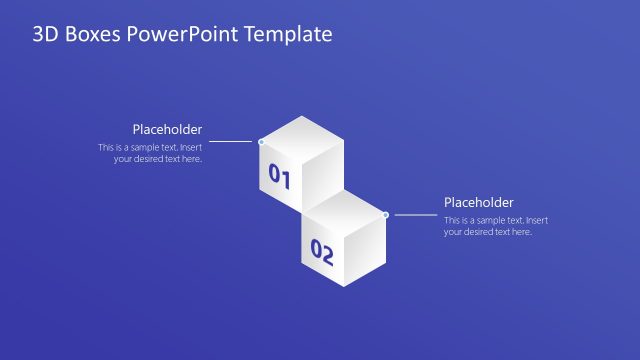
3D Cubes Concept Design for PowerPoint is a presentation template containing nice slide designs with 3D boxes and cubes that were created using PowerPoint shapes.
These customizable 3D slide layouts can be used for a variety of presentation topics, where 3D cubes can be used to depict anything from a problem, process, milestone to a custom diagram meant to depict a creative idea.
What’s inside this template
Example presentation scenarios
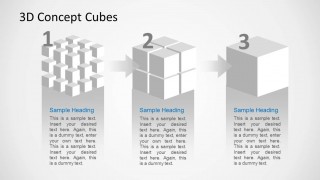
- A business analyst can use the numbered process flow to explain how three stages of a data or operations workflow connect from one block of work to the next.
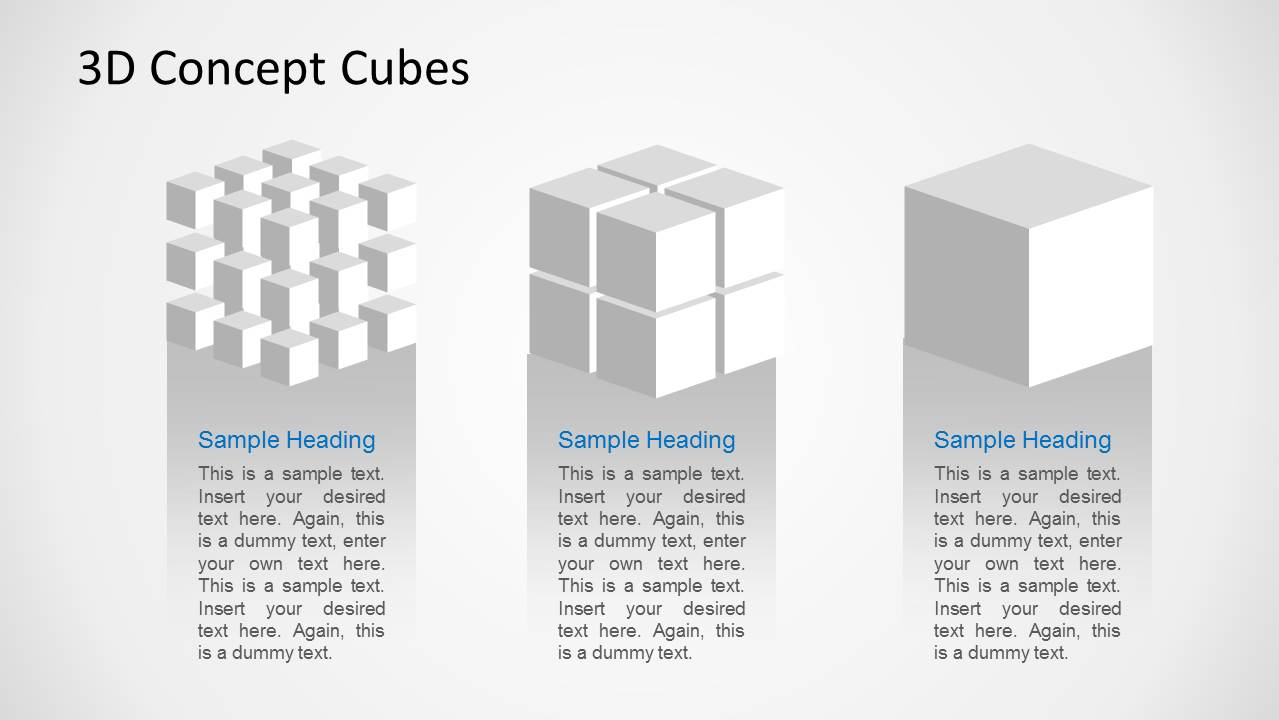
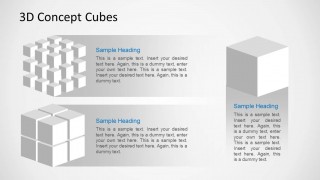
- An IT presenter can use the cube cluster and large cube callout slides to describe how smaller data components combine into a data warehouse concept.
- A consultant can use the three-option comparison slides to compare solution alternatives, capability groups, or implementation priorities for an executive audience.
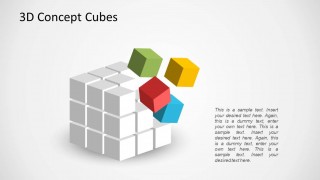
- A trainer can use the exploding cube diagram to show learners that a complete system is made of separate parts that can be discussed one by one.
Features
- 100% editable presentation template
- Compatible with Microsoft PowerPoint and Google Slides
- Scalable vector shapes, icons and illustrations
- AI-Ready for Microsoft Copilot and Claude
- Instant access and download
Frequently asked questions
Q: How should a presenter explain a complex concept with these cube layouts?
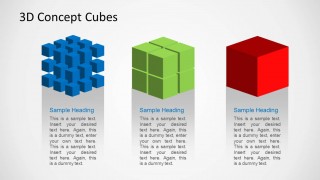
A: Start with the three-column cube comparison to define the main parts before showing movement or assembly. Then use the numbered process flow for sequence and the exploding cube slide to isolate subcomponents. This keeps the audience from seeing the cube as decoration only; each block should stand for a named concept, action, or dependency.
Q: Who is this template best suited for?
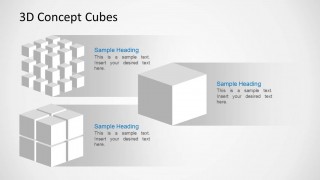
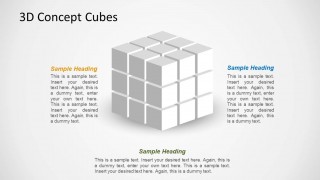
A: This template is best for presenters who need a visual metaphor for building blocks, structured systems, or modular thinking. Business analysts, IT teams, consultants, and trainers can use the cube comparison, process flow, and central hub layouts to explain concepts that are difficult to photograph or show with a standard chart.
Q: Why does the cube metaphor work for data, process, and milestone topics?
A: Cubes imply structure, containment, and assembly, so they help audiences understand how separate elements form a larger system. The template repeats the same cube language across comparisons, callouts, and process slides, which reduces visual learning time and lets the presenter focus on meaning rather than introducing a new diagram style each time.


3D Cubes Concept Design for PowerPoint
7-slide PowerPoint presentation template with 3D cube diagrams for processes and data warehouse concepts
3D Cubes Concept Design for PowerPoint is a 7-slide diagram template built around editable 3D cube shapes. It includes three-option comparisons, a numbered process flow, ribbon-style cube callouts, an exploding cube concept, and a central cube hub layout for presenters explaining data warehouse ideas, processes, milestones, or structured concepts in PowerPoint.


 Loading...
 Microsoft PowerPoint
  Microsoft Copilot
  Claude for PowerPoint
 Other formats supported
Subscribe today and get immediate
access to download our PowerPoint templates.