Slide 4 of 7 from 3D Cubes Concept Design for PowerPoint
8025-3-3d-blocks-concept-4
3D Concept Cubes for Presentations
- Diagram
- Comparison Split
- Concept Explanation Slide
- 16:9
- 100% Editable
The 3D Concept Cubes slide from the 3D Cubes Concept Design for PowerPoint template offers a clear visual comparison tool using editable shapes to showcase product features or data concepts. This slide layout supports business presentations by visually distinguishing multiple ideas with vector icons and structured text placeholders, enhancing clarity in corporate presentations or pitch deck templates.
What’s on This Slide
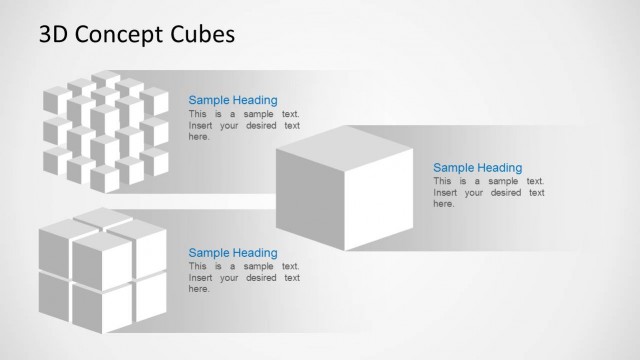
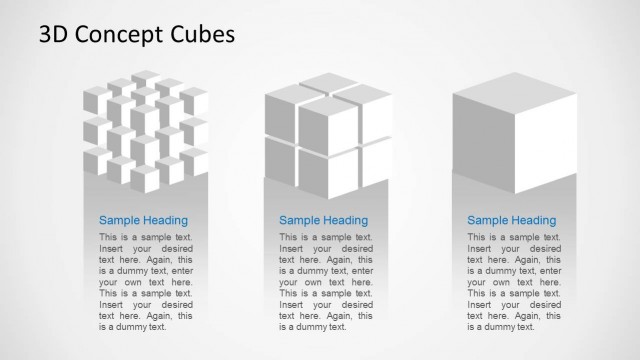
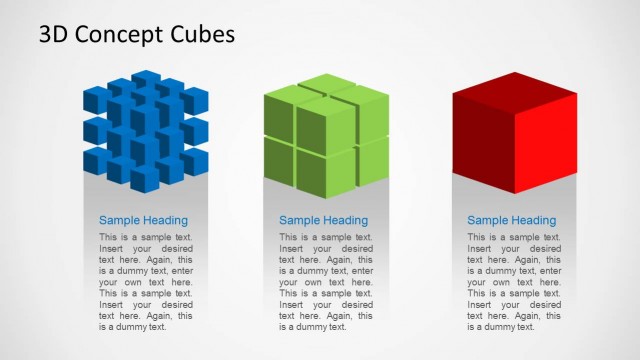
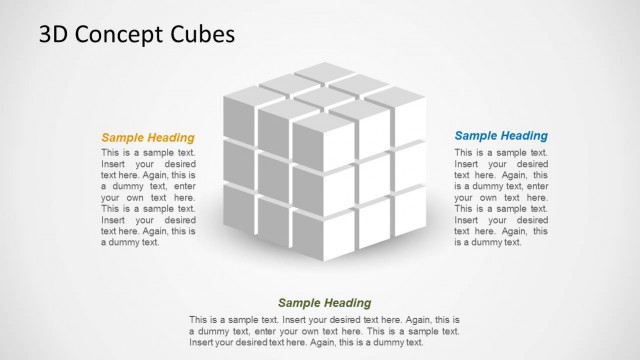
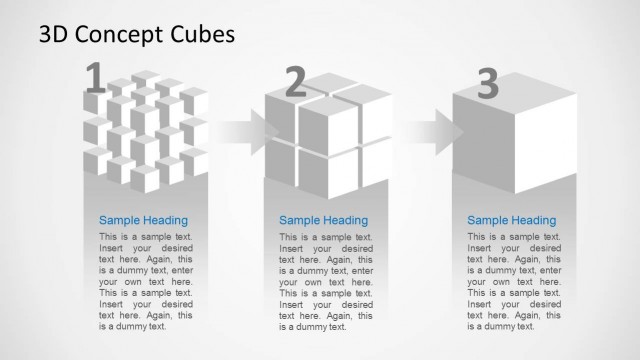
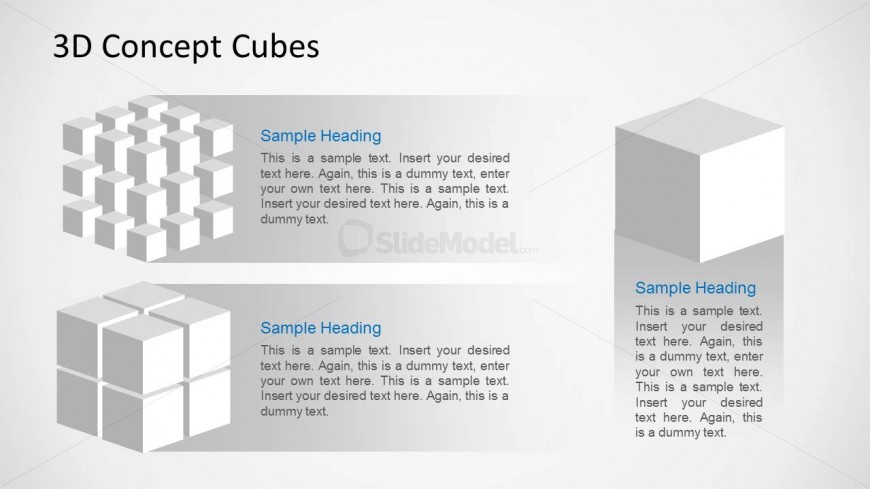
The slide features a top section with a large title aligned to the left. Below, three distinct 3D cube shapes are arranged in a row. The first shape is a cluster of smaller cubes, the second is a larger cube with a grid pattern, and the third is a single cube. Each cube is accompanied by a text placeholder beneath it, aligned to the left. The placeholders are designed for headings and body text, maintaining a consistent visual hierarchy. The background is light with a subtle gradient, enhancing the 3D effect of the cubes.
How to Use It
This layout serves as a visual comparison tool, ideal for showcasing multiple concepts or ideas represented by 3D cubes. It fits well in a presentation sequence after introducing a topic, allowing for detailed exploration of each concept. This structure is useful in business scenarios such as data visualization, product comparisons, or illustrating complex processes. It can also effectively highlight features in a marketing context, making it suitable for product launches or strategy discussions.
Text Placeholders & Capacity
Keep your copy within these limits so it fits without resizing. Node body slots can hold approximately 25-30 words each.
| Placeholder | Count | Max characters (approx.) |
|---|---|---|
| Slide title | 1 | 30 |
| Item heading | 3 | 20 |
| Item body | 3 | 150 |
Slide Keywords
Download unlimited PowerPoint templates, charts and graphics for your presentations with our annual plan.
DOWNLOADReturn to 3D Cubes Concept Design for PowerPoint.