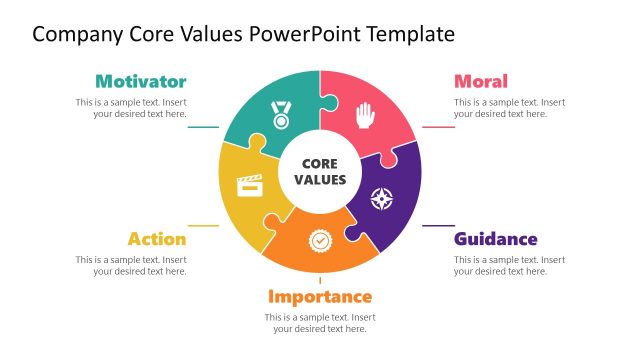
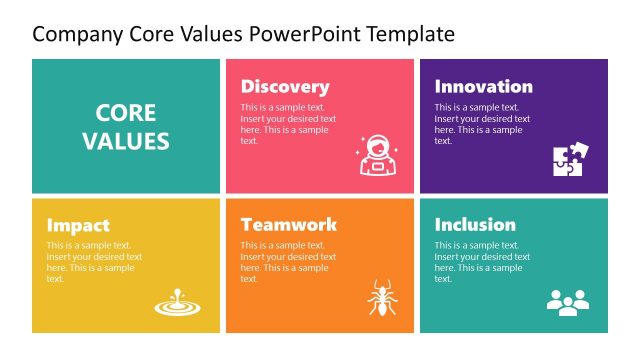
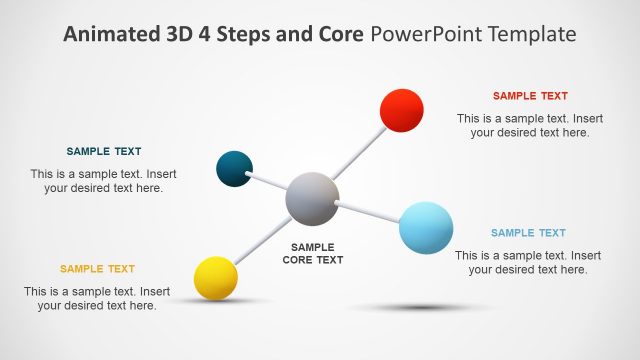
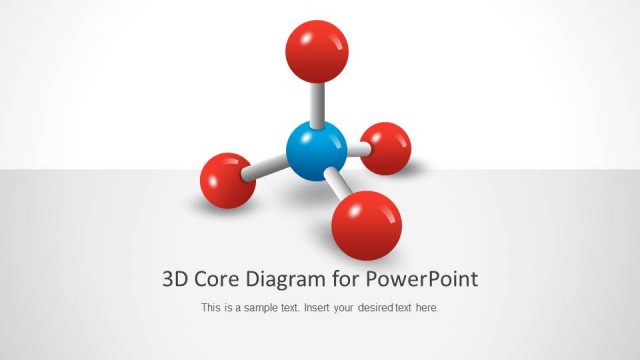
This 3D core values presentation template for PowerPoint and Google Slides contains a 3D diagram design that can be used to present the core values with a clear and concise presentation slide. Core values are the guiding principles that dictate behavior and action. Core values can help people differentiate the proper steps from wrong actions. Companies and organizations also widely adopt this concept to determine if they are on the right path and fulfilling their business goals.
Using this 3D Core Values presentation template, you can create engaging slides for PowerPoint combining 3D elements with a creative business presentation layout. Alternatively, you can download other core value slides for presentations with a variety of PowerPoint layouts and designs.
What’s inside this template
Example presentation scenarios
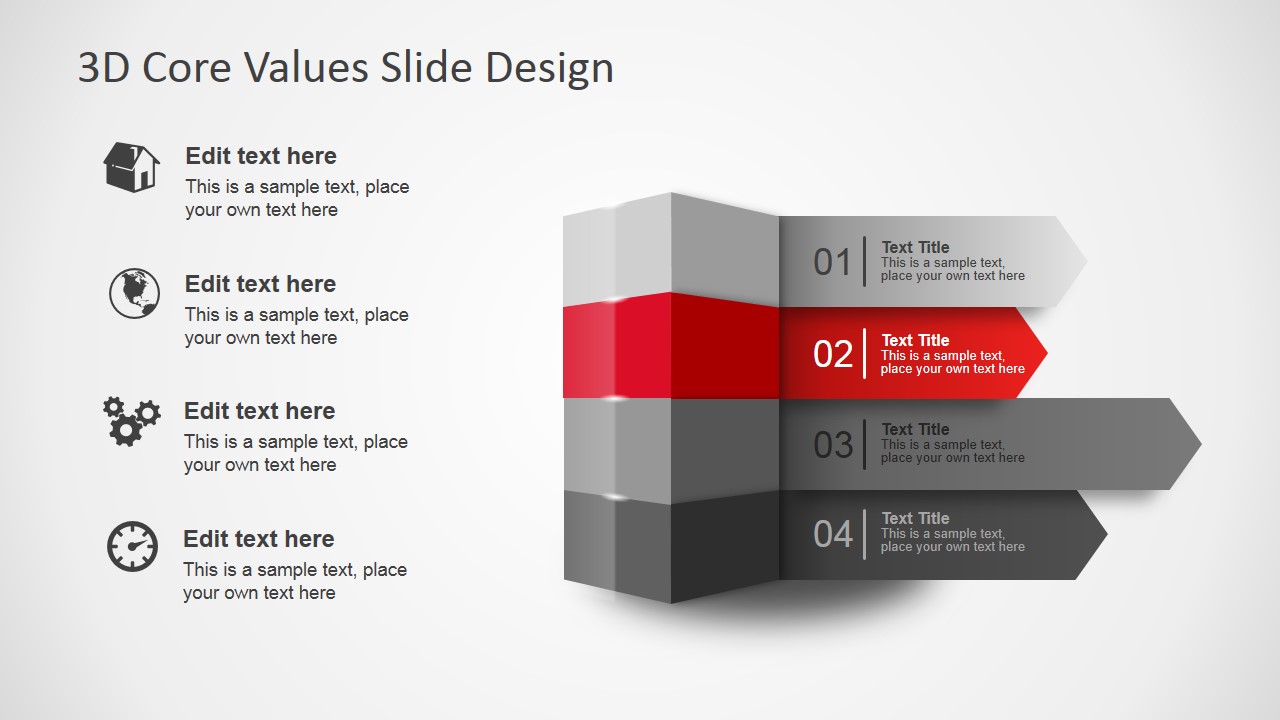
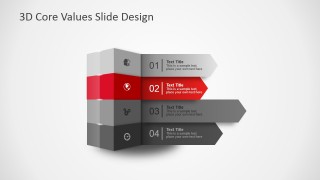
- An HR leader can use the 4-step diagram to introduce company values during onboarding and explain each value with the numbered arrow bands and icon callouts.
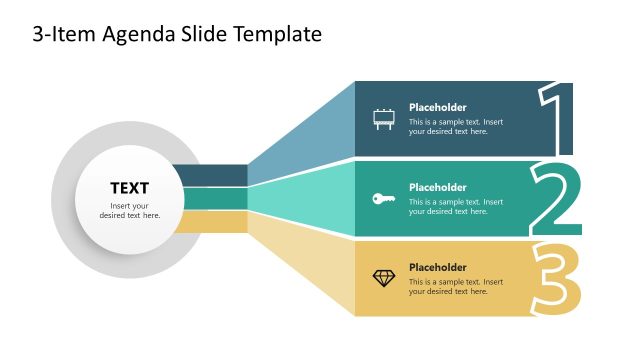
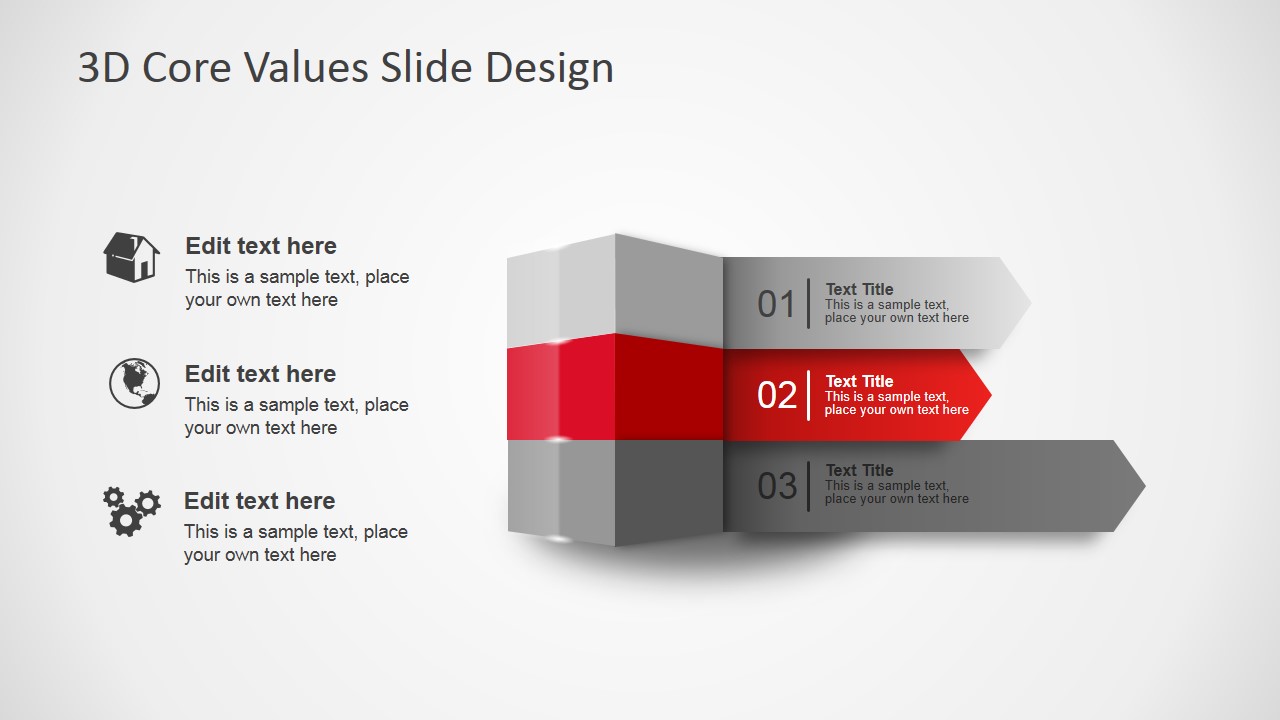
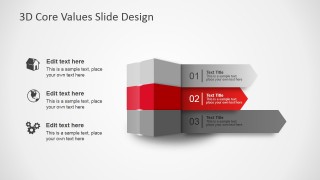
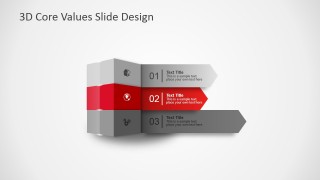
- An executive can use the 3-step layout to present strategic principles at a town hall and keep the message focused on three memorable priorities.
- A consultant can use the centered 4-step diagram to summarize a client culture framework and connect each principle to a short explanatory caption.
- A department manager can use the icon callout version to turn an agenda into a guided discussion, with each icon representing a theme or behavior.
Features
- 100% editable presentation template
- Compatible with Microsoft PowerPoint and Google Slides
- 16:9 aspect ratio slides
- Scalable vector shapes, icons and illustrations
- AI-Ready for Microsoft Copilot and Claude
- Instant access and download
Frequently asked questions
Q: How should a presenter organize the message with this core values diagram?
A: Start with the slide that matches the number of values you need to explain, then assign one concise action phrase to each numbered band. Use the icon callouts for evidence, examples, or behaviors, not for duplicate labels. The red band should mark the value being discussed or the most important principle.
Q: Who is this template best suited for in a business presentation?
A: This template fits executives, HR leaders, culture teams, and consultants who need to make abstract principles concrete in a short internal briefing. The 3D arrows work well for mission, operating principles, agenda themes, or code-of-conduct pillars when the audience needs a memorable ordered structure rather than detailed policy text.
Q: Why use a 3D stacked arrow metaphor for core values?
A: The stacked block suggests a foundation, while the arrows imply forward movement from values to action. Numbering makes the set easy to reference in discussion, and the red accent creates a focal point. This helps audiences see values as connected priorities, not as a flat list of slogans.


3D Core Values Slide Design for PowerPoint
4-slide presentation template with 3D core values arrows and icon callouts for PowerPoint and Google Slides
The 3D Core Values Slide Design for PowerPoint is a 4-slide diagram template for explaining values, principles, or agenda themes. It includes 4-step and 3-step 3D stacked arrow diagrams, numbered value bands, and icon callout lists for leaders, HR teams, and consultants using Microsoft PowerPoint or Google Slides.
- Category
- Diagrams
- Rating


 Loading...
- Aspect ratio
- 16:9
- Item ID
- 2039-01
- Colors
 Microsoft PowerPoint
  Microsoft Copilot
  Claude for PowerPoint
 Other formats supported
Subscribe today and get immediate
access to download our PowerPoint templates.