Slide 1 of 2 from 3D Coordinate System Infographic PowerPoint Template
Editable 3D Coordinate System Infographic Template
3D Coordinate System PowerPoint Template
- Diagram
- Other
- Concept Explanation Slide
- 16:9
- 100% Editable
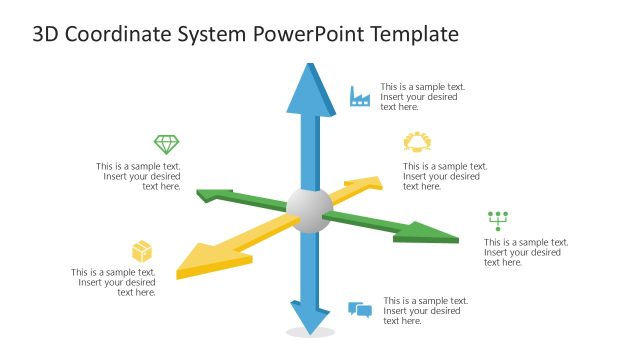
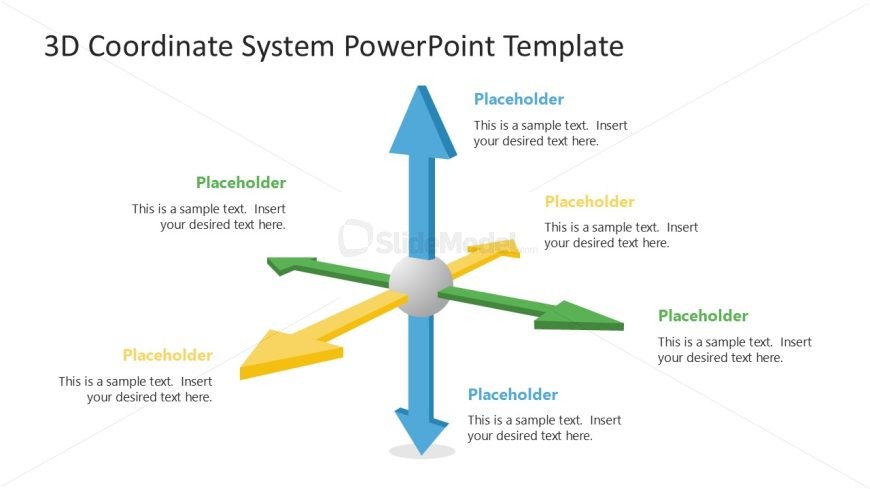
The 3D Coordinate System Diagram slide from the 3D Coordinate System Infographic PowerPoint Template offers a clear visual framework for explaining multi-dimensional relationships and performance metrics. This slide layout uses editable shapes and vector icons to create a central hub with four distinct arrows, making it suitable for business presentations and corporate slide decks that require illustrating complex concepts or project stages effectively.
What’s on This Slide
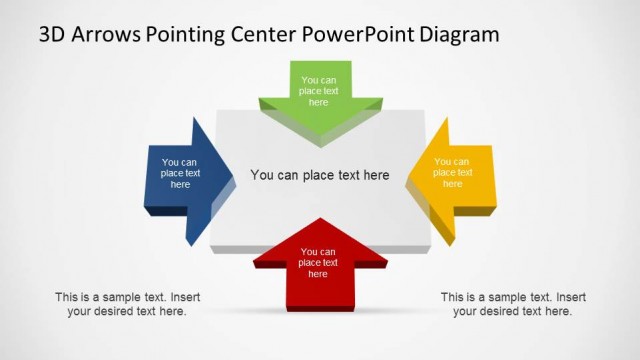
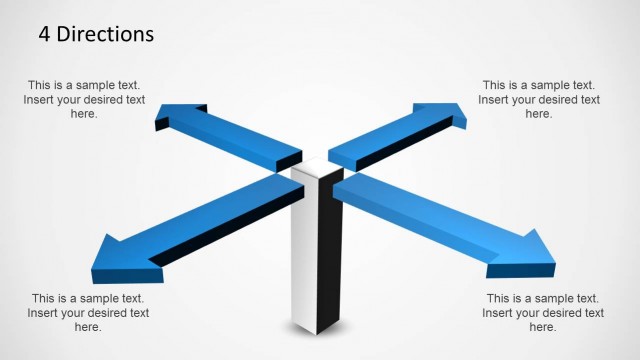
The layout features a central hub with four arrows extending outward in different directions. Each arrow is a different color: blue, green, yellow, and orange. Text placeholders are positioned along each arrow, indicating where content can be inserted. The arrows are thick and three-dimensional, creating a sense of depth. The central hub is circular, connecting all arrows. The background is white, providing contrast to the colorful arrows. The visual hierarchy emphasizes the arrows, guiding the viewer's attention to the placeholders for text.
How to Use It
This layout serves as a visual representation of a 3D coordinate system, ideal for illustrating concepts involving multiple dimensions or variables. It can be used to explain relationships between different factors in a business context, such as performance metrics or project management stages. This slide fits well at the beginning of a presentation to introduce complex ideas or frameworks. It can also serve as a reference point for discussions around spatial relationships in data analysis or strategic planning.
Text Placeholders & Capacity
Keep your copy within these limits so it fits without resizing. Each text placeholder can hold about 10 words comfortably.
| Placeholder | Count | Max characters (approx.) |
|---|---|---|
| Item body | 4 | 50 |
Slide Keywords
Download unlimited PowerPoint templates, charts and graphics for your presentations with our annual plan.
DOWNLOADReturn to 3D Coordinate System Infographic PowerPoint Template.