Slide 3 of 6 from 3D Column Chart Puzzle Roadmap PowerPoint Template
PowerPoint Template Roadmap Timeline
3D Puzzle Column Chart Roadmap Slide
- Diagram
- Process Flow
- Timeline Slide
- 16:9
- 100% Editable
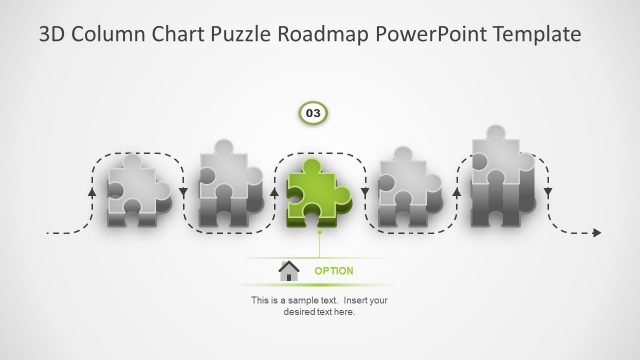
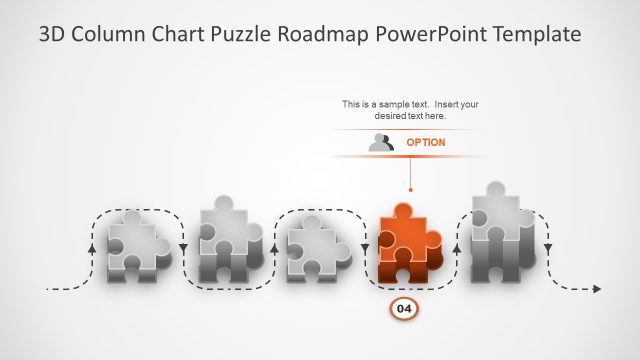
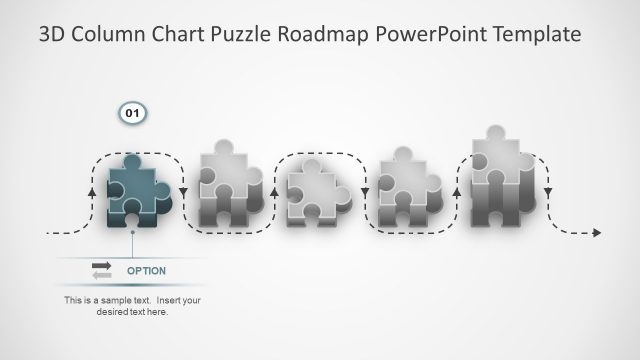
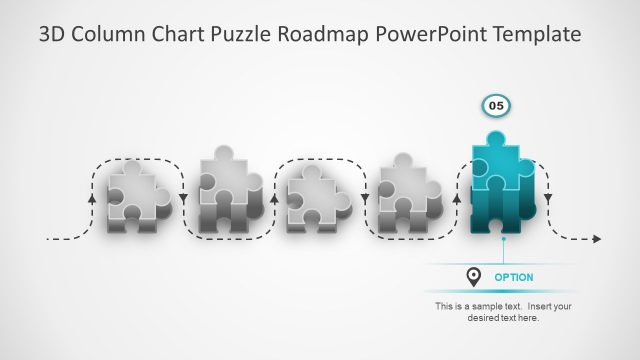
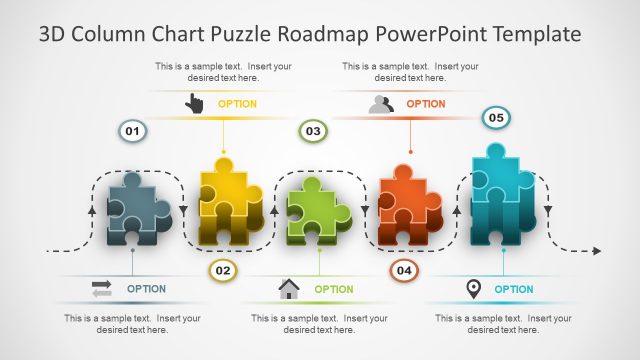
The 3D Puzzle Column Chart slide from the 3D Column Chart Puzzle Roadmap PowerPoint Template offers a clear visual timeline ideal for project timelines and strategic planning. This slide uses editable shapes and vector icons arranged as interconnected puzzle pieces to represent sequential phases, making it suitable for business presentations and pitch decks that require a detailed process flow illustration.
About This Slide
The amazing slides of 3D Column Chart Puzzle Roadmap PowerPoint Template highlight individual segment of presentation at a time. Like this slide shows a glowing yellow puzzle piece with pointing finger icon. It is a five step PowerPoint of process flow diagram showing the second stage of the presentation. The editable PowerPoint of column chart puzzle roadmap enables users to make several changes. Such as, the color and the shape effects from drawing format menu. Further, this stage has number and icon for its representation. The presenter can also make adjustments or replace the graphics as necessary.
What’s on This Slide
The layout features a horizontal sequence of five puzzle pieces, with the second piece highlighted in yellow. Each piece is a 3D shape, with the highlighted piece appearing larger than the others. There are dashed lines connecting the pieces, indicating a flow from left to right. Below the highlighted piece, there is a circular placeholder with the number '02'. Text placeholders are present above and below the puzzle pieces, aligned centrally. The background is light, enhancing the visibility of the elements.
How to Use It
This layout serves as a visual roadmap, illustrating sequential steps or milestones in a project. It is suitable for presentations that outline phases in product development or project planning. Positioned after introductory slides, it effectively communicates progress and options available at each stage. This structure can be used in business meetings, strategy sessions, or project updates to clarify the timeline and key decisions.
Text Placeholders & Capacity
Keep your copy within these limits so it fits without resizing. Body slots can hold about 50 characters each.
| Placeholder | Count | Max characters (approx.) |
|---|---|---|
| Item heading | 1 | 2 |
| Body paragraph | 1 | 50 |
| Body paragraph | 1 | 50 |
Slide Keywords
Download unlimited PowerPoint templates, charts and graphics for your presentations with our annual plan.
DOWNLOADReturn to 3D Column Chart Puzzle Roadmap PowerPoint Template.