Slide 2 of 5 from 3D Cloud Shapes for PowerPoint
Cloud Computing Shapes for PowerPoint
3D Cloud Shapes for PowerPoint - Central Cluster Slide
- Diagram
- Other
- Product Overview Slide
- 16:9
- 100% Editable
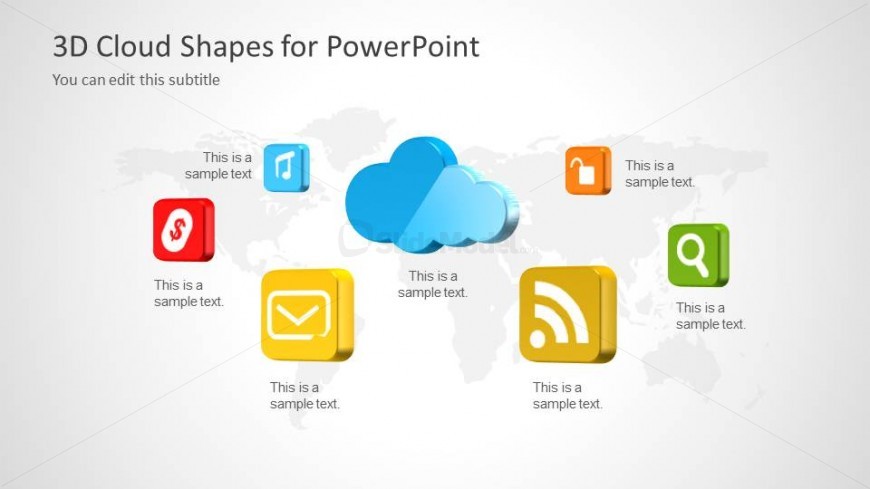
The Central Cloud Cluster with Icons slide from the 3D Cloud Shapes for PowerPoint template offers a clear visual overview for cloud computing presentations. This slide layout uses editable shapes and vector icons arranged around a central 3D cloud to highlight multiple service features effectively. It is suitable for business presentations and pitch deck templates that require a professional and organized depiction of cloud-based products or solutions.
What’s on This Slide
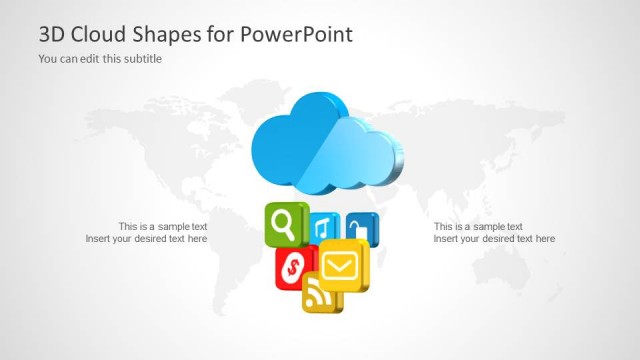
The layout features a central 3D cloud shape positioned in the middle of the slide. Surrounding the cloud are five square icons, each containing a different symbol, arranged in a circular pattern. The icons are colored in shades of red, yellow, green, and orange, each with a corresponding text placeholder below. The background is light gray with a subtle world map design, enhancing the global theme. The title is positioned at the top left, with a subtitle placeholder directly beneath it. The overall composition is balanced and visually organized.
How to Use It
This layout serves as a central cloud cluster diagram, ideal for illustrating cloud computing concepts or services. It fits well in a presentation sequence after an introductory slide, providing a visual summary of key services or features. This structure is useful in business contexts such as sales pitches, product overviews, or service presentations, where multiple offerings are highlighted in relation to a central theme.
Text Placeholders & Capacity
Keep your copy within these limits so it fits without resizing. Node body slots can accommodate roughly 4-5 words each.
| Placeholder | Count | Max characters (approx.) |
|---|---|---|
| Slide title | 1 | 30 |
| Subtitle | 1 | 30 |
| Item body | 5 | 20 |
Slide Keywords
Download unlimited PowerPoint templates, charts and graphics for your presentations with our annual plan.
DOWNLOADReturn to 3D Cloud Shapes for PowerPoint.