Slide 5 of 5 from 3D Cloud Shapes for PowerPoint
6064-01-3d-cloud-shapes-5
3D Cloud Shapes for PowerPoint
- Media Layout
- Other
- Closing Slide
- 16:9
- 100% Editable
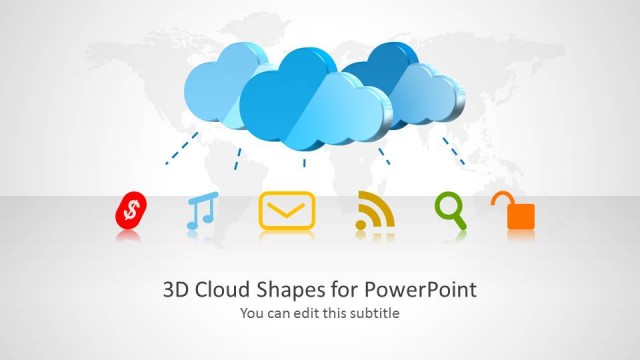
The 3D Cloud Shapes Layout from the 3D Cloud Shapes for PowerPoint template is designed as a closing slide ideal for business presentations and pitch decks focused on cloud computing. This slide template features editable shapes and vector icons that visually summarize key concepts with a balanced composition of imagery and text. It supports clear communication of final thoughts or calls to action, making it a practical choice within professional slide decks and Google Slides templates.
What’s on This Slide
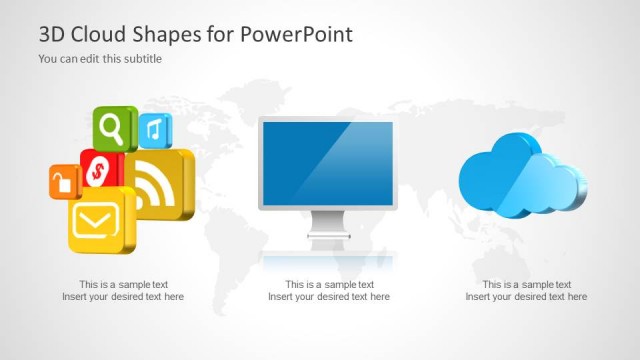
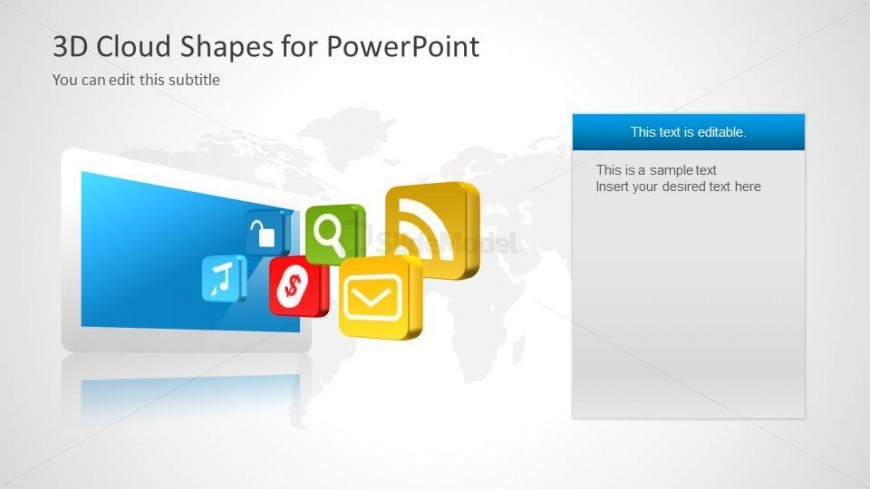
The layout features a central monitor displaying a blue screen, positioned on the left side. Surrounding the monitor are five colorful 3D cloud icons, including symbols for messaging, social media, and finance. On the right side, there is a rectangular text placeholder with a blue header, aligned vertically. The background is light gray with a subtle world map graphic. The visual hierarchy emphasizes the monitor and cloud icons, while the text placeholder is clearly defined for editable content. Overall, the composition balances imagery and text effectively.
How to Use It
This layout serves as a concluding slide, summarizing key points or providing a call to action. It fits well at the end of a presentation, especially for topics related to cloud computing or digital services. The design allows for a visual recap of discussed concepts while providing space for final thoughts or additional information. It is suitable for business presentations, tech overviews, or marketing pitches focused on cloud solutions and social media engagement.
Text Placeholders & Capacity
Keep your copy within these limits so it fits without resizing. Body slots can hold about 20-25 words each.
| Placeholder | Count | Max characters (approx.) |
|---|---|---|
| Slide title | 1 | 30 |
| Subtitle | 1 | 50 |
| Body paragraph | 1 | 150 |
Slide Keywords
Download unlimited PowerPoint templates, charts and graphics for your presentations with our annual plan.
DOWNLOADReturn to 3D Cloud Shapes for PowerPoint.