Slide 1 of 3 from 3D Blocks PowerPoint Template with 3 Rows
3D Blocks PowerPoint Diagram
3D Block PowerPoint Slide with Text Placeholder
- Shape Object
- Other
- Context Slide
- 16:9
- 100% Editable
What’s on This Slide
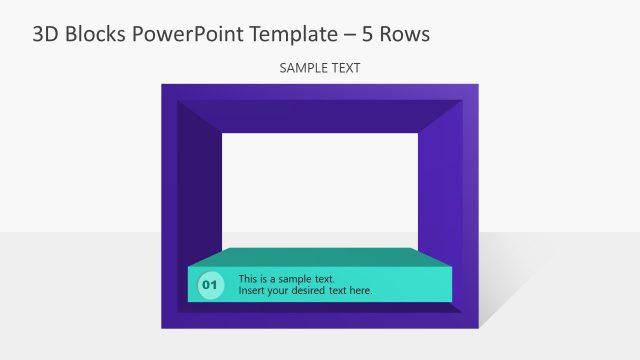
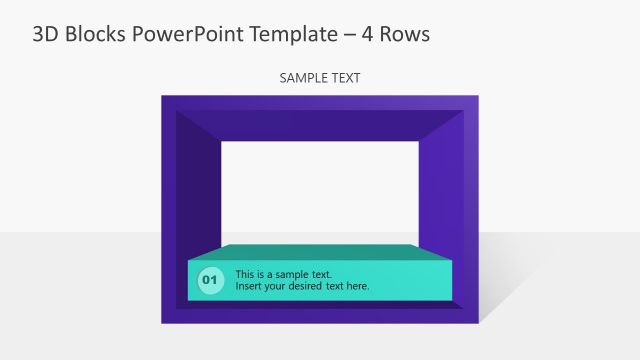
The layout features a prominent 3D block shape centered on the slide. The block has a purple outer frame with a turquoise inner section at the bottom. Inside the inner section, there is a circular node labeled '01' positioned on the left. Below this node, a text placeholder is centered, indicating where to insert custom content. The background is a light color, enhancing the visibility of the 3D block. The overall composition is clean, with a clear visual hierarchy emphasizing the block and text area.
How to Use It
This layout serves as an introductory slide or a section header in a presentation. It is ideal for presenting key points or steps in a process, making it suitable for business meetings or educational contexts. The 3D block design can effectively highlight important information or concepts. It fits well at the beginning of a presentation or after a problem-framing slide, guiding the audience into the main content. Use this layout to present sequential information or to introduce topics clearly.
Text Placeholders & Capacity
Keep your copy within these limits so it fits without resizing. Body slot can hold approximately 15-20 words comfortably.
| Placeholder | Count | Max characters (approx.) |
|---|---|---|
| Slide title | 1 | 30 |
| Item heading | 1 | 2 |
| Item body | 1 | 100 |
Slide Keywords
Download unlimited PowerPoint templates, charts and graphics for your presentations with our annual plan.
DOWNLOADReturn to 3D Blocks PowerPoint Template with 3 Rows.