Slide 2 of 3 from 3D Blocks PowerPoint Template with 3 Rows
2 Items 3D Block PowerPoint Diagram
3D Block Diagram with Rows for Presentations
- Diagram
- Other
- Process Slide
- 16:9
- 100% Editable
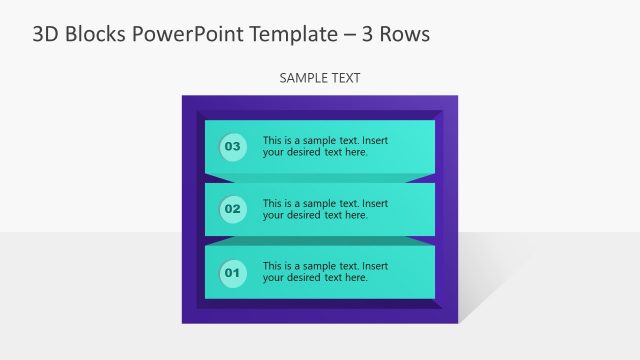
The 3D Block Diagram with Rows slide from the 3D Blocks PowerPoint Template with 3 Rows offers a clear visual structure for illustrating step-by-step processes or project timelines. This slide layout uses editable shapes and numbered labels within a prominent 3D block to guide viewers through sequential information, making it suitable for business presentations or corporate slide decks that require organized feature highlights.
What’s on This Slide
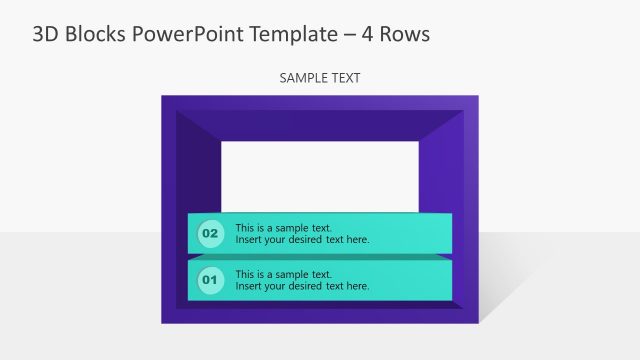
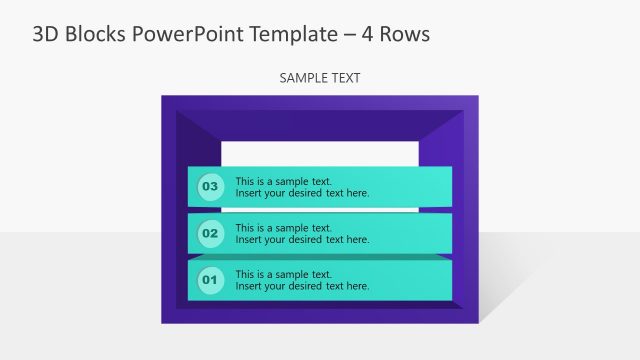
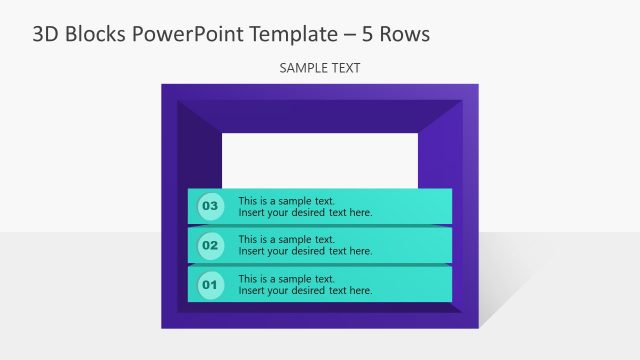
The layout features a large 3D block shape in purple occupying the center. Inside, there are two rectangular text boxes stacked vertically, each with rounded corners. The top box contains a placeholder for text, while the bottom box includes a numbered label. The first box is aligned at the top, and the second is directly below it, both centered within the 3D block. The background is light, enhancing the visibility of the elements. The visual hierarchy emphasizes the numbered labels in circular shapes, guiding the viewer's focus.
How to Use It
This layout serves as a sequential block diagram, ideal for presenting steps or stages in a process. It fits well in a presentation sequence after an introduction slide, providing clarity on the progression of ideas. Common scenarios include project timelines, product features, or strategic initiatives where a clear order is essential. It can be used individually to highlight key points in a concise manner, ensuring the audience can follow the flow of information easily.
Text Placeholders & Capacity
Keep your copy within these limits so it fits without resizing. Each text box can hold roughly 15-20 words comfortably.
| Placeholder | Count | Max characters (approx.) |
|---|---|---|
| Item heading | 2 | 40 |
| Item body | 2 | 100 |
Slide Keywords
Download unlimited PowerPoint templates, charts and graphics for your presentations with our annual plan.
DOWNLOADReturn to 3D Blocks PowerPoint Template with 3 Rows.