Slide 3 of 9 from 30 60 90 Day Business Plan PowerPoint Template
30 60 90 Day Business Plan PPT Slide
30 60 90 Day Business Plan Slide
- Text Layout
- List Blocks
- Process Slide
- 16:9
- 100% Editable
What’s on This Slide
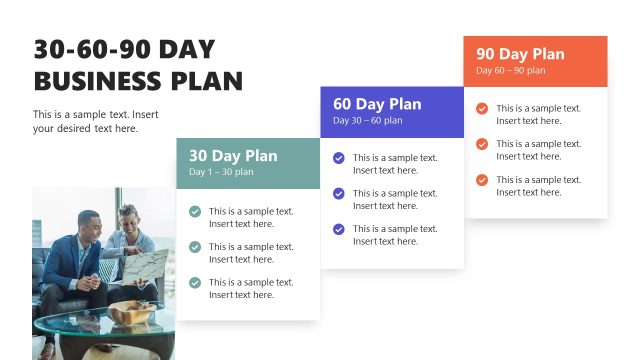
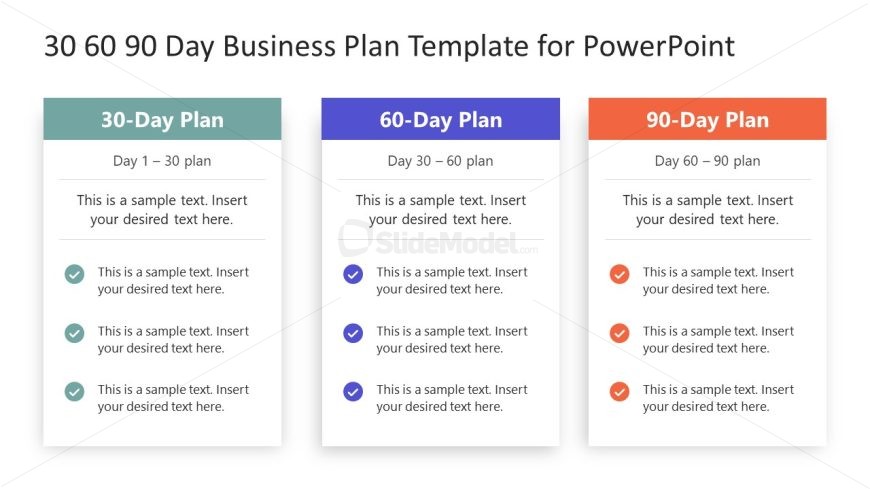
The layout features three vertical sections, each representing a 30, 60, and 90-day plan. Each section contains a title at the top, followed by a placeholder for a summary and three bullet points below. The titles are aligned at the top center of each section, with the bullet points aligned left. Each section is visually separated by distinct background colors: light blue for the 30-day plan, light purple for the 60-day plan, and light orange for the 90-day plan. There are checkmark icons next to each bullet point, enhancing the visual hierarchy.
How to Use It
This layout serves as a structured overview for a 30-60-90 day business plan, ideal for presentations outlining strategic plans or project timelines. It fits well after an introductory slide and before detailed action items. This format is useful in business contexts such as onboarding presentations, project kick-offs, or strategic planning sessions, where clear timelines and actionable steps are required. It allows for quick comprehension of the planned phases and tasks.
Text Placeholders & Capacity
Keep your copy within these limits so it fits without resizing. Node body slots can hold about 10 words each comfortably.
| Placeholder | Count | Max characters (approx.) |
|---|---|---|
| Slide title | 1 | 30 |
| Item heading | 3 | 20 |
| Item body | 9 | 50 |
Slide Keywords
Download unlimited PowerPoint templates, charts and graphics for your presentations with our annual plan.
DOWNLOAD