Slide 4 of 9 from 30 60 90 Day Business Plan PowerPoint Template
30 60 90 Day Business Plan PowerPoint Slide
30 60 90 Day Business Plan Table Slide
- Table
- Data Table
- Project Plan Slide
- 16:9
- 100% Editable
What’s on This Slide
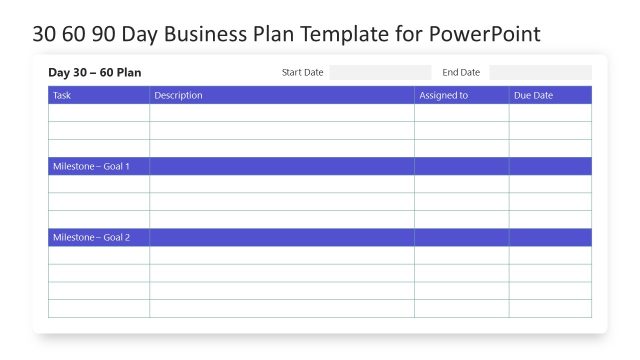
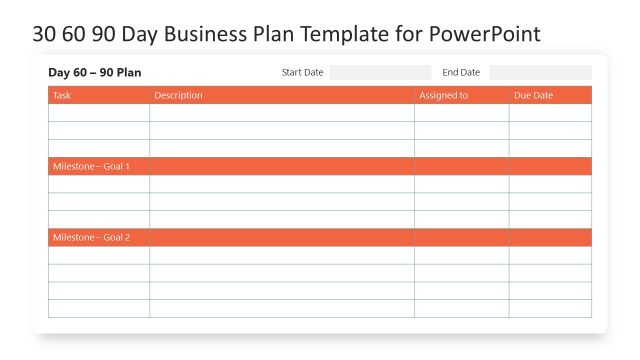
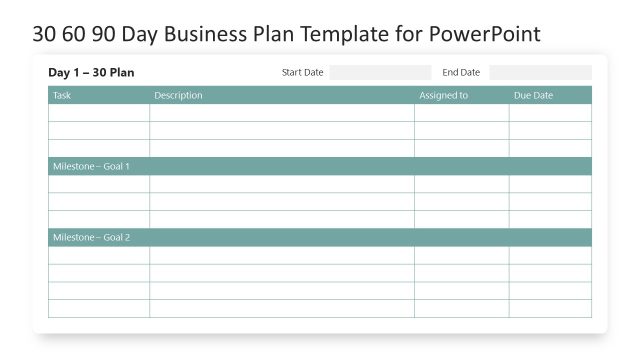
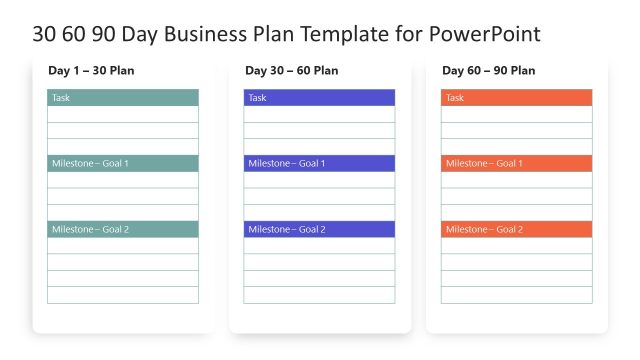
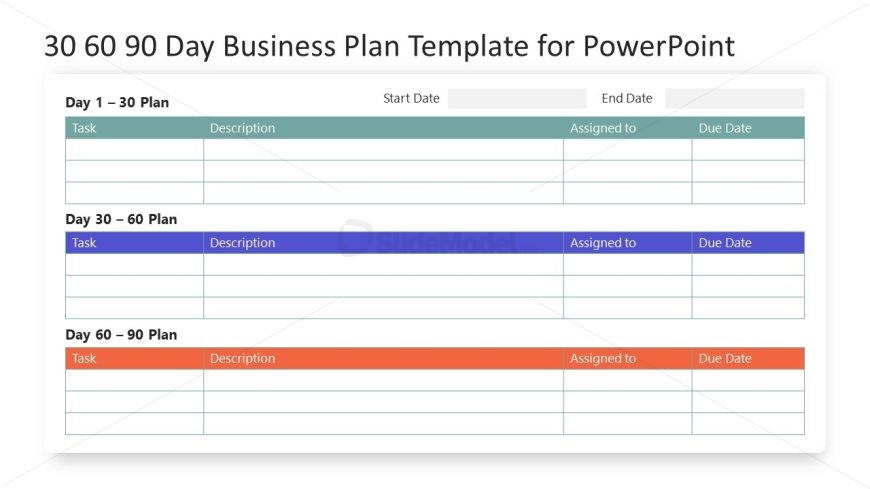
The layout features a three-section table divided into Day 1-30, Day 30-60, and Day 60-90 plans. Each section contains rows for tasks, descriptions, assigned personnel, and due dates. The top section is highlighted in a light blue, the middle in purple, and the bottom in orange, creating a clear visual distinction. Text placeholders are present in each cell, aligned to the left for tasks and descriptions, while the assigned and due date columns are aligned to the right. The overall composition is structured and organized, allowing for easy data entry.
How to Use It
This layout serves as a structured planning tool for outlining tasks over a 90-day period. It fits within a presentation focused on project planning or business strategy, allowing users to detail tasks, responsibilities, and timelines. Ideal for project managers or team leaders, it can be used to communicate action plans during meetings or to provide stakeholders with a clear overview of project phases. The table format facilitates easy updates and modifications as plans evolve.
Text Placeholders & Capacity
Keep your copy within these limits so it fits without resizing. Each cell can hold about 20 characters comfortably.
| Placeholder | Count | Max characters (approx.) |
|---|---|---|
| Cell | 12 | 20 |
| Column header | 4 | 15 |
Slide Keywords
Download unlimited PowerPoint templates, charts and graphics for your presentations with our annual plan.
DOWNLOAD