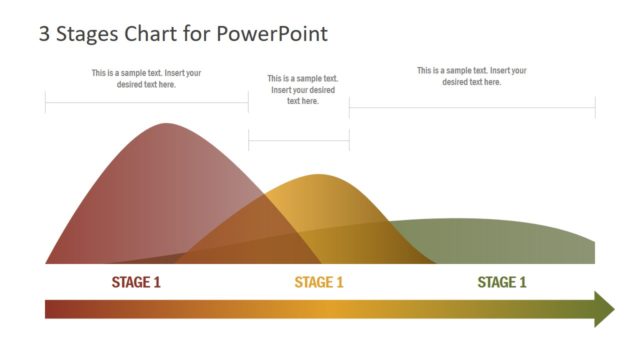
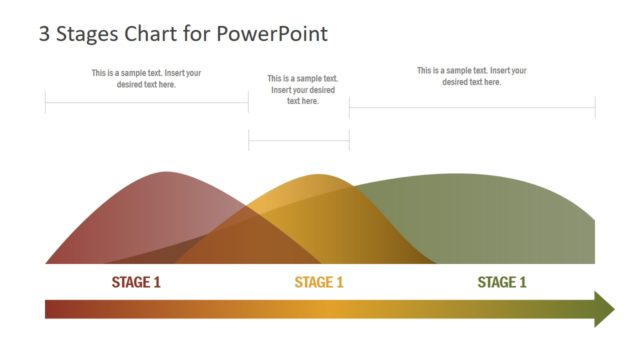
Slide 2 of 2 from 3-Stage PowerPoint Template
3 Level 3 Stage Chevron PowerPoint Diagram
3-Stage PowerPoint Diagram for Presentations
- Diagram
- Comparison Split
- Process Slide
- 16:9
- 100% Editable
What’s on This Slide
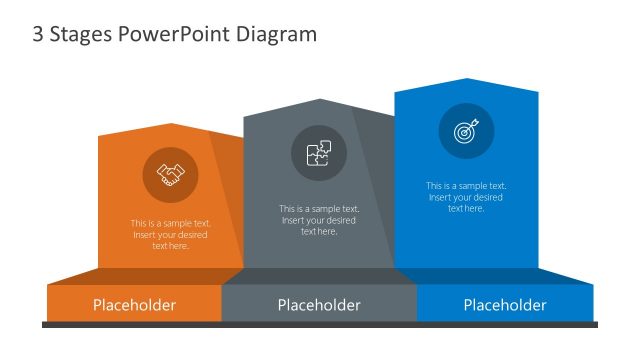
The layout features three distinct podium shapes arranged horizontally. Each podium has a unique color: orange on the left, gray in the center, and blue on the right. Each podium contains a circular icon at the top, with a corresponding text placeholder below it. The icons represent different concepts, while the text placeholders are centrally aligned within each podium. A solid background color contrasts with the podiums, enhancing visibility. The overall composition emphasizes the three stages, creating a clear visual hierarchy.
How to Use It
This layout serves as a three-stage diagram, ideal for illustrating processes or comparisons. It fits well in a presentation sequence after introducing a problem or concept, leading into a solution or action plan. Common scenarios include product development stages, project milestones, or strategic planning steps. This structure effectively communicates progression and highlights key points within each stage, making it suitable for business presentations and educational contexts.
Text Placeholders & Capacity
Keep your copy within these limits so it fits without resizing. Node body slots can hold roughly 10-12 words each.
| Placeholder | Count | Max characters (approx.) |
|---|---|---|
| Item heading | 3 | 35 |
| Item body | 3 | 60 |
| Footer | 1 | 20 |
Slide Keywords
Download unlimited PowerPoint templates, charts and graphics for your presentations with our annual plan.
DOWNLOADReturn to 3-Stage PowerPoint Template.