Slide 3 of 4 from 3 Stages Chart Concept for PowerPoint
Presentation of Gaussian Bell Concept
3 Stages Chart for PowerPoint Overview
- Diagram
- Other
- Process Slide
- 16:9
- 100% Editable
The 3 Stages Chart for PowerPoint slide from the 3 Stages Chart Concept for PowerPoint template visually represents a process through three overlapping bell-shaped curves, ideal for project updates and strategic planning. This slide layout integrates editable shapes and text placeholders to clearly communicate progression stages, making it a practical choice for business presentations and pitch deck templates requiring concise process visualization.
What’s on This Slide
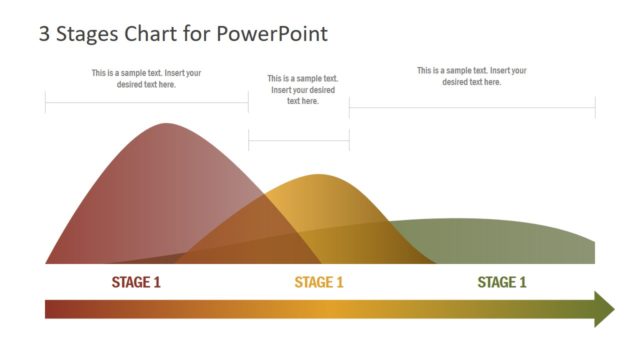
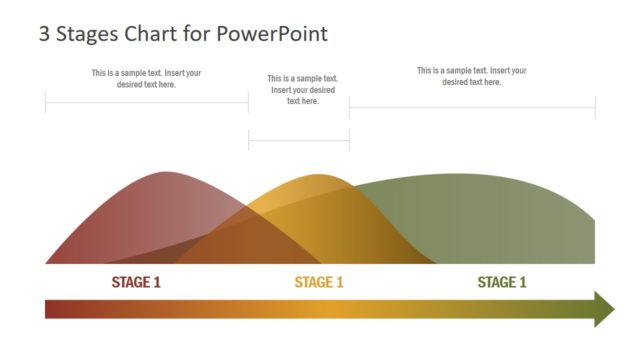
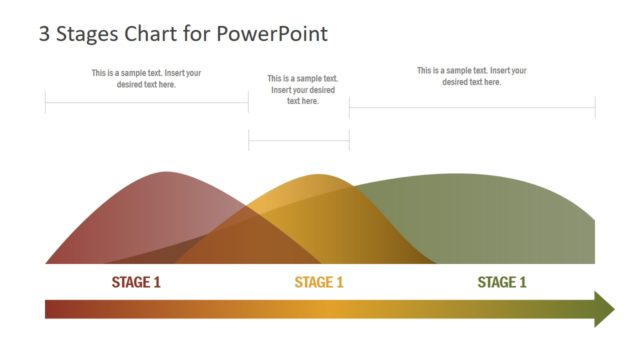
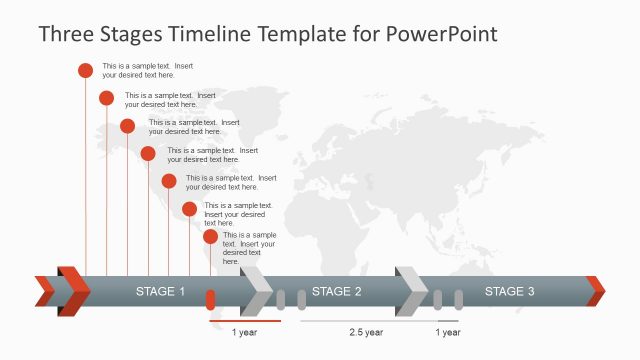
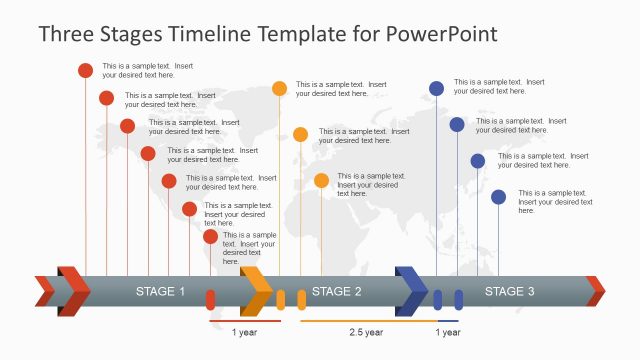
The layout features three overlapping bell-shaped curves in a gradient color scheme, positioned in the center of the slide. Each curve represents a stage and is labeled 'STAGE 1' at the bottom. Above each curve, there are three text placeholders aligned horizontally, allowing for additional descriptions. The background is white, providing contrast to the colorful curves. The visual hierarchy emphasizes the curves, with the text placeholders appearing smaller and less prominent. The overall composition is balanced, with clear separation between the stages and their corresponding text areas.
How to Use It
This layout serves as a process chart to illustrate three distinct stages in a sequence. It is effective for presentations that require a visual representation of a progression or development over time. Ideal scenarios include project updates, product development phases, or strategic planning discussions. This slide fits well in a presentation sequence following an introduction or problem statement, leading into detailed discussions of each stage. It can be used individually to summarize key points or transitions in a process.
Text Placeholders & Capacity
Keep your copy within these limits so it fits without resizing. Text slots can hold roughly 3-5 words each.
| Placeholder | Count | Max characters (approx.) |
|---|---|---|
| Item heading | 3 | 20 |
| Body paragraph | 3 | 50 |
Slide Keywords
Download unlimited PowerPoint templates, charts and graphics for your presentations with our annual plan.
DOWNLOADReturn to 3 Stages Chart Concept for PowerPoint.