Slide 5 of 7 from 3 Level Spiral Diagram PowerPoint Template
PowerPoint Template of Spiral
3 Level Spiral Diagram for Presentations
- Diagram
- Spiral
- Process Slide
- 16:9
- 100% Editable
What’s on This Slide
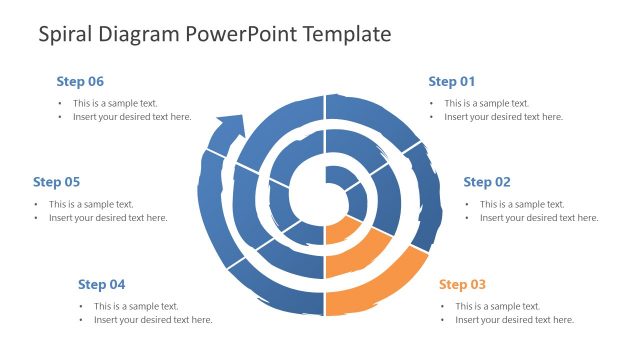
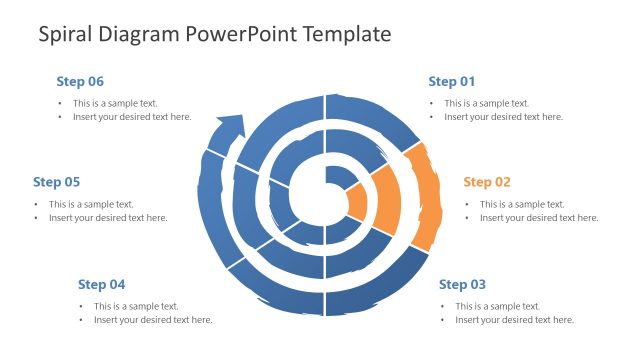
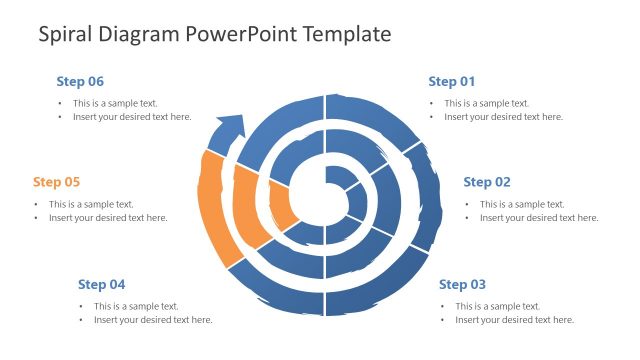
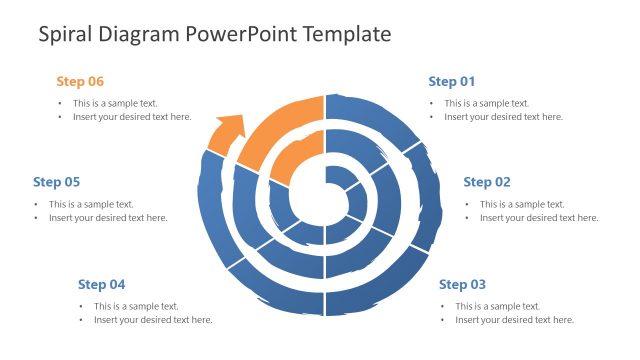
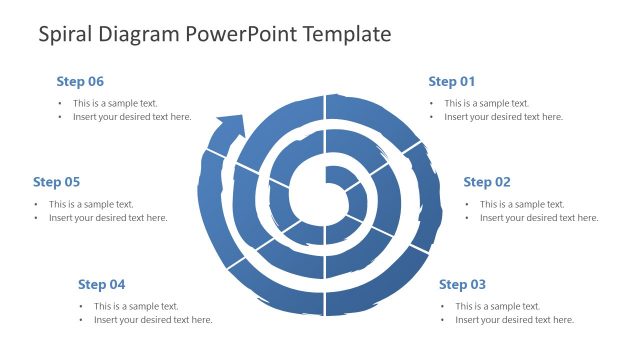
The layout features a spiral diagram divided into six segments, each labeled as a step. The segments are arranged in a clockwise direction, with alternating colors of blue and orange. Each segment contains a text placeholder positioned centrally, with a larger size for the step number at the top and a smaller size for the description below. The background is white, providing contrast to the colored segments. The visual hierarchy emphasizes the step numbers, while the descriptions are secondary. There are no additional images or media present.
How to Use It
This layout serves as a process flow diagram, illustrating a sequence of steps or stages in a spiral format. It fits well in presentations that outline methodologies, project phases, or strategic plans. Ideal scenarios include project management updates, training sessions, or product development overviews. It can be used to visually represent a progression or evolution of concepts, making it suitable for both educational and business contexts.
Text Placeholders & Capacity
Keep your copy within these limits so it fits without resizing. Node body slots can hold about 15-20 words each.
| Placeholder | Count | Max characters (approx.) |
|---|---|---|
| Item heading | 6 | 30 |
| Item body | 6 | 100 |
Slide Keywords
Download unlimited PowerPoint templates, charts and graphics for your presentations with our annual plan.
DOWNLOADReturn to 3 Level Spiral Diagram PowerPoint Template.