Slide 1 of 2 from 3-Key Points Step Stairs Infographic Slide Template
3-Key Points Step Stairs PPT Template
3D Step Stairs Infographic Slide
- Diagram
- Other
- Process Slide
- 16:9
- 100% Editable
The 3D Step Stairs Diagram from the 3-Key Points Step Stairs Infographic Slide Template offers a clear visual process layout ideal for business presentations. This slide template uses editable shapes and vector icons arranged as a stair-step infographic to highlight three sequential key points, supporting strategic planning and project updates. Its design facilitates effective communication of progression and key findings within a corporate presentation or pitch deck template.
What’s on This Slide
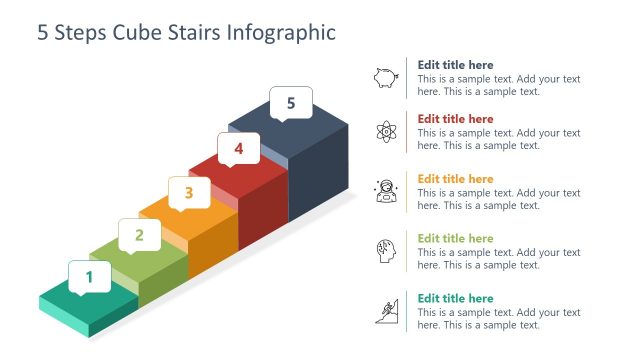
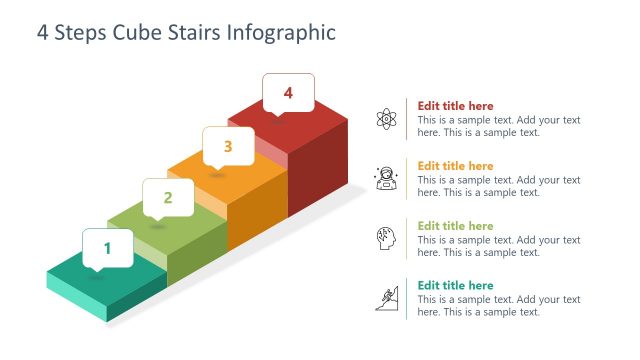
The layout features three large rectangular text boxes aligned horizontally at the top. Each box is labeled 'Key Point 1', 'Key Point 2', and 'Key Point 3', positioned left to right. Below, a 3D stair-like structure consists of three colored steps, each representing a key point. The first step is yellow, the second is red, and the third is purple. Each step has a circular icon above it, indicating progression. Text placeholders exist within the boxes, aligned centrally, with a clear visual hierarchy emphasizing the steps and their corresponding points.
How to Use It
This layout serves as a structured way to present three sequential key points, ideal for business presentations. It fits well after an introductory slide, helping to outline main ideas or next steps. Suitable scenarios include project updates, strategic planning, or summarizing key findings. The stair design visually indicates progression, making it effective for consultants and teams needing to convey sequential information clearly.
Text Placeholders & Capacity
Keep your copy within these limits so it fits without resizing. Text boxes can hold roughly 30-100 characters each.
| Placeholder | Count | Max characters (approx.) |
|---|---|---|
| Item heading | 3 | 30 |
| Item body | 3 | 100 |
Slide Keywords
Download unlimited PowerPoint templates, charts and graphics for your presentations with our annual plan.
DOWNLOADReturn to 3-Key Points Step Stairs Infographic Slide Template.