Slide 1 of 3 from 3 Item Square Diagram PowerPoint Template
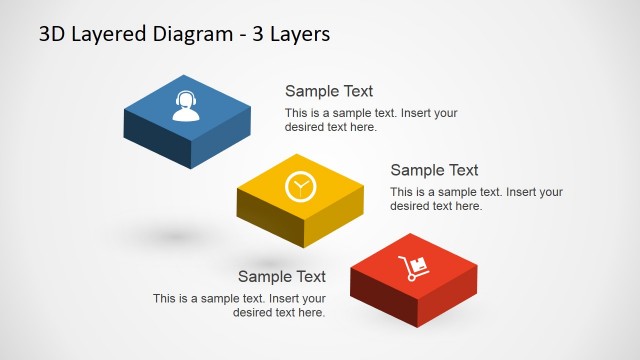
3 Item Stacked Diagram PowerPoint
3 Item Square Diagram for Presentations
- Diagram
- Other
- Concept Explanation Slide
- 16:9
- 100% Editable
What’s on This Slide
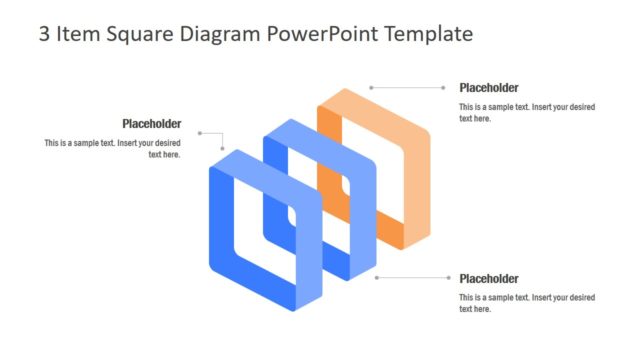
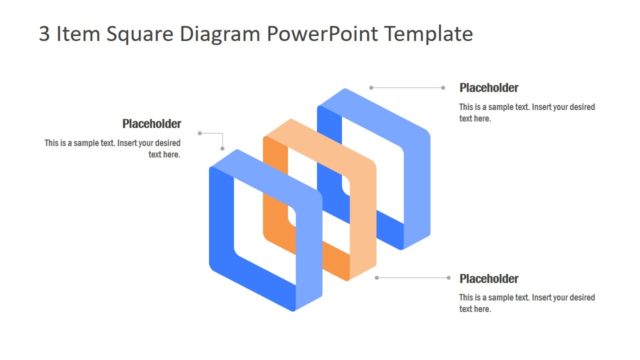
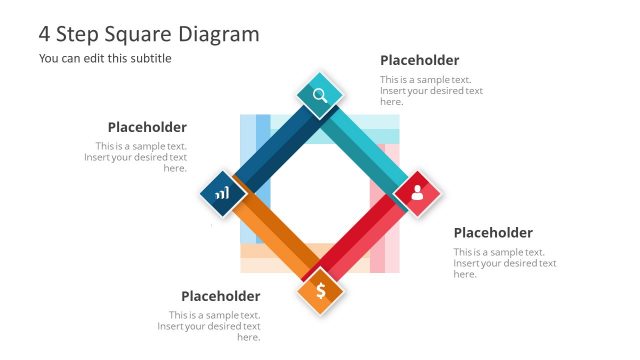
The layout features three overlapping square shapes arranged diagonally from left to right. The squares are colored orange, blue, and a lighter blue, creating a 3D effect. Each square has a text placeholder positioned to the right, aligned vertically with the squares. The title is centered at the top, with a bold font. Connecting lines extend from the squares to the placeholders, indicating a relationship. The background is white, enhancing the visibility of the colored shapes. The overall composition is balanced and structured.
How to Use It
This layout serves as a visual representation of three related concepts or steps. It is ideal for illustrating processes, strategies, or product features in a business context. This slide fits well at the beginning of a presentation to introduce key points or as a summary of main ideas. It can be used effectively in marketing, project management, or educational settings to clarify relationships among elements. The structure allows for easy adaptation to various topics while maintaining clarity.
Text Placeholders & Capacity
Keep your copy within these limits so it fits without resizing. Each node body slot can accommodate roughly 10-12 words.
| Placeholder | Count | Max characters (approx.) |
|---|---|---|
| Slide title | 1 | 30 |
| Item heading | 3 | 25 |
| Item body | 3 | 50 |
Slide Keywords
Download unlimited PowerPoint templates, charts and graphics for your presentations with our annual plan.
DOWNLOADReturn to 3 Item Square Diagram PowerPoint Template.