3-Item Horizontal Infographic PowerPoint Template
Present three connected points within a single visual sequence by editing our 3-Item Horizontal Infographic PowerPoint Template. Project managers highlight the project stages critical to effective project delivery using the 3-item diagram. Product leaders edit the connected curves diagram to explain the feature prioritization model and share the sequence of market launches. They can also use this simple and minimal diagram to showcase product categories relevant to market trends and competitive advantage. Entrepreneurs use this slide in their pitch decks to explain related ideas where the relationship matters most to win investors’ attention.
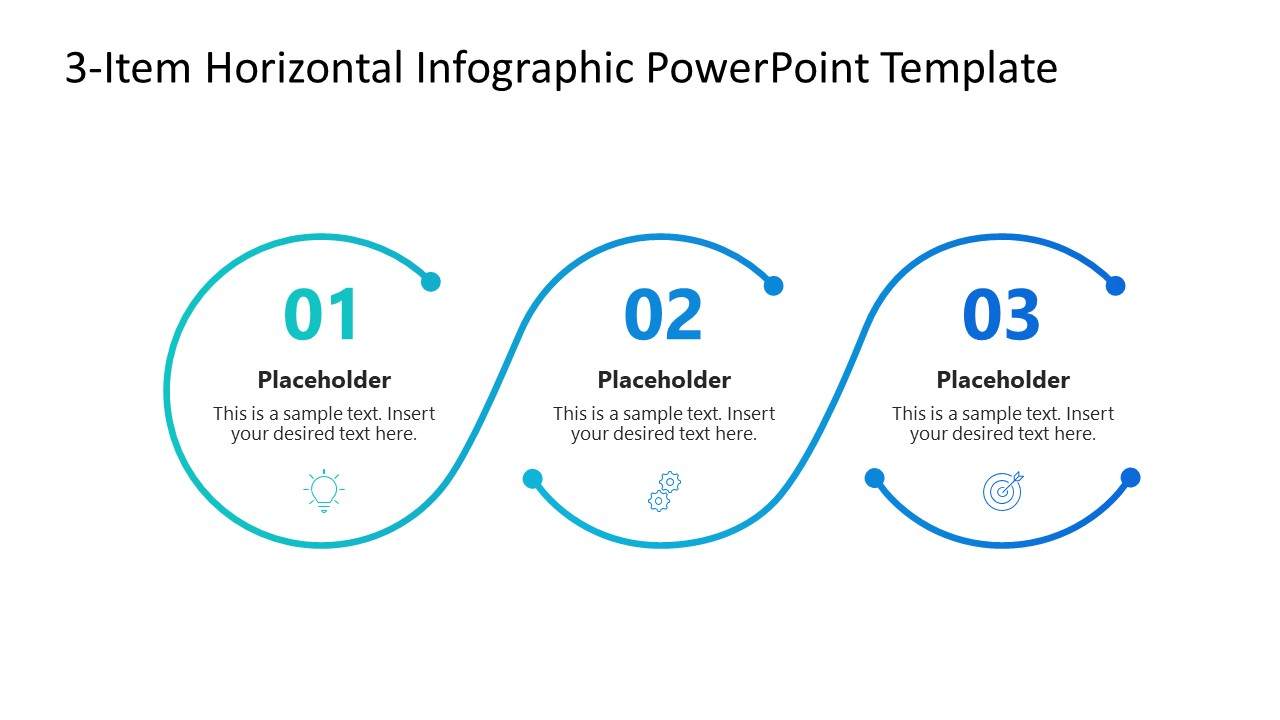
The 3-Item Horizontal Infographic PowerPoint Template has a simple, compact structure to showcase three interlinked points in executive presentations. It shows a flowing line that forms three large curved sections. Each section includes a number to mark the point or step, plus placeholder text for the title and supporting details. The connected curves suggest that the three items belong to one sequence or conceptual flow. The first slide shows a flowing infographic divided into three sections, while the second slide shows the same three-part structure on a dark navy background. During project planning presentations, a project lead could use the three sections to present sequential phases such as planning, execution, and review.
Users can change the infographic icons based on their key point, adjust colors and gradients, and change fonts to match the brand theme. Moreover, users can also explore infographic diagram templates and select the most suitable design for their presentation. Download the 3-item horizontal infographic PPT template and outline business concepts with clarity in training workshops.

You must have an active subscription to download this file.
- Category
- Diagrams
- Rating
-

 Loading...
 - Size
- 16x9
- Item ID
- 23830-01
- Colors
Subscribe today and get immediate
access to download our PowerPoint templates.