Slide 1 of 4 from 3-Choice Infographic PowerPoint Template
3-Choice Infographic PPT Slide
Three Choice Infographic Template Overview
- Diagram
- Comparison Split
- Comparison Slide
- 16:9
- 100% Editable
What’s on This Slide
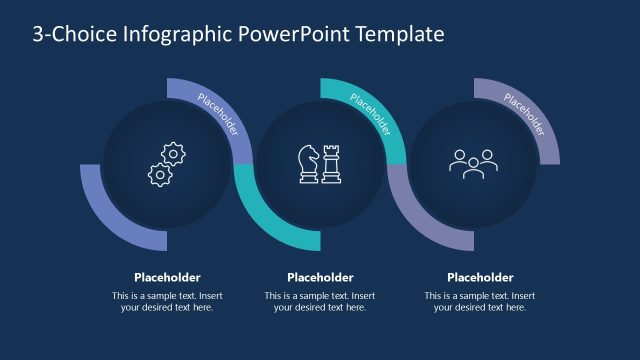
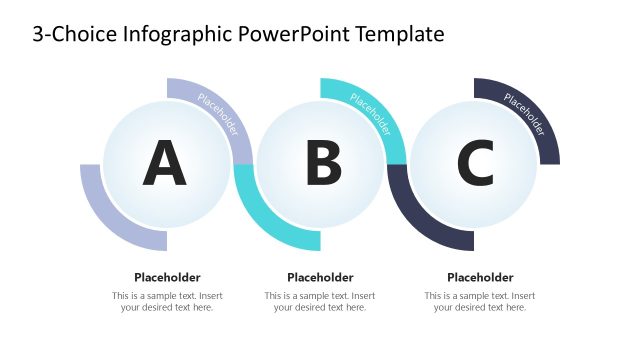
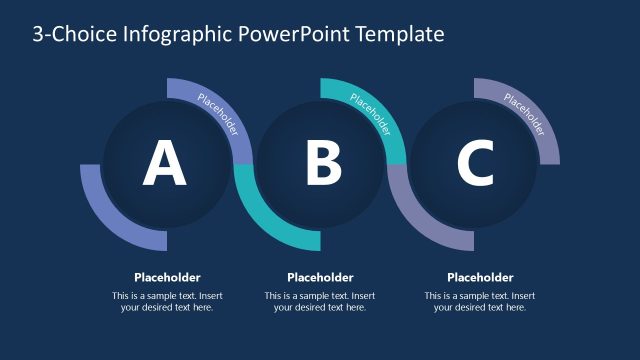
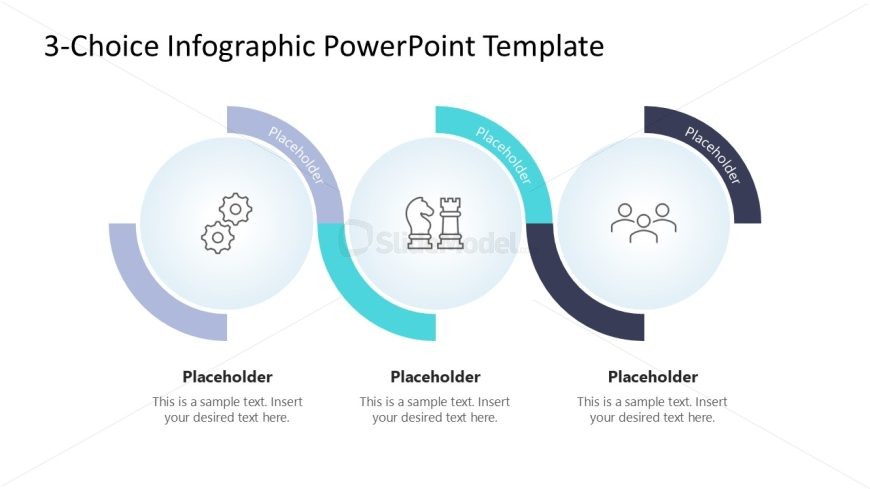
The layout features three circular nodes arranged horizontally. Each node contains an icon in the center, surrounded by a circular border. The left node has a gear icon, the middle node features a chess piece, and the right node displays three people. Each node has a text placeholder below for titles and another placeholder for descriptive text. The background is light, with a gradient effect in the borders of the nodes. The overall composition emphasizes the three choices, with clear visual separation between each node.
How to Use It
This layout serves as a visual representation of three distinct options or choices. It is suitable for presentations that require a comparison or selection of alternatives. This slide can be effectively used in business contexts such as product comparisons, decision-making processes, or strategic planning discussions. It fits well at the beginning of a section to introduce multiple options or at the end to summarize choices presented in detail.
Text Placeholders & Capacity
Keep your copy within these limits so it fits without resizing. Node body slots can accommodate around 15-20 words each.
| Placeholder | Count | Max characters (approx.) |
|---|---|---|
| Item heading | 3 | 30 |
| Item body | 3 | 100 |
Slide Keywords
Download unlimited PowerPoint templates, charts and graphics for your presentations with our annual plan.
DOWNLOADReturn to 3-Choice Infographic PowerPoint Template.