Slide 2 of 2 from 2-Ring Infographic PowerPoint Template
Customizable 2-Ring Infographic PowerPoint Design
2-Ring Infographic Diagram for Presentations
- Diagram
- Venn
- Comparison Slide
- 16:9
- 100% Editable
What’s on This Slide
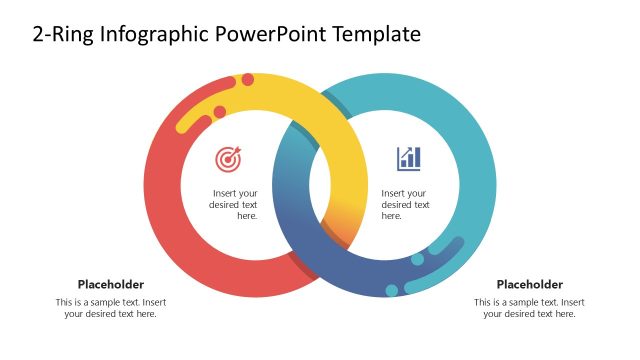
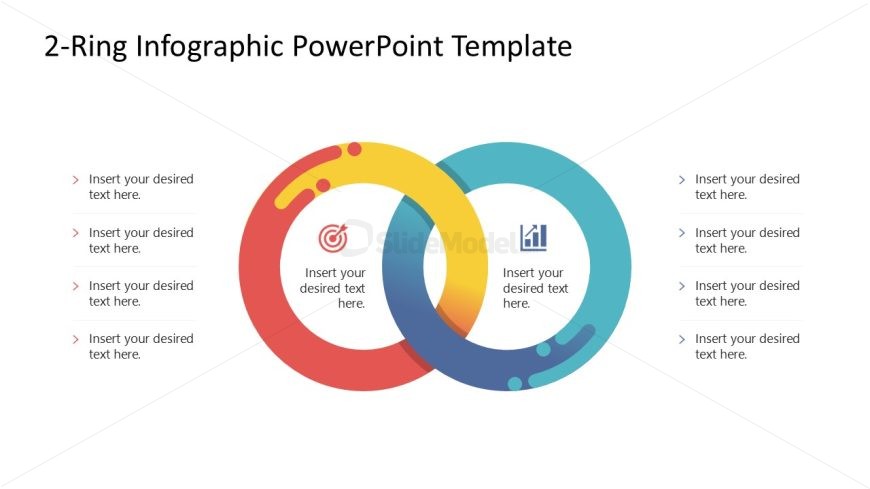
The layout features two overlapping rings positioned centrally, with a circular shape for each. The left ring is red and yellow, while the right ring is blue and green. Each ring contains a circular icon in the center: a target icon in the left ring and a chart icon in the right ring. Text placeholders are aligned vertically on both sides of the rings, allowing for multiple entries. The overall composition is balanced, with a clean background that enhances the visual hierarchy of the rings and icons.
How to Use It
This layout serves as a comparative diagram, ideal for illustrating relationships between two concepts or categories. It fits well in a presentation sequence after introducing a problem or topic, providing clarity on how two elements interact. Suitable for business contexts such as strategy discussions, marketing comparisons, or project evaluations, it helps convey complex ideas in a straightforward manner.
Text Placeholders & Capacity
Keep your copy within these limits so it fits without resizing. Node slots can accommodate roughly 30 characters each.
| Placeholder | Count | Max characters (approx.) |
|---|---|---|
| Item body | 6 | 30 |
Slide Keywords
Download unlimited PowerPoint templates, charts and graphics for your presentations with our annual plan.
DOWNLOADReturn to 2-Ring Infographic PowerPoint Template.