Slide 1 of 2 from 2-Ring Infographic PowerPoint Template
2-Ring Infographic Presentation Template
Two-Ring Infographic PowerPoint Slide
- Diagram
- Venn
- Comparison Slide
- 16:9
- 100% Editable
What’s on This Slide
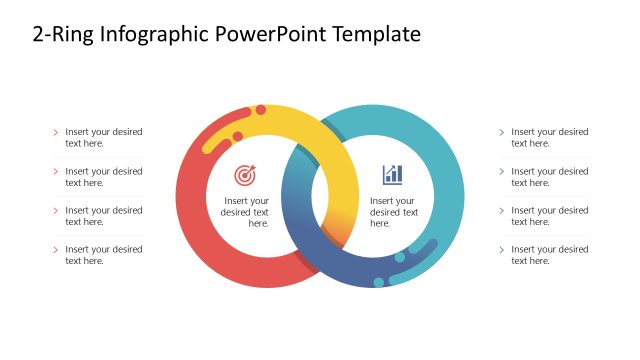
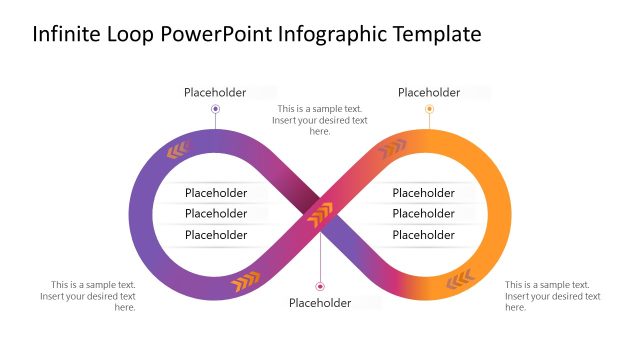
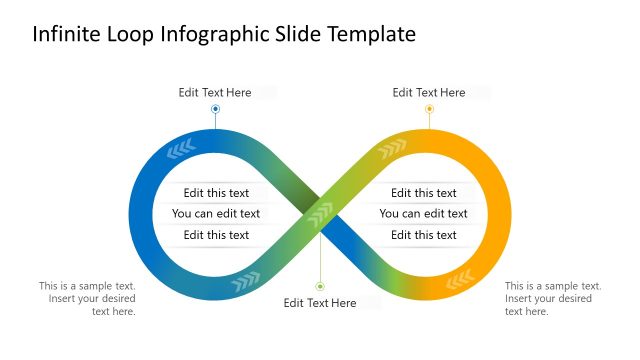
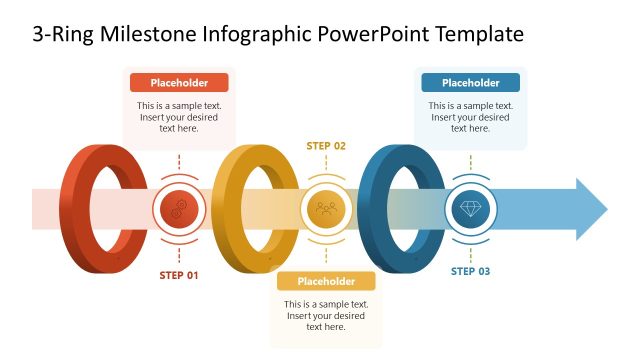
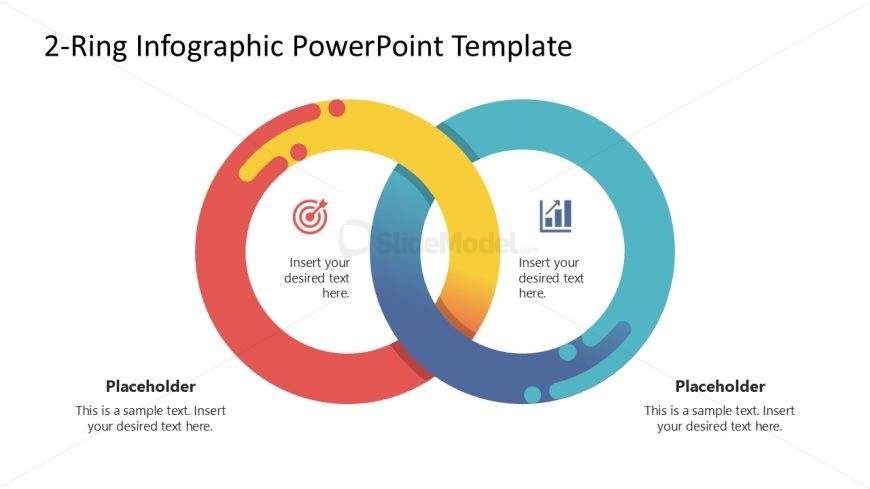
The layout features two overlapping rings, one in red and yellow and the other in blue. Each ring contains a central icon: a target in the left ring and a bar chart in the right ring. Text placeholders are positioned within each ring, aligned centrally. The background is white, enhancing the visibility of the rings and icons. The rings are designed with a smooth gradient and a circular flow, creating a cohesive visual structure. Additional text placeholders are located below the rings, allowing for further elaboration.
How to Use It
This layout serves as a comparative diagram, illustrating relationships or overlaps between two concepts. It is effective in presentations discussing strategies, processes, or dual aspects of a topic. This slide fits well after a problem statement, leading into a solution or analysis section. It can be used in business contexts such as marketing strategies, project comparisons, or performance evaluations, where two elements need to be contrasted or compared visually.
Text Placeholders & Capacity
Keep your copy within these limits so it fits without resizing. Node body slots can hold about 10 words each.
| Placeholder | Count | Max characters (approx.) |
|---|---|---|
| Item heading | 2 | 30 |
| Item body | 2 | 50 |
| Body paragraph | 2 | 100 |
Slide Keywords
Download unlimited PowerPoint templates, charts and graphics for your presentations with our annual plan.
DOWNLOADReturn to 2-Ring Infographic PowerPoint Template.