Slide 1 of 3 from 11-Item Semi-circle Infographic PowerPoint Diagram Template
Editable 11-Item Semi-Circle Diagram Slide with Infographic Icons
11-Item Semi-Circle Infographic Diagram
- Diagram
- Other
- Process Slide
- 16:9
- 100% Editable
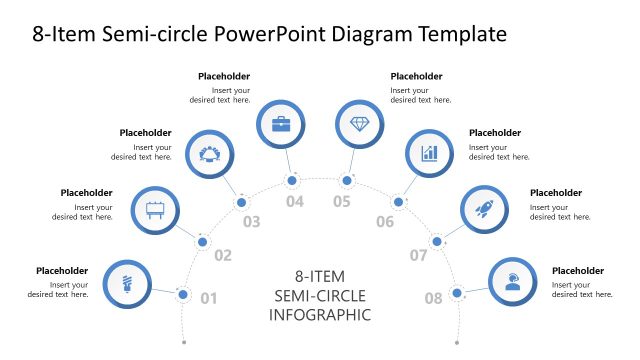
The 11-Item Semi-Circle Infographic slide from the 11-Item Semi-circle Infographic PowerPoint Diagram Template offers a clear process visualization with eleven evenly spaced nodes arranged in a semi-circle. This slide layout is ideal for business presentations requiring a structured workflow overview or strategic planning depiction, utilizing editable shapes and vector icons to enhance clarity within a professional slide deck.
What’s on This Slide
The layout features a semi-circle arrangement with eleven nodes positioned along the curve. Each node contains a circular icon and a text placeholder for descriptions. The nodes are evenly spaced, with alternating icons representing various concepts. The central area displays the title '11-ITEM SEMI-CIRCLE INFOGRAPHIC' in a prominent font. The background is white, providing contrast to the blue icons and text. The visual hierarchy emphasizes the title, followed by the nodes, which are connected by dotted lines indicating a flow or sequence. There are no images or media placeholders present.
How to Use It
This layout serves as a process diagram, effectively illustrating a sequence of eleven steps or stages. It is suitable for presentations that require a visual representation of a cyclical or linear process. This structure can be used in business contexts such as project management, workflow explanations, or strategic planning. It fits well in a presentation sequence following an introduction or problem statement, guiding the audience through a structured overview of key components or phases in a process.
Text Placeholders & Capacity
Keep your copy within these limits so it fits without resizing. Node labels can hold roughly 30 characters each, while the title can accommodate about 40 characters.
| Placeholder | Count | Max characters (approx.) |
|---|---|---|
| Item heading | 11 | 30 |
| Slide title | 1 | 40 |
Slide Keywords
Download unlimited PowerPoint templates, charts and graphics for your presentations with our annual plan.
DOWNLOADReturn to 11-Item Semi-circle Infographic PowerPoint Diagram Template.