Slide 11 of 12 from 10 Steps Thin Arrows PowerPoint Diagram
7724-02-10-steps-thin-arrows-powerpoint-diagram-16×9-11
10 Steps Thin Arrows Diagram Slide
- Diagram
- Circular Cycle
- Process Slide
- 16:9
- 100% Editable
What’s on This Slide
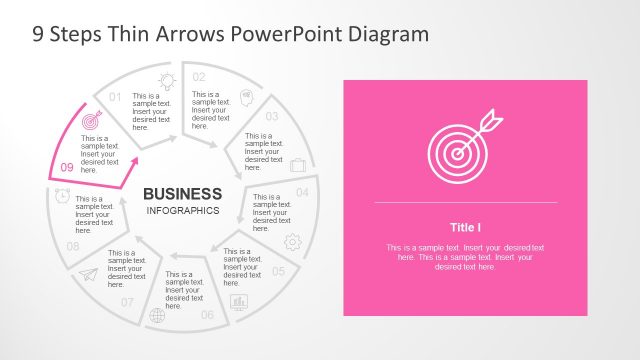
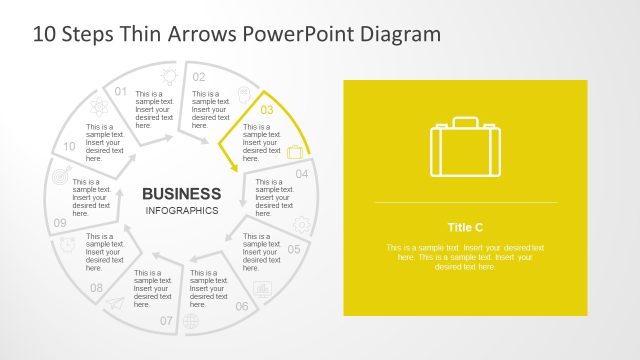
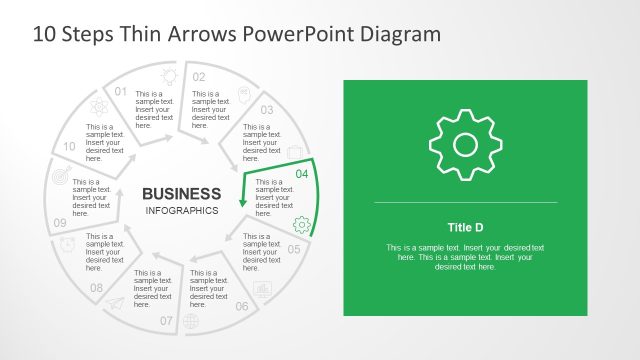
The layout features a circular diagram divided into ten segments, each containing a text placeholder. The segments are arranged in a clockwise direction, with the ninth segment highlighted and pointing towards the center. The central area contains the title 'BUSINESS INFOGRAPHICS' in bold, while the right side displays a rectangular area with a pink background, containing a title placeholder and a body text placeholder. The overall composition emphasizes the circular flow and highlights the ninth step visually.
How to Use It
This layout serves as a step-by-step visual representation, ideal for illustrating processes or workflows. It fits well in a presentation sequence after outlining a problem and before detailing solutions. This structure is suitable for business contexts, such as project management, strategic planning, or process improvement discussions, allowing for clear communication of sequential steps or phases involved.
Text Placeholders & Capacity
Keep your copy within these limits so it fits without resizing. Node body slots can accommodate roughly 30 characters each, while the body paragraph can hold about 150 characters.
| Placeholder | Count | Max characters (approx.) |
|---|---|---|
| Item body | 10 | 30 |
| Slide title | 1 | 20 |
| Body paragraph | 1 | 150 |
Slide Keywords
Download unlimited PowerPoint templates, charts and graphics for your presentations with our annual plan.
DOWNLOADReturn to 10 Steps Thin Arrows PowerPoint Diagram.