Slide 1 of 12 from 10 Steps Thin Arrows PowerPoint Diagram
7724-02-10-steps-thin-arrows-powerpoint-diagram-16×9-1
10 Steps Thin Arrows PowerPoint Diagram
- Diagram
- Circular Cycle
- Process Slide
- 16:9
- 100% Editable
What’s on This Slide
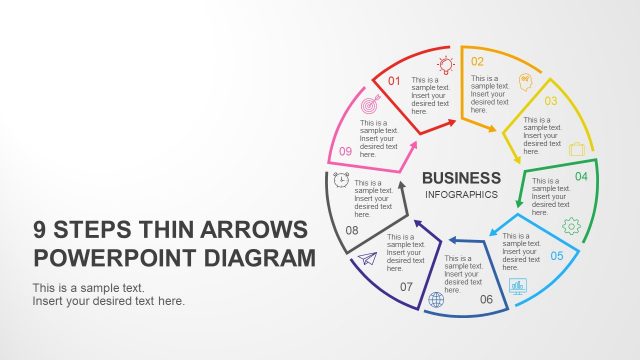
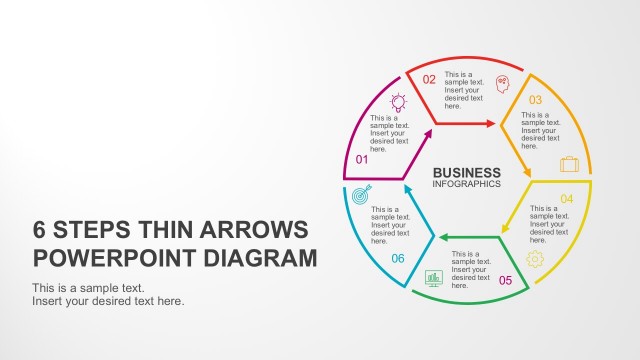
The layout features a circular diagram divided into ten equal segments, each containing a number and a text placeholder. The segments are arranged in a clockwise direction, with arrows indicating flow from one segment to the next. The central area contains the title 'BUSINESS INFOGRAPHICS' in bold text. Each segment has a distinct color, contributing to a multicolored palette. Text placeholders are aligned centrally within each segment, with ample space for additional content. The background is a light gradient, enhancing the overall visual appeal.
How to Use It
This layout serves as a process flow diagram, illustrating ten sequential steps or stages. It is suitable for presentations that require a clear depiction of a cyclical process or methodology. This diagram can be effectively used in business contexts, such as project management, strategic planning, or product development. It fits well at the beginning of a presentation to outline key steps or phases, providing a visual roadmap for the audience to follow throughout the discussion.
Text Placeholders & Capacity
Keep your copy within these limits so it fits without resizing. Each segment can hold a moderate amount of text, roughly 30-50 characters each.
| Placeholder | Count | Max characters (approx.) |
|---|---|---|
| Item heading | 10 | 30 |
| Item body | 10 | 50 |
| Slide title | 1 | 50 |
Slide Keywords
Download unlimited PowerPoint templates, charts and graphics for your presentations with our annual plan.
DOWNLOADReturn to 10 Steps Thin Arrows PowerPoint Diagram.