Slide 11 of 11 from 10-Item Fan-Out Infographic PowerPoint Template
10-Item Fan-Out Infographic Layout with Focus Effect
10-Item Fan-Out Infographic Diagram
- Diagram
- Radial Hub
- Process Slide
- 16:9
- 100% Editable
The 10-Item Fan-Out Diagram slide from the 10-Item Fan-Out Infographic PowerPoint Template offers a radial hub layout ideal for process presentations and project milestone overviews. This slide features editable shapes and vector icons arranged in a circular format, enhancing clarity in business presentations and pitch deck templates. Its design supports clear visualization of sequential steps, making it a practical choice for corporate presentations requiring detailed feature or phase breakdowns.
What’s on This Slide
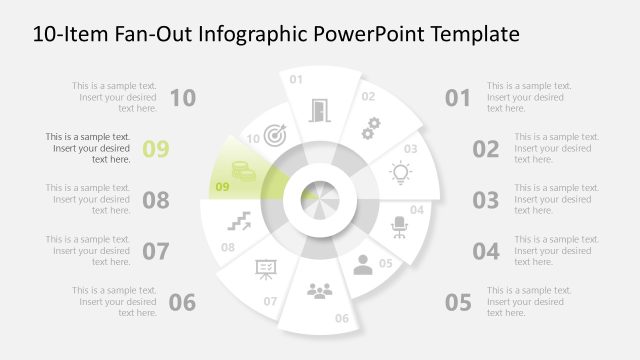
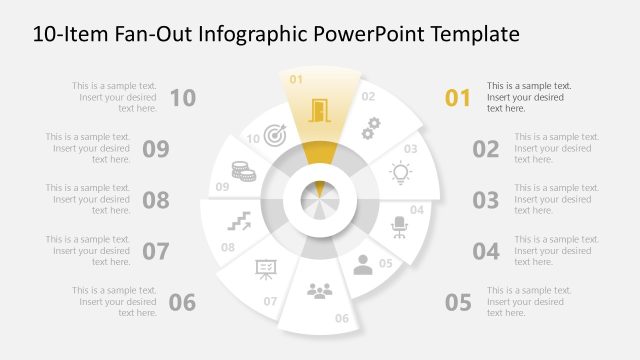
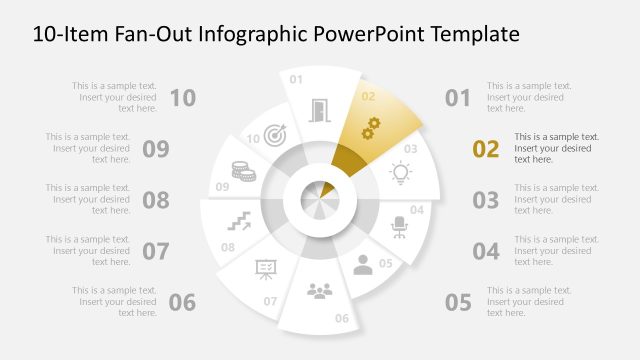
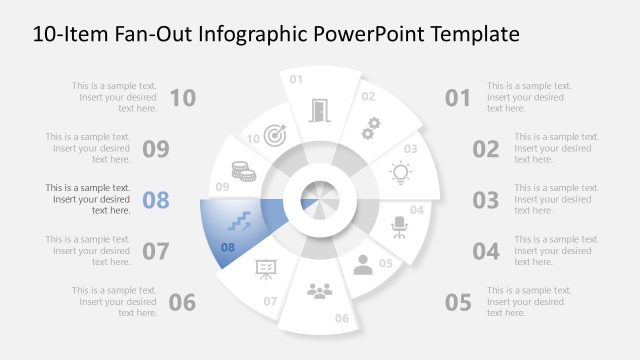
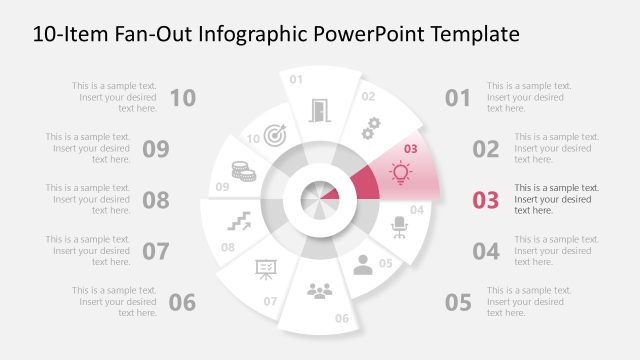
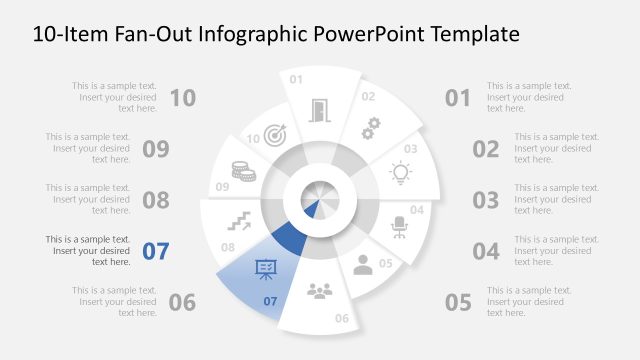
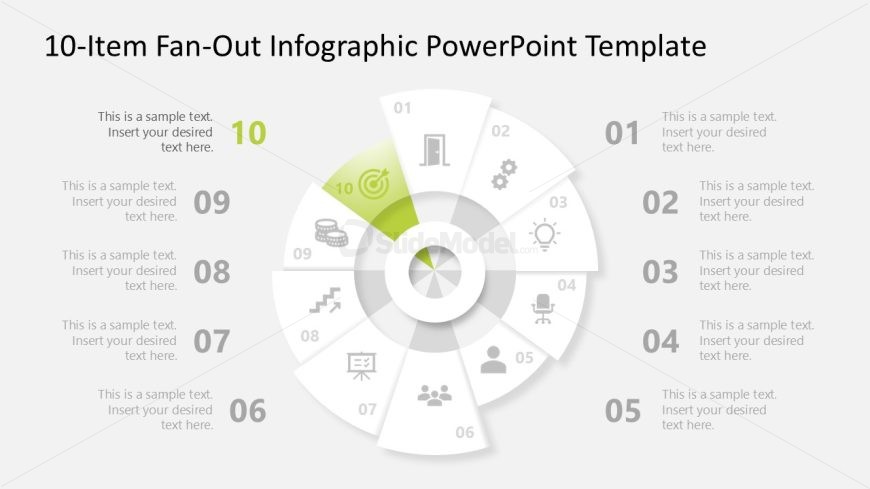
The layout features a circular diagram with ten segments arranged radially. Each segment contains a number and a sample text placeholder, positioned in a clockwise direction. The central area is a circular node, visually distinct, with a placeholder for additional text. The segments are visually separated by light gray lines, and the highlighted segment is colored differently to indicate focus. Each segment has an icon representing different concepts, enhancing the visual hierarchy. The background is a light gray, providing contrast to the elements.
How to Use It
This layout serves as a multi-step infographic, ideal for presenting sequential processes or concepts. It fits well at the conclusion of a presentation, summarizing key points or steps. Business scenarios include project phases, product features, or strategic initiatives. The circular format allows for easy comprehension of complex information, making it suitable for both internal and external communications. It can also be used to illustrate timelines or milestones in a visually engaging manner.
Text Placeholders & Capacity
Keep your copy within these limits so it fits without resizing. Node body slots can hold roughly 8-10 words each, depending on layout adjustments.
| Placeholder | Count | Max characters (approx.) |
|---|---|---|
| Item heading | 10 | 30 |
| Item body | 10 | 50 |
| Slide title | 1 | 50 |
Slide Keywords
Download unlimited PowerPoint templates, charts and graphics for your presentations with our annual plan.
DOWNLOAD