Slide 6 of 11 from 10-Item Fan-Out Infographic PowerPoint Template
10-Item Fan-Out Infographic Diagram with Numbers
10-Item Fan-Out Infographic PowerPoint Template
- Diagram
- Comparison Split
- Process Slide
- 16:9
- 100% Editable
The 10-Item Fan-Out Diagram from the 10-Item Fan-Out Infographic PowerPoint Template offers a clear radial layout ideal for presenting multi-step processes or project phases. This slide template features editable shapes and vector icons arranged around a central node, making it suitable for business presentations and corporate slide decks that require illustrating sequential tasks with clarity.
What’s on This Slide
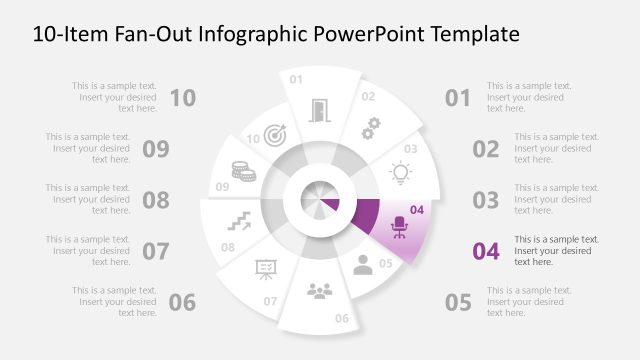
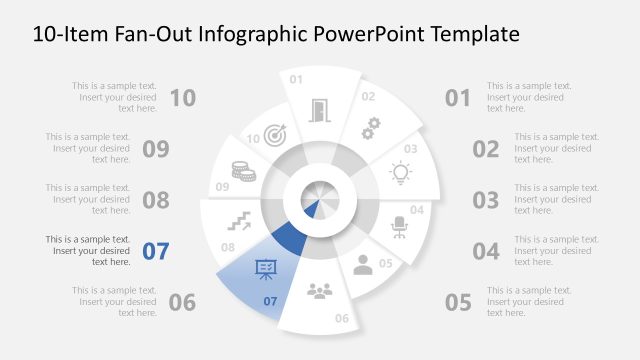
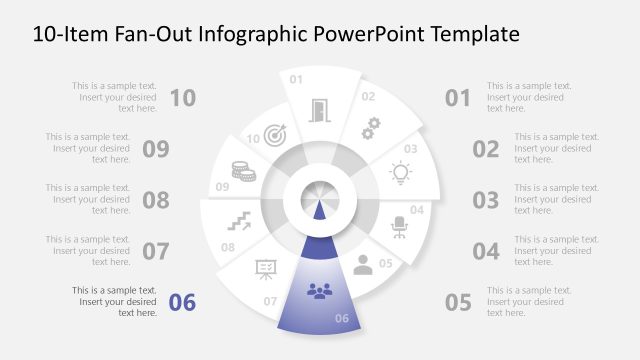
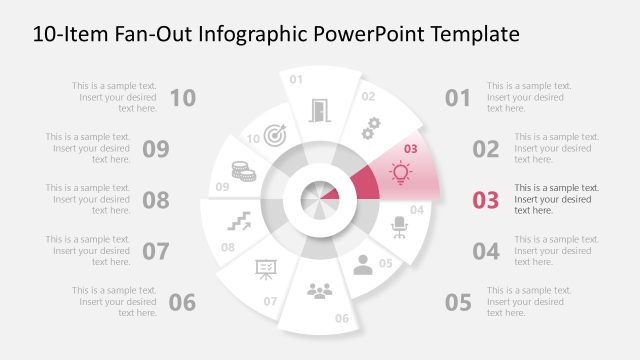
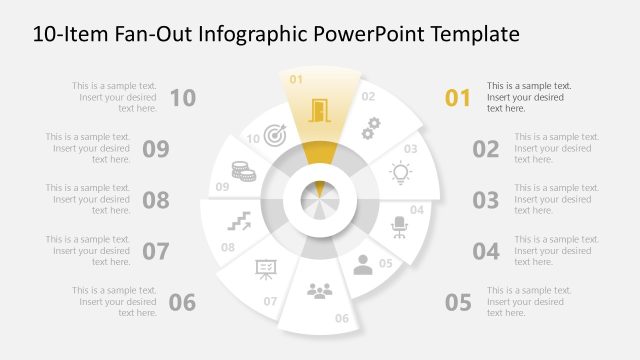
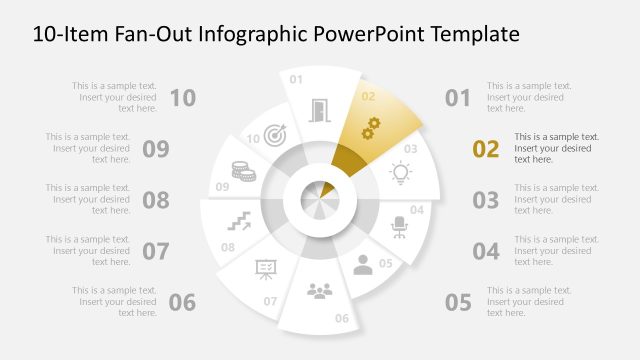
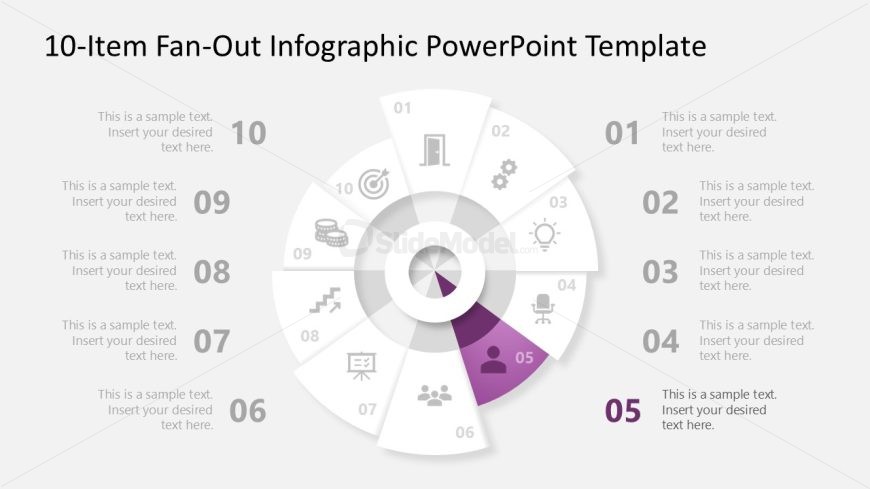
The layout features a central circular node surrounded by ten fan-out segments. Each segment contains a number from 01 to 10, with corresponding icons and text placeholders. The segment for number 05 is highlighted in purple, indicating focus. The segments are arranged in a radial pattern, with the central node serving as a visual anchor. Text placeholders are aligned within each segment, allowing for descriptive content. The background is light gray, enhancing the contrast of the segments and icons, which are simple and monochromatic.
How to Use It
This layout serves as a multi-step process diagram, ideal for illustrating sequential steps or phases in a project. It fits well after introductory or problem-framing slides, transitioning into detailed explanations. Use it to present ten distinct items or concepts, making it suitable for business presentations, training sessions, or workshops. The radial design allows for easy comprehension of relationships between steps, enhancing audience engagement and understanding.
Text Placeholders & Capacity
Keep your copy within these limits so it fits without resizing. Each node can hold a title and description, roughly 30 and 100 characters respectively.
| Placeholder | Count | Max characters (approx.) |
|---|---|---|
| Item heading | 10 | 30 |
| Item body | 10 | 100 |
Slide Keywords
Download unlimited PowerPoint templates, charts and graphics for your presentations with our annual plan.
DOWNLOAD