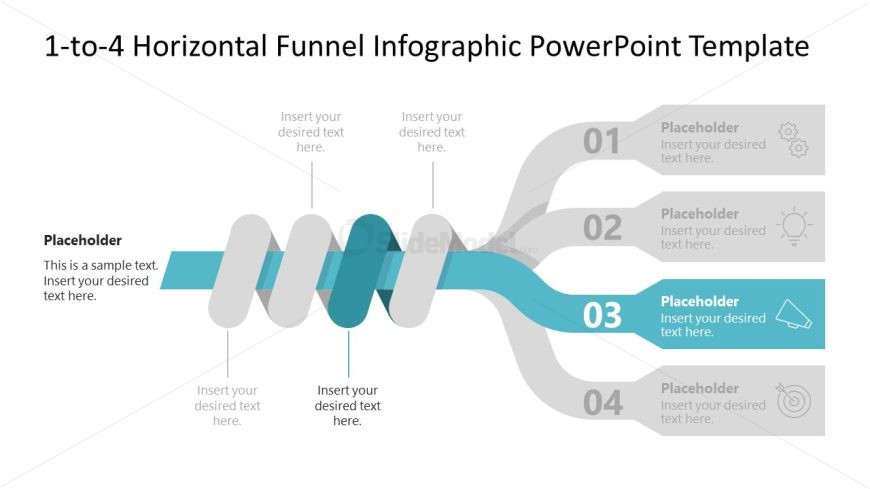
Slide 4 of 5 from 1-to-4 Horizontal Interlaced Funnel Diagram PowerPoint Template
1-to-4 Horizontal Interlaced Funnel Diagram PPT Slide
1-to-4 Horizontal Interlaced Funnel Diagram
- Diagram
- Funnel
- Process Slide
- 16:9
- 100% Editable
The 1-to-4 Horizontal Interlaced Funnel Diagram slide from the 1-to-4 Horizontal Interlaced Funnel Diagram PowerPoint Template offers a clear visual tool for illustrating sequential stages in marketing presentations and sales strategies. This slide layout uses editable shapes and vector icons to emphasize lead generation processes, making it suitable for business presentations and pitch decks that require a structured depiction of customer acquisition funnels.
What’s on This Slide
The slide features a horizontal interlaced funnel diagram with four segments. The segments are arranged from left to right, with the central funnel being wider than the others. Each segment has a placeholder for text, positioned at the top of each funnel section. The first three segments are colored in shades of gray, while the fourth segment is highlighted in blue. Below the funnel, there is a placeholder for additional text. The overall layout is clean, with a light background and a clear visual hierarchy emphasizing the funnel's flow.
How to Use It
This layout serves as a visual representation of a funnel process, ideal for illustrating stages in marketing or sales. It fits well in presentations discussing lead generation, customer acquisition, or sales strategies. The sequential nature of the funnel allows for easy understanding of a process from start to finish. This slide is particularly useful in business contexts where a clear depiction of progression through stages is required, such as in sales pitches or marketing strategy discussions.
Text Placeholders & Capacity
Keep your copy within these limits so it fits without resizing. Node body slots can hold about 10 words each.
| Placeholder | Count | Max characters (approx.) |
|---|---|---|
| Item heading | 4 | 30 |
| Item body | 4 | 50 |
| Body paragraph | 1 | 100 |
Slide Keywords
Download unlimited PowerPoint templates, charts and graphics for your presentations with our annual plan.
DOWNLOADReturn to 1-to-4 Horizontal Interlaced Funnel Diagram PowerPoint Template.