Slide 4 of 6 from 1 Input 5 Output Right Arrows Slide PowerPoint Template
1 Input 5 Output Right Arrows PPT Diagram
1 Input 5 Output Right Arrows Infographic
- Diagram
- Arrow Sequence
- Process Slide
- 16:9
- 100% Editable
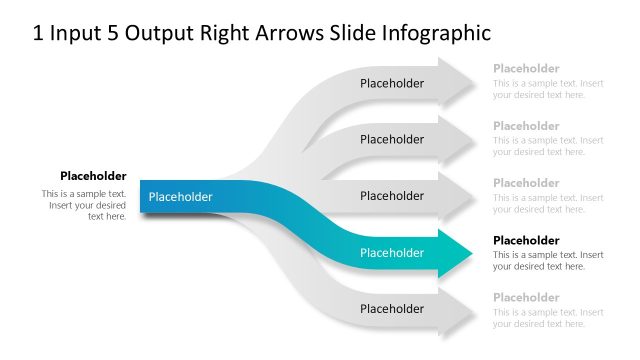
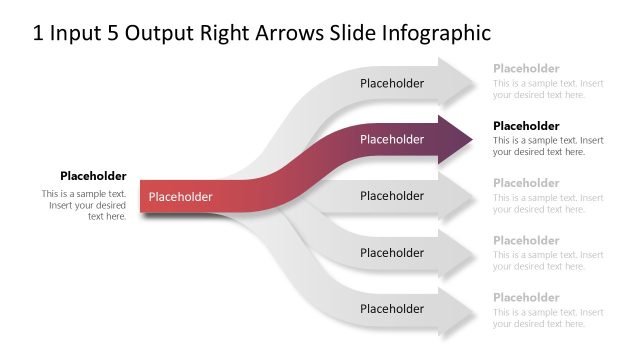
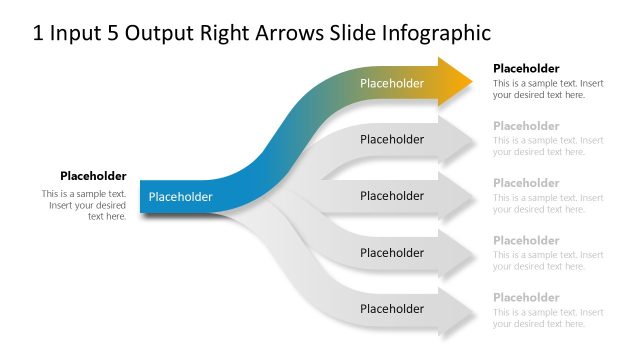
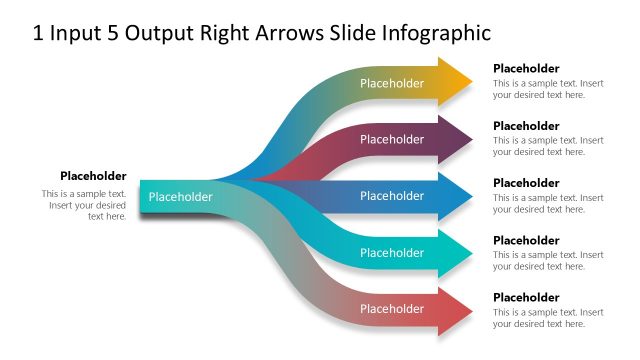
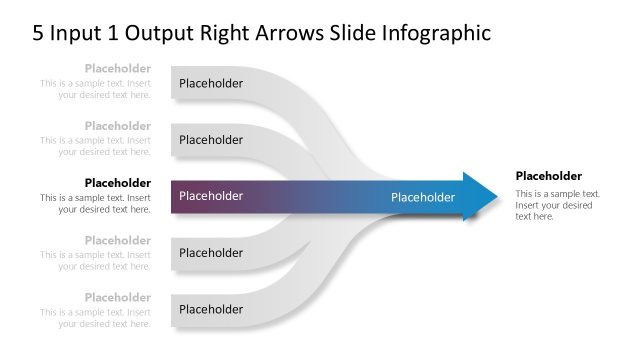
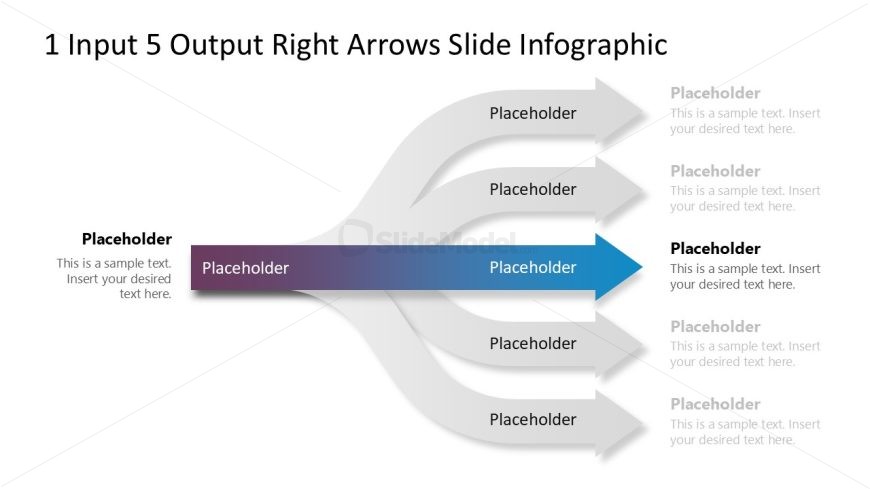
The 1 Input 5 Output Right Arrows Infographic slide from the 1 Input 5 Output Right Arrows Slide PowerPoint Template visually represents a single input branching into multiple outputs, making it suitable for business presentations and strategic planning. This slide layout uses editable shapes and vector icons to clearly depict workflows and processes, enhancing communication in corporate presentations and pitch decks.
What’s on This Slide
The layout features a central horizontal arrow pointing right, flanked by five smaller arrows diverging from it. The central arrow is wider and colored in a gradient from purple to blue, while the smaller arrows are gray. Each arrow has a text placeholder positioned above or below it, with the central arrow also containing a placeholder. The title is prominently placed at the top center. The overall composition is balanced, with clear visual hierarchy emphasizing the central input leading to multiple outputs.
How to Use It
This layout serves to illustrate a single input leading to multiple outputs, ideal for business processes or workflows. It fits well in a presentation sequence after introducing a problem or concept, providing a visual representation of how one element can branch into several outcomes. This structure is useful in scenarios such as project proposals, process explanations, or strategic planning discussions, where clarity of flow is essential.
Text Placeholders & Capacity
Keep your copy within these limits so it fits without resizing. Node body slots can accommodate roughly 10-12 words each.
| Placeholder | Count | Max characters (approx.) |
|---|---|---|
| Slide title | 1 | 40 |
| Item body | 5 | 60 |
| Item body | 1 | 60 |
Slide Keywords
Download unlimited PowerPoint templates, charts and graphics for your presentations with our annual plan.
DOWNLOADReturn to 1 Input 5 Output Right Arrows Slide PowerPoint Template.